NAS Guides · Reviews · Comparisons
Your Data. Your Storage. Your Control.
Discover the best NAS solutions for private cloud storage, photo backup, video editing, AI and home data protection.
Editorial team · Updated September 2026


NAS Guides · Reviews · Comparisons
Discover the best NAS solutions for private cloud storage, photo backup, video editing, AI and home data protection.
Editorial team · Updated September 2026
Independent NAS Guides
Editorial, not manufacturer copy
Product Comparisons
Side-by-side, with limits listed
Storage Tutorials
Backup and migration walkthroughs
Privacy-Focused Advice
Where your data actually lives
We don't publish test counts or ratings we can't verify. Our evaluations are based on publicly available specifications, documented software features, published pricing and our review methodology.
The honest trade-off
Cloud storage is convenient — until the bill outgrows the archive, or a policy decision instead of you decides what happens to your files. Every row below links to a guide with the numbers behind it.
Local storage has real limits too — a single NAS is not a backup. What a backup actually saves →
Compare the long-term cost of cloud subscriptions with owning your own NAS.
Cloud cost
$600
Estimated NAS TCO
$699
Potential difference
-$99
NAS estimate includes hardware, drives at your chosen $/TB, and electricity at an assumed 20 W average load. A NAS is not automatically cheaper — the outcome depends on capacity, drive prices, power costs and how long you keep the system.
Total cost of ownership
Subscription pricing never stops. Hardware has an upfront cost, then a long tail. This calculator shows both sides of that equation instead of assuming an answer.
Private
Keep your personal data under your control.
Cost
Reduce long-term dependence on recurring cloud subscriptions.
Access
Access your files, photos and media across your devices.
AI
Process and organize data locally with compatible AI tools.
Different workloads need different hardware. Start from how you actually use your data.
Practical guides to help you choose the right storage setup.
Buying Guide
Ranked picks with a five-year cost table, specs and documented limitations.
Read Guide →
Buying Guide
Capacity planning and workflow notes for 4K editing and archiving.
Read Guide →
Tutorial
How to move a phone photo library to a private NAS and keep it syncing.
Read Guide →
In progress
Plain-language shortlist and setup expectations.
Publishing soon
In progress
Quiet, low-power options for shared household storage.
Publishing soon
In progress
Which platforms handle local indexing and photo search well.
Publishing soon
Fresh guides and analysis, updated every weekday.
Just Published
Direct answer up front, then the trade-offs that matter. This page covers laptops for video editing and answers: what laptops for video e...
2026-11-05 · By Anne
Just Published
Direct answer up front, then the trade-offs that matter. This page covers fix slow file transfer on local nas and answers: What is a NAS ...
2026-11-05 · By Lillian
Just Published
Direct answer up front, then the trade-offs that matter. This page covers how to set up encrypted tunnel for remote camera nas sync and a...
2026-11-05 · By Jack Huang
Just Published
Direct answer up front, then the trade-offs that matter. This page covers apple m5 and answers: how is apple m5 chip.
2026-11-05 · By Leo
Just Published
Direct answer up front, then the trade-offs that matter. This page covers zfs vs btrfs home server and answers: What is a NAS and do I ne...
2026-11-05 · By Konpin
Just Published
Direct answer up front, then the trade-offs that matter. This page covers synology nas and answers: how to synology nas backup.
2026-11-04 · By Jack Huang
Just Published
Direct answer up front, then the trade-offs that matter. This page covers home assistant on nas and answers: how to install home assistan...
2026-11-04 · By Anne
Just Published
Direct answer up front, then the trade-offs that matter. This page covers synology lock3d c3rb3r ransomware and answers: What is a NAS an...
2026-11-03 · By Leo
Explore NAS platforms for different storage needs, workflows and budgets.
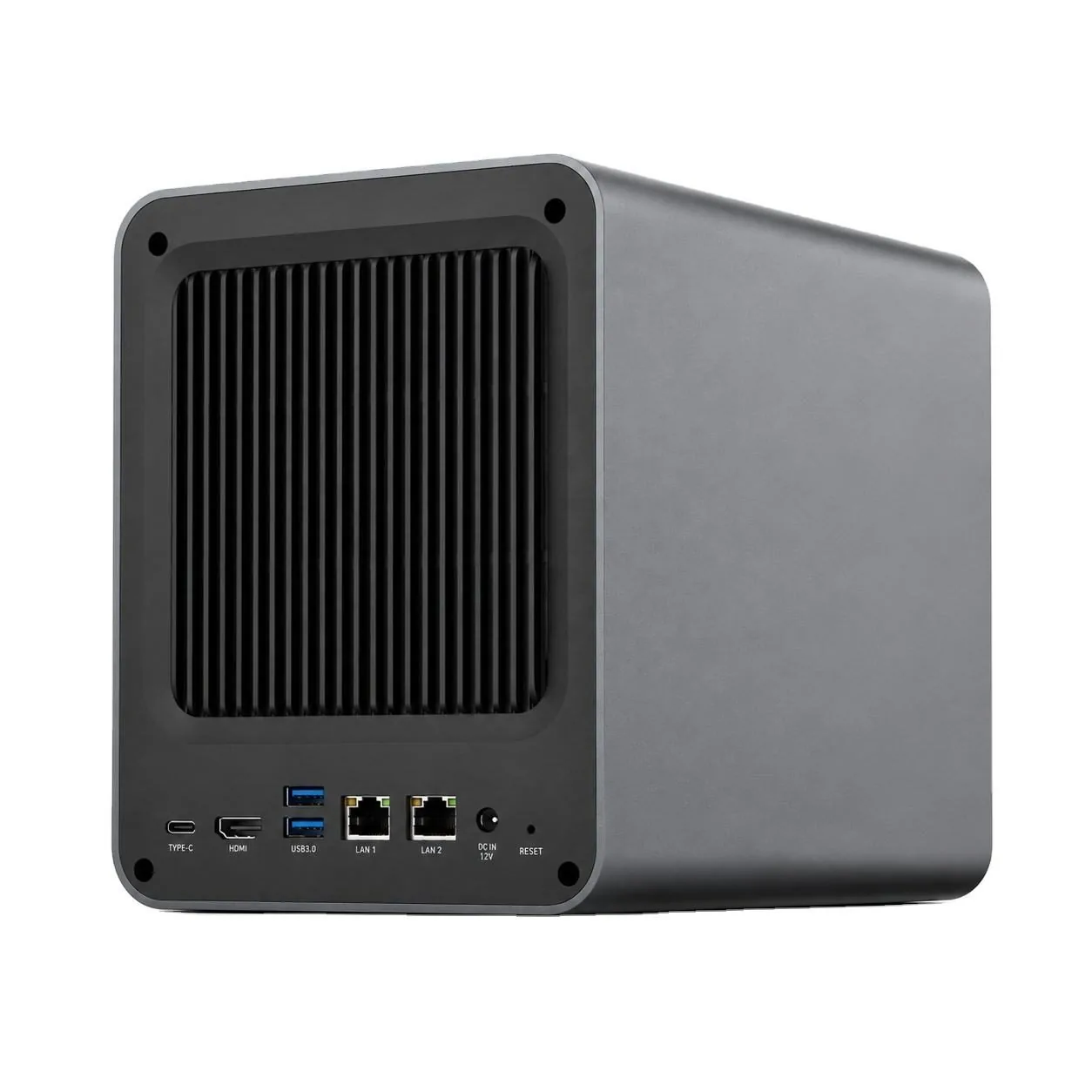
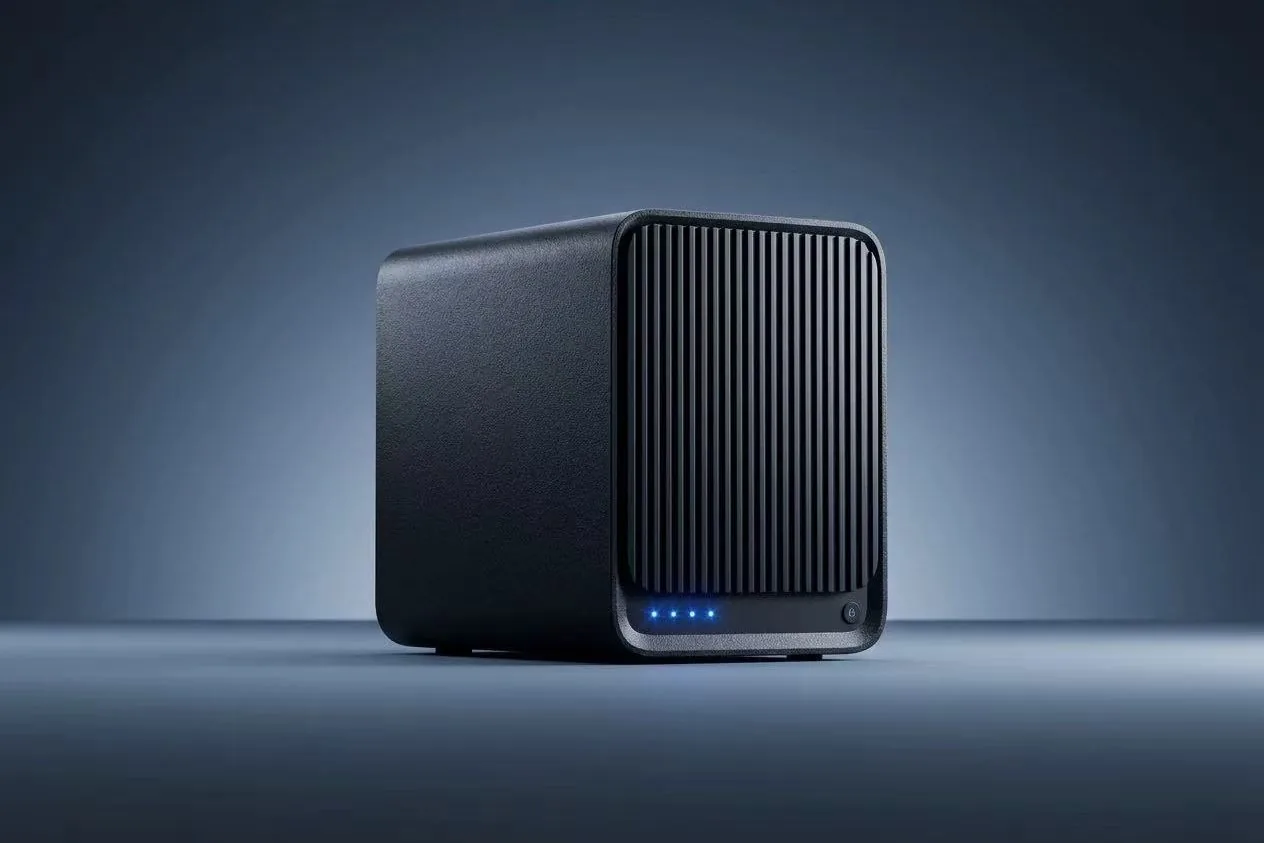
Editor's Pick
Plug-and-Play Pick

Best for Tinkerers
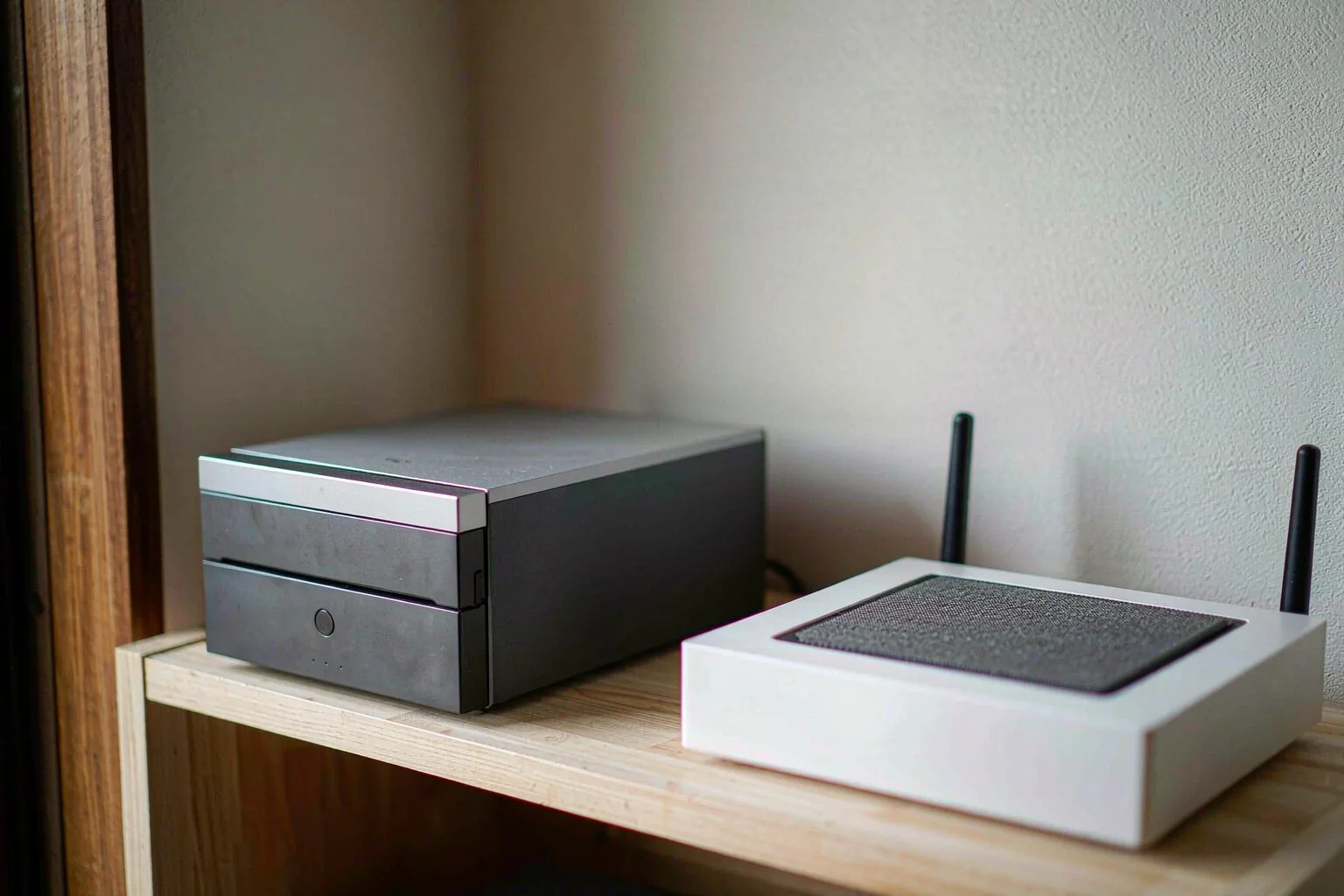
Best Budget Alternative
Read how we rank NAS hardware, and what we won't claim without verified data.
Our review methodology →Neutral, structured breakdowns — including where each option falls short.
Cost, control and failure scenarios side by side.
Read Comparison →
Library migration, sharing and AI features.
In progress
Sync vs share: which model fits your workflow.
In progress
Redundancy, expansion and cost per usable TB.
In progress
Speed, noise, endurance and price trade-offs.
In progress
Indexing quality, privacy and long-term limits.
In progress
Practical NAS guides, product comparisons and storage tips.
Compare solutions, understand the technology and choose with confidence.