NAS Guides · Published 2026-10-06
NAS vs Cloud Storage: Which Costs Less Over 5 Years
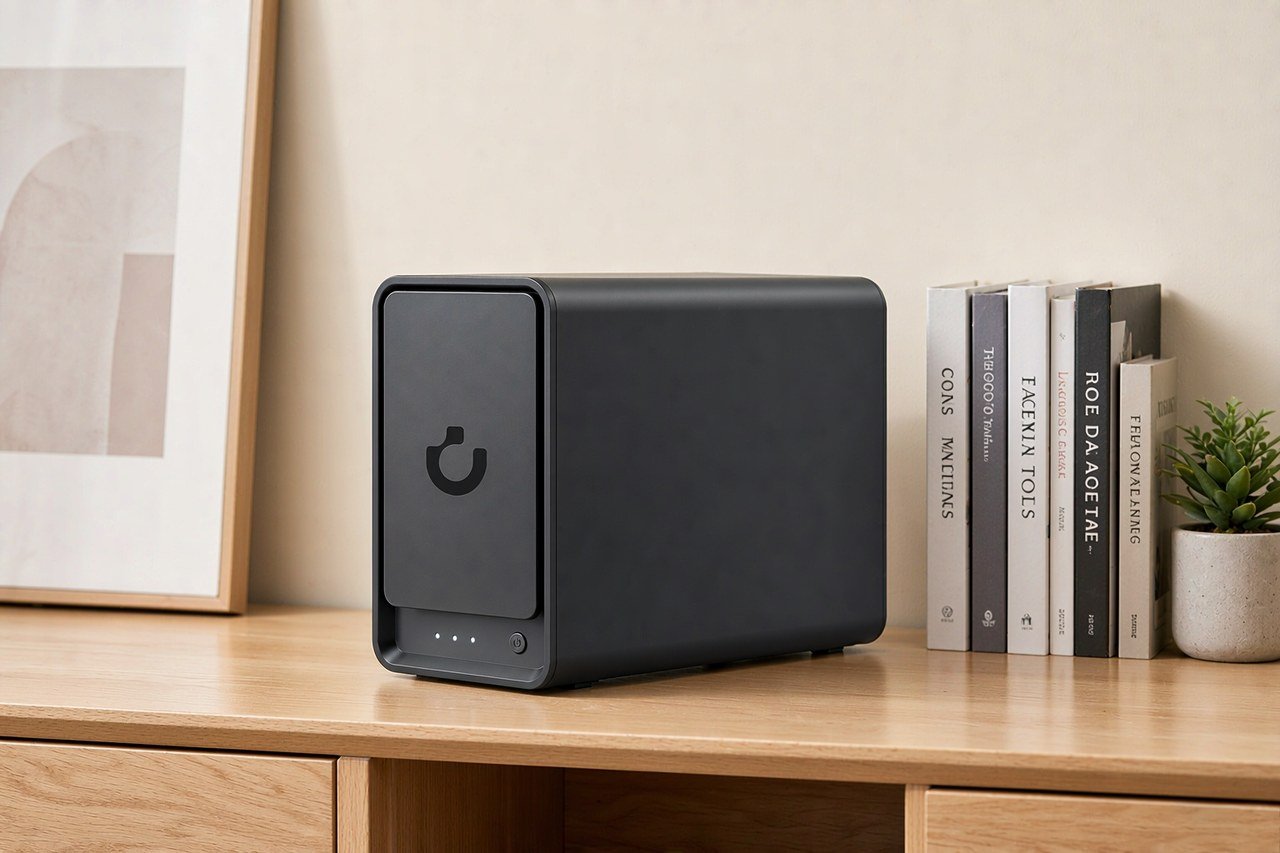
Direct answer up front, then the trade-offs that matter. This page covers nas vs cloud storage and answers: What is a NAS and do I need one?.
By Lillian · Senior Editor, Buying Guides
Beat: Buying guides · How we review
Quick Answer
Over five years, a two-bay NAS you own usually costs less than a paid cloud plan of the same size — but only if you already have the photos and video to fill it. A NAS is a small computer with drive bays that you access over your own network instead of a subscription. Below $30 a month in storage, the subscription often wins.
Key Takeaways
- iCloud+ 2 TB runs $9.99/month from Apple, and Google One 2 TB matches it at $9.99/month (both checked 2026-10-02). That is $599.40 each over five years, and you still own no hardware at the end.
- The cheapest tracked entry point is Google One 100 GB at $1.99/month (checked 2026-10-02). A NAS cannot compete at that volume — the box alone costs more.
- Storage you own does not rent. The catch is that you pay for redundancy too: two drives, not one, or a failed disk takes the data with it.
The Short Version
Compare the two the way you would compare rent and a mortgage. Cloud storage charges you every month forever. A NAS charges you once, plus electricity, plus the drive that eventually dies.
The crossover sits around 1 TB to 2 TB. Below that, pay the subscription and stop reading. Above it, the math tilts toward hardware fast.
Two numbers set the scale. Apple lists iCloud+ 2 TB at $9.99/month, and Google lists Google One 2 TB at the same $9.99/month — we checked both vendor pages on 2026-10-02. Five years of either is $599.40, and that is before you need a third terabyte.
On the hardware side, Amazon listed the UGREEN NASync DXP2800 at $389.99 and the four-bay DXP4800 Plus at $656.99 on the same date. Prices on both move, so treat those as readings, not permanent stickers.
Note what the cloud number buys: zero maintenance, zero setup, and access from anywhere without a port forward. The NAS number buys a box that someone else cannot switch off.
One more thing the sticker price hides. Cloud tiers are capacity steps, not smooth lines. Jump from 2 TB to 6 TB on iCloud+ and Apple lists $29.99/month (checked 2026-10-02) — triple the price for triple the space, but you pay it the day you cross the line. A NAS grows one drive at a time, on your schedule, at whatever the drive costs that week.
Side-by-Side Comparison
Upfront cost
Cloud is friendlier on day one. You can start Google One at $1.99/month for 100 GB (checked 2026-10-02) with no hardware at all.
A NAS is not. The DXP2800 is $389.99 diskless, and empty bays do not store anything. Put two 8 TB drives in it and the box becomes a project, not a purchase.
Ongoing cost
This is where the lines cross. Cloud keeps billing at a flat rate. The NAS bill drops to electricity and the occasional drive.
Set against that: drives fail. A WD Red Plus 8 TB was $431 and a Seagate IronWolf 8 TB was $347, both checked 2026-10-02. Budget for a replacement before the warranty letter arrives, not after.
Privacy and ownership
Ownership is the strongest argument for the NAS, and it is also the one people overstate. A NAS keeps your files at your address. It does not keep them safe by itself.
Backblaze's 2025 report found consumer drives fail at roughly 1.5% to 2.5% annually — that is a base rate, not a prediction about your specific disks. Without a second copy off-site, your NAS is a single point of failure wearing a nicer case.
Where Each Option Wins
Cloud wins on setup and reach. Nothing to configure, nothing to update, and the same folder on your phone, laptop and tablet within minutes. If you travel and need files on the road, that matters more than the cost table suggests.
Cloud also wins on the worst day. When a drive dies, someone else's redundancy covers you. You just reopen the app.
And the cloud is the only option that survives a house fire without you doing anything. Your NAS sits in one room. Google spreads your data across at least two geographic locations; your tower does not. That single asymmetry is why we would not move to a NAS-only setup.
The NAS wins on volume and on repeat cost. Once the drives are paid for, adding the fifth terabyte costs nothing monthly.
It wins on control as well. You pick the file system, the RAID level and the encryption. No vendor decides your tier is discontinued.
There is a third option worth naming: a NAS plus cloud for the critical files only. Local for the bulk, cloud for the irreplaceable 200 GB. That hybrid is what we would run if it were our money.
Cost Over 5 Years
Run the arithmetic with real numbers.
| Setup | Year 1 | 5-year total | What you own at the end |
|---|---|---|---|
| Google One 2 TB ($9.99/month) | $119.88 | $599.40 | Nothing |
| iCloud+ 2 TB ($9.99/month) | $119.88 | $599.40 | Nothing |
| UGREEN DXP2800 + 2× 8 TB drives | $1,167.99 | ~$1,300 | 16 TB raw, the box, the drives |
That last row is not the discount it looks like. Add power, add a replacement drive in year four, and the gap narrows to a few hundred dollars over the full term.
But look at year six. The cloud keeps charging $119.88. The NAS asks for a drive when one fails, and 16 TB of local space does not get more expensive because a vendor changed its tiers.
Above 4 TB, the total flips decisively toward hardware. Below 1 TB, it never flips at all.
Check the arithmetic against a second opinion. An Australian TCO breakdown for a 5 TB library puts a two-bay NAS at roughly A$1,160 cumulative by year five, against about A$1,800 for Backblaze B2 at the same volume. Different currency, same shape. It also flags the number most comparisons skip: on a 20 Mbps home upload, seeding 1 TB to the cloud takes about 110 hours of continuous transfer.
Electricity is the smallest line and the one people argue about most. A two-bay tower idles in the 15 W to 25 W range depending on the drives, which lands near $20 to $40 a year at average US rates — we could not verify a single figure across models, so treat the range, not a point, as real.
Which Should You Choose
Buy the NAS if you have become the family archivist and are paying for storage you keep meaning to organize. Buy it if you want a media library that plays without a streaming subscription attached.
Skip it if 100 GB covers you. The $1.99/month tier is cheaper than the electricity a NAS draws in a year.
Skip it if you will not set up a second copy somewhere else. A box you own and never back up is not a backup.
Worth it if your cloud bill has passed about $10/month and you have the drives in hand. Skip it if the appeal is mostly the idea of owning things.
Our take: the NAS wins on cost after roughly two years at the 2 TB tier — and it wins on everything else only if you do the boring part, which is the second copy.
One habit decides which way this goes. If your cloud folder is where you dump a phone backup and never look again, you are a subscriber, and that is fine. If you have a drive drawer filling with footage you intend to sort one day, you are already paying for storage twice — once in the subscription, once in hardware you own. Move the archive to the box and drop the tier.
Real-World Scenario: Intelligent Movie Poster Wall & Auto-Scraping
Picture the shelf of drives you have been meaning to sort. A NAS turns that into a wall of posters you scroll with a remote instead of a folder of numbered files.
What this changes for the use case
Metadata scraping pulls titles, covers and cast lists and files them automatically. On a subscription drive, the same library costs you storage you rent and software you cannot swap. On a NAS, the library sits on your LAN and the scraper runs against your own files.
The practical gain is library size. An 80 TB ceiling on the DXP2800 and 144 TB on the DXP4800 Plus come from the tracked spec pages — far past what a $9.99/month tier would hold, and it only grows when you add drives.
Hardware and software requirements
You need a NAS with a CPU that can transcode, and enough RAM to run the scraper beside the file server. Both tracked UGREEN models ship with 8 GB installed. The DXP2800 caps at 16 GB and the DXP4800 Plus at 64 GB — the RAM is not soldered in either case, so you can add it later.
On software, Plex and Jellyfin do the scraping and playback. Both run on either box; neither needs the subscription.
Two M.2 NVMe slots on each model matter more than they look. Put the database and thumbnails on NVMe and the poster wall stops stuttering when it loads a few thousand covers.
Limits, caveats, and who should skip it
Scraping is brittle. Rename a file the wrong way and the scraper grabs the wrong film — a 1994 release with the poster of a 2011 remake. Set a naming standard before you import anything.
Both UGREEN boxes carry a two-year warranty, shorter than the three years on the Synology DS925+ in our spec ledger. If you care about long coverage, note the difference.
And the drives hum. A two-bay tower on a desk is audible; put it in another room or accept the noise.
Skip this if you stream a dozen films a year. The scraper is a hobby, and hobbies cost time you could spend watching.
Frequently Asked Questions
What is a NAS and do I need one?
A NAS is a network-attached storage device — a small computer with drive bays that you reach over your own network rather than the internet. You need one when your paid storage keeps growing and you want the files at your address. You do not need one for a few hundred photos. Both definitions matter more than the hardware you pick: a NAS without a second backup is just a faster place to lose data.
How much does a home NAS cost?
It depends on the bays and the drives. The cheapest tracked entry here is the UGREEN DXP2800 at $389.99 diskless (Amazon, checked 2026-10-02). A four-bay DXP4800 Plus was $656.99 on the same date. Add drives at $347 to $431 for 8 TB, and a usable two-drive setup lands near $1,100. Prices move, so check the vendor page the day you buy.
How many bays do I need?
Two bays if you are starting and want mirroring. Four if you expect to grow past 16 TB or want to add drives without replacing what you have. More bays means more raw capacity and more drives to pay for. Match the bay count to the storage you expect in three years, not the storage you have today.
Can a NAS replace cloud storage?
For the bulk of your files, yes — as long as you keep a copy off-site. A NAS replaces the subscription, not the discipline. Keep 100 GB of truly critical files in a cloud tier at $1.99/month and move everything else to the box. That split covers the realistic failure modes without paying for storage twice at full price. Skip the NAS entirely if the only thing you would put on it is a folder of photos you already pay $1.99/month to keep.
Sources
- Apple iCloud+ 2 TB, 200 GB, 6 TB and 12 TB plan pricing — apple.com (accessed 2026-10-02)
- Google One 2 TB, 200 GB and 100 GB plan pricing — google.com (accessed 2026-10-02)
- UGREEN NASync DXP2800 and DXP4800 Plus specifications — ugreen.com (accessed 2026-10-02)
- WD Red Plus 8 TB (WD80EFPX) and Seagate IronWolf 8 TB (ST8000VN004) — retailer listings (accessed 2026-10-02)
- Synology DiskStation DS925+ specifications — synology.com (accessed 2026-10-02)
- Backblaze 2025 drive failure rates — backblaze.com (accessed 2026-10-06)
Run your own 5-year cost comparison with the on-site calculator
与合作方产品高度相关(标签:private-cloud)
See woCyber NAS details → or run the 5-year cost calculatorRelated reading
Was this article helpful?
One tap, no account and no comment box. It tells us which guides are actually worth updating.
How many drive bays is your NAS?
This is how we decide which setups to cover next.
Thanks.
Need help with a specific setup?
Storage choices depend on your drives, your budget and how many people share the box. Tell us what you are building and we will point you at a configuration that fits — no obligation, no sales script.
Affiliate Disclosure: SecureNAS Hub may earn a commission from qualifying purchases made through links on this page, at no extra cost to you. Facts and figures are attributed in the Sources list; nothing on this page is a fabricated test result. See our full disclosure. Product images are either supplied by the manufacturer or clearly labelled as illustrative renders; each one is captioned accordingly. Last reviewed 2026-10-06.