NAS Guides · Published 2026-10-18
Ransomware Attack: What a NAS Backup Actually Saves
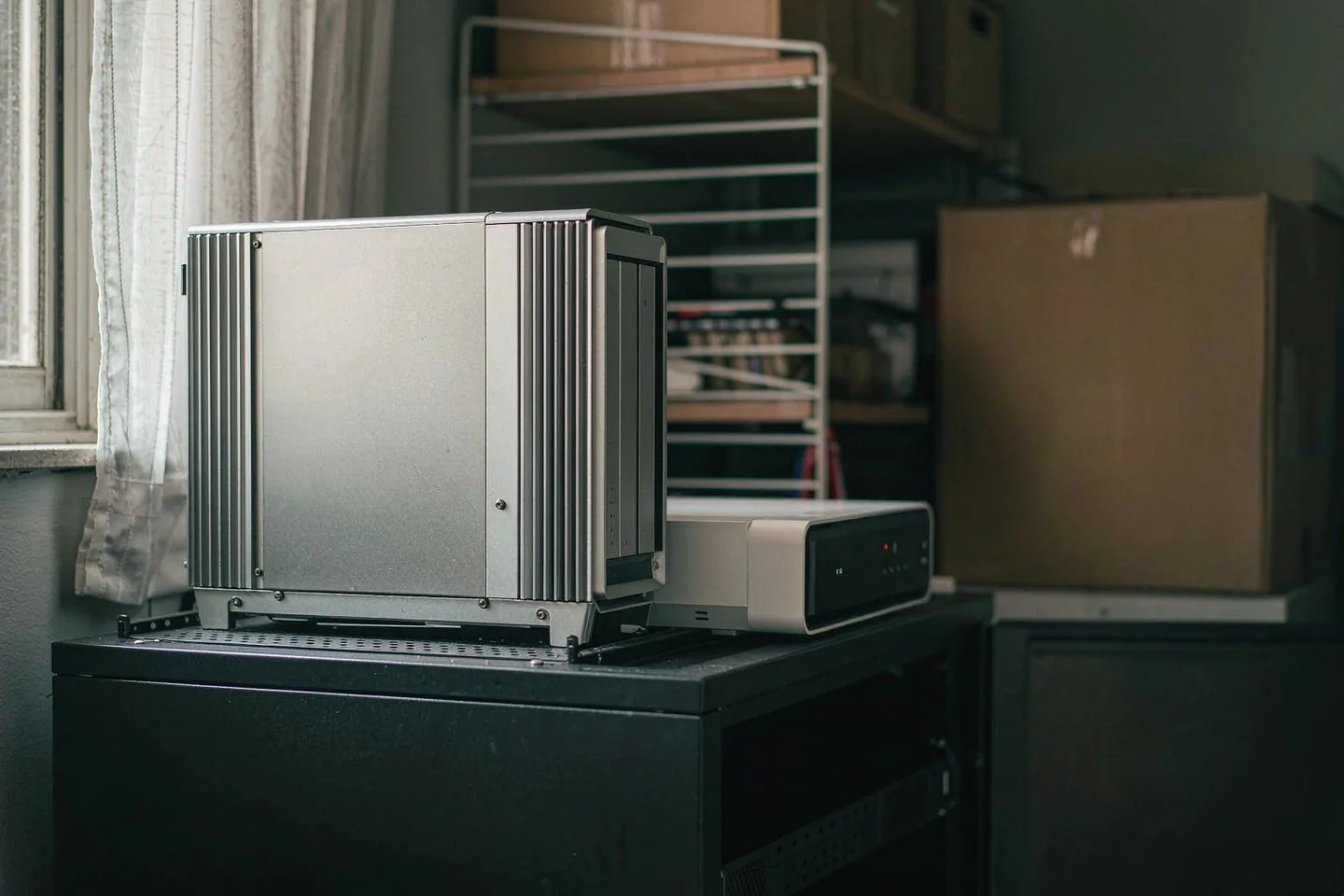
Direct answer up front, then the trade-offs that matter. This page covers ransomware attack and answers: What is a NAS and do I need one?.
By Anne · Storage and Home Tech Editor
Beat: Phone photo backup · How we review
Quick Answer
A ransomware attack no longer needs a skilled hacker behind it. Semperis's 2026 Ransomware Risk Report, covered by CBS News on October 14, found attackers used AI in 84% of surveyed victims' incidents, and 44% said the attackers exploited the victims' own AI systems. What does a NAS backup actually save? A second copy the encryption cannot reach. That is the whole answer, and it has a catch: a NAS that sits online with a writable backup share is not that copy. A second box that stays powered down, or a snapshot the malware cannot rewrite, is.
Key Takeaways
- 84% of surveyed ransomware victims reported attackers using AI; 44% said attackers exploited the victims' own AI systems (Semperis 2026 Ransomware Risk Report, via CBS News, October 14, 2026).
- Japan counted 600 cyberattacks in the first nine months of 2026 — more than all of 2025 (TrendAI study, via The New York Times, October 13, 2026).
- A ransomware attack encrypts what it can reach, including mapped network shares with write access. Reach is the variable that matters.
- A dual-box setup — one primary NAS plus a second, mostly-offline box — costs less than many people assume: a Synology DS225+ at $364.99 on Amazon (checked 2026-10-02) plus one Seagate IronWolf 8 TB at $347 (checked 2026-10-02).
- Cloud folders at $9.99 a month (iCloud+ 2 TB or Google One 2 TB, both checked 2026-10-02) solve offsite storage, not ransomware recovery on their own.
What Changed
Two reports landed this week, and both point the same direction.
CBS News covered Semperis's 2026 Ransomware Risk Report on October 14. The firm polled 1,200 IT and security professionals across nine countries and eight sectors. The numbers that matter for home users: 69% of surveyed victims had multiple successful attacks in the previous year, 59% paid a ransom at least once, and 87% saw attacks aimed at identity systems — the infrastructure that decides who gets into what. Chris Inglis, former US National Cyber Director, told CBS that autonomous ransomware attacks are already in the mix.
The New York Times reported on October 13 how this looks at national scale. Japan logged 600 cyberattacks in the first nine months of 2026, more than all of 2025, according to a TrendAI study. A ransomware attack on a cloud operator owned by SoftBank touched almost 500 companies and local governments, including a rail operator and a police headquarters. A public university shut classes for a week after its servers were hit.
One caveat before drawing conclusions: Semperis's figures are self-reported by surveyed organizations. We could not verify them independently, and the report reflects victims who responded, not a census of every incident.
Who Is It For
This piece is for people with files that cannot be re-downloaded. Family photo libraries going back fifteen years. A freelancer's project archive. A small business's invoices. If every file you keep can be fetched again from its original source in an afternoon, the calculus changes — skip ahead.
The Japan reporting makes the scope plain. A car-sharing service leaked more than a million personal documents. Those are exactly the file types sitting on home PCs and small-office drives: scans, IDs, photos, contracts. An AI-assisted phishing lure composed in fluent Japanese — or English, or Spanish — does not discriminate between a ministry and a home office. The TrendAI count of 600 incidents in nine months is a national figure, not a home-user figure. The direction, though, is the point.
Our take: the people who benefit most from a second box are those who already back up to one device and call it done. That single copy is the gap.
Key Specifications
The anchor here is an incident, not a device, so we will not pretend a threat has a spec sheet. What follows is the hardware that carries the second copy, with figures from our tracked ledger (all checked 2026-10-02 against the sources listed below).
A primary 4-bay unit such as the Synology DiskStation DS925+ runs an AMD Ryzen V1500B with 4 GB of installed RAM (expandable to 32 GB), two M.2 NVMe slots, two 2.5GbE ports, hot-swap bays, Btrfs or ext4 filesystems, and a 3-year warranty. Amazon listed it at $749.76 (diskless, checked 2026-10-02).
The second box does not need to match. A Synology DS225+ carries 2 drive bays, an Intel Celeron J4125, 2 GB of RAM (6 GB maximum), one 2.5GbE port, and the same 3-year warranty, at $364.99 on Amazon (checked 2026-10-02). Two WD Red Plus 8 TB drives or Seagate IronWolf 8 TB drives fill it; the ledger has the IronWolf 8 TB at $347 on Amazon (checked 2026-10-02) and the WD Red Plus 8 TB at $431 from a DatacenterDisk listing (checked 2026-10-02).
What Is New
The 44% figure deserves its own paragraph.
Semperis found that 44% of surveyed victims said attackers exploited the victims' own AI systems or agents. For buyers of AI-branded NAS hardware, that number reads differently than marketing does. A local AI box that holds models, runs agents, and touches the same shares as your documents is part of the attack surface. Courtney Guss of Semperis warned in the report that AI agents seek extra permissions and can end up effectively in "god mode" over an identity system.
This does not mean local AI is a mistake. It means the AI box belongs on the protected side, not the backup side. The report's fine print matters here too: the findings do not establish that every AI-linked incident was fully autonomous, and AI involvement varies in degree.
How It Compares
Three ways to keep a second copy, and what each does during a ransomware attack.
Cloud folder sync. iCloud+ 2 TB and Google One 2 TB both list at $9.99 a month (checked 2026-10-02). Sync services mirror your folder. That is the feature and the risk: deletions and encrypted rewrites can propagate the same way edits do. What protects you is the service's version history, not the sync itself — and version windows vary by plan and provider, so check yours before relying on it.
One always-on NAS. Faster restores than cloud, full local control. But a share mapped with write access on the same credentials as your PC is reachable by the same malware. One copy, one failure domain.
Two boxes, one mostly offline. The DS925-plus-DS225+ pair above. The second box receives scheduled copies and stays powered down or isolated between jobs. Encryption that hits the primary stops at the second box's power switch. The trade-off is money and discipline — you maintain two systems, and restores come from whichever copy is newest.
| Field | Synology DiskStation DS925+ | Synology DS225+ (2025) |
|---|---|---|
| Price (tracked) | Amazon $749.76 (2026-10-02) | Amazon $364.99 (2026-10-02) |
| Drive bays (SATA) | 4 bays | 2 bays |
| M.2 NVMe slots | 2 slots | 0 slots |
| Max bays with expansion | 9 bays | 7 bays |
| Hot-swap bays | Yes | Yes |
| CPU | AMD Ryzen V1500B | Intel Celeron J4125 |
| CPU cores | 4 cores | 4 cores |
| Installed RAM | 4 GB | 2 GB |
| Max RAM | 32 GB | 6 GB |
| ECC RAM | Yes | No |
| 2.5GbE ports | 2 ports | 1 port |
| Internal filesystem | Btrfs, ext4 | — |
| Warranty | 3 years | 3 years |
_Sources: Synology official comparison (DS925+) · Synology official comparison (DS225+)_
Who Should Consider It
Worth it if you keep five years or more of irreplaceable files, already own a primary NAS, and can spend DS225-plus-a-drive money on closing the single-copy gap. Worth it if your household runs a local AI server that shares credentials with everything else.
Skip it if your backup already runs on a schedule to a target that stays offline, and you have tested a restore within the last six months. Skip it if your files are reproducible. Skip it if you will not power the second box on and off — an offline second unit left always-on, always-writable is just a second thing to encrypt.
The discipline matters more than the hardware. A $364.99 box nobody maintains saves nothing.
What Existing Users Should Know
If you already run a NAS, the reports change nothing about your hardware. They change the questions worth asking this week.
First: does your backup target accept writes from your daily-driver account? If yes, the backup sits inside the blast radius. Second: when did you last restore a file — not a test folder, a real one? Third: do your snapshots exist, and can an SMB client holding your credentials delete them? We could not verify any vendor's default snapshot retention across models; it varies by configuration, and Synology's Btrfs snapshot behavior depends on how the volume and schedule are set up. Check your own unit rather than trusting a spec page.
The Semperis identity-system figure — 87% — translates directly: reuse of one admin password across PC, NAS, and cloud is the cheap way in, and it costs nothing to fix.
Real-World Scenario: DFS Dynamic Dual-Backup Data Disaster Recovery Protocol
What this changes for the use case
Picture the incident itself. A Tuesday morning: files on the primary NAS open as encrypted gibberish, the share holding the family photo library among them. With a single always-on copy, the options are the attacker's options — pay, or pray the decryptor leaks. With a second box that was powered down after last night's copy job, the recovery is mechanical. Power on the DS225+, copy the evening's delta back, change every credential, and re-clone the primary. The loss narrows to one day. That is what "disaster recovery" means at kitchen-table scale: not zero damage, a bounded one.
Hardware and software requirements
The floor is modest. A second NAS with at least two bays — the DS225+ pattern: 2 bays, 1× 2.5GbE, 3-year warranty — plus one or two 8 TB drives (IronWolf 8 TB at $347 on Amazon, checked 2026-10-02). Software-wise you need scheduled replication from primary to second box and the habit of leaving the second box off between runs. Both Synology and QNAP ship replication tools with their units; the ledger confirms Btrfs support on the DS925+, which enables snapshots on the primary as an additional rewind point. A UPS for the primary is worth having; the ledger does not track UPS pricing, so we leave the brand to you.
Limits, caveats, and who should skip it
Honest limits, three of them. Cost: the two-box route ties up roughly DS225-plus-IronWolf money in hardware whose only job is sitting off. Staleness: a box that syncs weekly loses, at most, a week — decide deliberately whether that gap is acceptable, because nobody else will choose for you. Effort: restores are manual, and the first one you run during an incident will be the first one you ever ran if you skipped rehearsals. Who should skip: anyone whose backup already lands on offline media, and anyone unwilling to maintain a second device. A protocol nobody follows is theater.
Frequently Asked Questions
What is a NAS and do I need one?
A NAS is a small storage server that sits on your home network and holds files for every device in it. You need one if you keep large or irreplaceable files — photo libraries, video projects, scanned documents — and want them off your laptop's single disk. For a ransomware-focused setup, one NAS is the working copy; the question this article answers is whether you also need a second, mostly-offline copy of it.
How much does a home NAS cost?
From our tracked ledger (checked 2026-10-02): a 2-bay Synology DS225+ lists at $364.99 on Amazon, and a 4-bay DS925+ at $749.76 diskless. Drives are separate — a Seagate IronWolf 8 TB was $347 on Amazon. So a working two-bay system with one 8 TB drive lands under the price of the 4-bay unit alone, before you add a second box.
How many bays do I need?
Two bays minimum for a mirrored pair, four if you want capacity headroom plus a local snapshot volume. For the dual-box disaster recovery pattern above, the primary can be four bays and the second box two — the second box only needs to hold the copy, not the full performance profile. Expansion units exist, but starting with a 4-bay primary is cheaper than adding one later.
Can a NAS replace cloud storage?
It replaces the convenience part: a private place for every file, reachable from home or remotely. It does not, by itself, replace the durability part — a single NAS is one building, one power supply, one theft target. The pattern most households actually need is a NAS plus one additional copy, whether that is a second offline box or a $9.99-a-month cloud tier, with the NAS holding the working set.
Sources
- CBS News report on Semperis's 2026 Ransomware Risk Report: 1,200 IT and security professionals surveyed across nine countries and eight sectors; 84% of surveyed victims' incidents involved attacker use of AI, 44% involved exploitation of the victims' own AI systems, 69% reported multiple successful attacks in the prior year, 59% paid a ransom at least once, and 87% saw attacks on identity systems — https://www.cbsnews.com/news/ai-linked-ransomeware-attacks-global-cybersecurity/ (accessed 2026-10-18)
- The New York Times on Japan's 2026 attack wave: TrendAI counted 600 reported cyberattacks in the first nine months of 2026, exceeding all of 2025; a ransomware incident at a SoftBank-owned cloud operator affected almost 500 organizations including a rail operator and a police headquarters; a car-sharing service disclosed a leak of more than a million personal documents — https://www.nytimes.com/2026/10/13/world/asia/japan-cyberattack-artificial-intelligence.html (accessed 2026-10-18)
- Recap of the Semperis report's survey scope and its caveat that the figures reflect respondents' own reports rather than independently verified measurements of every incident — https://www.coinlive.com/news/ai-linked-to-84-of-ransomware-incidents-in-global-cybersecurity (accessed 2026-10-18)
Run your own 5-year cost comparison with the on-site calculator
Every figure above is attributed in the Sources list — put your own drive count and subscription tiers into the calculator to see where you land.
Open the cost calculator →Related reading
Was this article helpful?
One tap, no account and no comment box. It tells us which guides are actually worth updating.
How many drive bays is your NAS?
This is how we decide which setups to cover next.
Thanks.
Need help with a specific setup?
Storage choices depend on your drives, your budget and how many people share the box. Tell us what you are building and we will point you at a configuration that fits — no obligation, no sales script.
Affiliate Disclosure: SecureNAS Hub may earn a commission from qualifying purchases made through links on this page, at no extra cost to you. Facts and figures are attributed in the Sources list; nothing on this page is a fabricated test result. See our full disclosure. Product images are either supplied by the manufacturer or clearly labelled as illustrative renders; each one is captioned accordingly. Last reviewed 2026-10-18.