Storage Hardware · Published 2026-10-04
On-Device AI on NVIDIA GPUs vs a NAS: What Runs Where
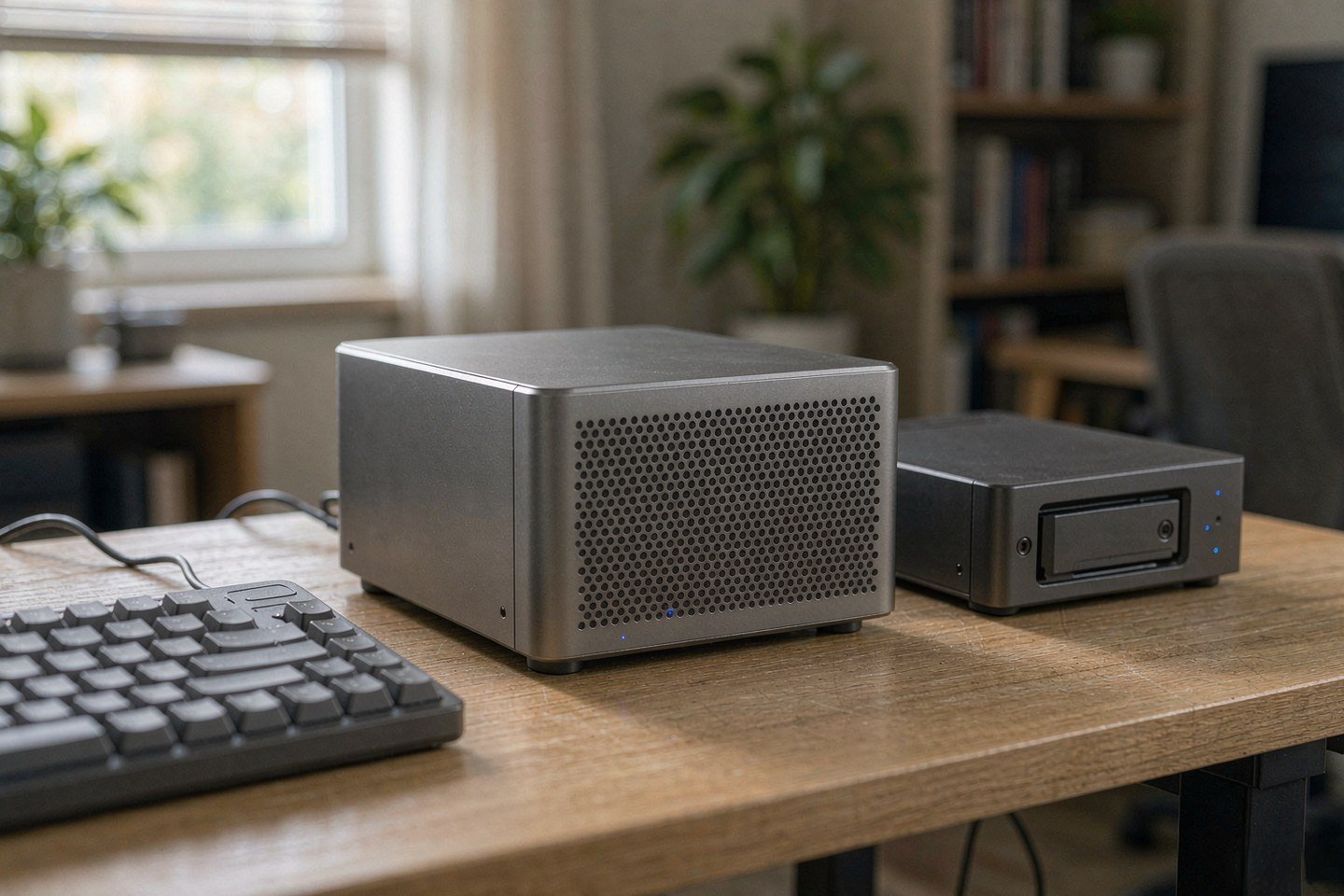
Direct answer up front, then the trade-offs that matter. This page covers nvidia gpu and answers: What hardware does local AI need?.
By Konpin · Founder / Lead Analyst
Beat: Private-cloud economics · How we review
Quick Answer
Here is the split that works: the model runs where the GPU is, and the files live on the NAS. On October 2, 2026, NVIDIA added a 64 GB configuration of DGX Spark — its compact desktop AI computer built around the GB10 Grace Blackwell Superchip — shipping October 23 through six PC makers from $4,999 (NVIDIA Blog; Tom's Hardware, accessed October 4, 2026). One unit covers models up to 100 billion parameters. A NAS handles storage, versioning and snapshots in that stack. It does not do the inference.
Key Takeaways
- NVIDIA's 64 GB DGX Spark starts at $4,999 and ships October 23, 2026 through Acer, ASUS, Dell, Gigabyte, HP and MSI. It keeps the GB10 Grace Blackwell Superchip, DGX OS and the CUDA AI software stack (NVIDIA Blog, accessed October 4, 2026).
- The 128 GB Founders Edition lists at $6,950 as of October 2, 2026 — a memory-supply increase, not a compute change. Tom's Hardware reports in-stock 128 GB systems at $7,000 to $9,000 (checked October 4, 2026).
- Verified specs are unchanged from the larger model: a 20-core Arm CPU and 273 GB/s of shared memory bandwidth (Tom's Hardware, accessed October 4, 2026).
- Two units cluster over ConnectX-7 with a QSFP cable, pooling to 128 GB and supporting up to 200 billion parameters. NVIDIA measured up to 1.7x single-unit performance on Qwen 3.8 27B (NVIDIA Blog, accessed October 4, 2026).
- The software deserves a second read from anyone who already owns a NAS. NVIDIA PAIR routes independent inference requests across machines on your own network, and Sync Model Launcher, due late October, pulls Qwen3.8 27B and wires it into OpenCode (NVIDIA, accessed October 4, 2026).
- The blunt part: none of this turns a NAS into an inference box. Memory capacity decides which model fits; memory bandwidth decides how fast it talks.
What NVIDIA Actually Shipped on October 2
Two configurations, one chip.
| Configuration | Unified memory | NVIDIA's on-device model ceiling | Price (checked Oct 4, 2026) | Availability |
|---|---|---|---|---|
| DGX Spark 64 GB | 64 GB, soldered | up to 100 billion parameters | $4,999 (list, sold by six OEMs) | October 23, 2026 |
| DGX Spark 128 GB FE | 128 GB, soldered | up to 200 billion parameters | $6,950 | on sale now, stock intermittent |
The 64 GB machine is not a cut-down chip. Tom's Hardware reports the same 20-core Arm CPU complex, the same 273 GB/s of shared memory bandwidth and the same ConnectX-7 RDMA network chip as the 128 GB model — memory is the only thing that changed. That is the whole story of the announcement. NVIDIA's own framing is that the smaller configuration gives developers more ways to build and scale local AI while keeping DGX OS and the CUDA software stack intact. LPDDR5X supply made 128 GB the expensive part of the bill, so NVIDIA halved it and moved the entry price down (Tom's Hardware, accessed October 4, 2026).
OEM boxes follow the same platform. Gigabyte dates its AI TOP ATOM 64 GB version to October 23, and describes it as a version that expands possibilities for desktop AI development. MSI extends its EdgeXpert lineup with a 64 GB model specified at 1 petaFLOP of FP4 compute, for models up to 100 billion parameters kept inside the firewall (TechPowerUp, accessed October 4, 2026). NVIDIA is not selling the 64 GB configuration directly.
Two numbers we could not verify. NVIDIA has published no European or UK list price, and the $4,999 is a launch MSRP — treat it as a starting point, not a deal, because memory pricing has been moving all year.
What Runs Where: Inference on the GPU, Storage on the NAS
If you already run a NAS, the useful question is not "can it run the model" but "which part of the stack belongs on which box".
| Job | Where it belongs | Why |
|---|---|---|
| Generating tokens | The GPU box | Every token reads the active weights out of memory. Capacity sets the model size, bandwidth sets the speed |
| Model weights and quantised copies | NAS | Tens of gigabytes per model per quantisation. Share one copy instead of filling every laptop |
| Datasets, embeddings, retrieval index | NAS | It grows past what a desktop SSD wants to hold, and it wants snapshots |
| Version history and rollback | NAS | Swap between model builds without re-downloading the whole file |
| Overnight batch work | Either | Slow is survivable when nobody is waiting |
The reasoning is mechanical, not philosophical. Token generation is a memory-read problem: the machine re-reads the active weights for every word it produces. That is why the ceiling on a home model is capacity and bandwidth rather than a marketing figure on the box. Vendor TOPS numbers describe a different workload, and we could not verify any NAS where an NPU lifts chat throughput; on everything we can source, the constraint is memory.
Our take: buy the NAS for the job it already does well — being the always-on, shared, snapshot-protected home for weights, datasets and retrieved documents — and buy compute for compute. A NAS that stores your model library and a GPU box that runs it is not a compromise. It is the correct shape of the system, and it is cheaper than duplicating 40 GB of weights onto every machine in the house. For a mixed home workload, we covered a mini PC that pairs Panther Lake with NAS storage and local AI software.
Memory and Quantisation Decide the Ceiling, Not the Badge
Capacity answers one question and bandwidth answers the other. How large a model fits is arithmetic: halve the bits and you halve the bytes, so a 4-bit build of a model takes roughly a quarter of the space the same model needs at 16-bit precision. How fast it answers is bandwidth-bound, and on a desktop box that means the memory attached to the compute, not the model's parameter count on a leaderboard. For NVIDIA GPUs sold into homes and small studios, the badge matters less than the memory sitting next to it.
NVIDIA rates the 64 GB unit for models up to 100 billion parameters running on the device. Tom's Hardware makes the practical version of that point: capable dense models such as Qwen 3.8 27B now fit inside 32 GB, with context limits, so the 128 GB model is not a requirement for plain local inference. If your workload is a 27B-class assistant with long context, 64 GB is roomy. If it is fine-tuning, or a mixture-of-experts model with hundreds of billions of parameters, it is not.
That last case is where "full-blood private deployment" gets awkward. The full DeepSeek-R1 flagship is a mixture-of-experts model with hundreds of billions of parameters. No single desktop machine in this class holds it, at any quantisation you would want to run interactively, and a NAS certainly does not. What people actually run privately is a distilled variant with the same reasoning style, smaller by a factor of twenty or more, and the honest framing is that the distillation is the product, not a stopgap.
Real-World Scenario: Localized DeepSeek-R1 Full-Blood Private Deployment
Say you want a private reasoning assistant for client documents — the case where sending a contract to a hosted API is not an option. Sketching the build makes the GPU-versus-NAS split concrete, and it exposes the two places the plan usually breaks.
What this changes for the use case
The GPU box becomes an appliance, and the NAS becomes the source of truth. Your working documents stay on the NAS in a folder that only the inference box can read, the retrieved chunks and their embedding index live beside them so the index stays consistent with the files, and the model weights sit in a share that every machine on the network can see. When a new quantisation of the model lands, you drop it in the share once and repoint the runtime. When it turns out the 4-bit build hallucinates on your documents, you roll back a version instead of rebuilding a machine. The habit that makes this work is the boring one: keep the weights, the index and the documents in one versioned place, and keep the thing that generates tokens disposable.
Hardware and software requirements
Compute first. A 64 GB DGX Spark covers models up to 100 billion parameters on the device, per NVIDIA, and ships with DGX OS and support for Ollama, vLLM, PyTorch with CUDA and NVIDIA's Agent Toolkit, so the runtime choice is yours rather than the vendor's. A 12 GB to 16 GB consumer GPU runs the smaller distilled models and is where most households should start; the reason to spend $4,999 is long context, larger models and 24/7 agent work, not raw chat quality.
Storage second. Any current multi-bay NAS with shared folders, snapshots and a working backup target covers the storage half of this build. What you need from it is capacity for multiple quantised copies of the same model, a snapshot policy that survives an accidental overwrite, and network throughput that does not become the bottleneck when the inference box reads weights at startup. Model files are large and read sequentially, so a modest SSD cache helps more here than raw spindle count. If you are also buying drives this quarter, our notes on why hard-drive pricing looks irrational right now are worth reading before you commit to a capacity tier.
Software third. Ollama or vLLM on the compute side, an OpenAI-compatible endpoint so your tools do not care which one you chose, and a retrieval layer pointed at the NAS share. NVIDIA's own direction here is to make that plumbing disappear: PAIR discovers compatible machines on the local network and routes independent requests to whichever one has capacity, across Windows, macOS and Linux, for RTX 20-series and newer cards, RTX PRO workstations, DGX Spark and Apple M4 silicon or newer (NVIDIA, accessed October 4, 2026).
Limits, caveats, and who should skip it
The trade-offs are real and they are mostly physical. Memory on the DGX Spark is soldered, so the 64 GB you buy is the 64 GB you keep; there is no upgrade path when a better model arrives. Two units pool to 128 GB, but that is two purchases, two power supplies and a QSFP cable, and NVIDIA's own 1.7x figure is vendor-measured on one model. Clustering is work, not a checkbox. On the NAS side, the cheap failure mode is a single copy of the weights on a volume with no snapshots, which turns a bad write into a re-download measured in tens of gigabytes. And the reasoning-quality question stays open: the distilled model that fits your budget is not the flagship, and we could not verify any quantisation level at which a small model matches a hosted frontier API on document reasoning.
Skip this if you are a single user asking a few questions a week — the local build pays off through daily, team-level use, and a hosted API is cheaper and better for occasional queries. Skip it if your NAS is a two-bay ARM box; it will serve files and store weights, and it will not help with inference. It is worth it if client data cannot leave the building, if several people will use the assistant daily, and if you are willing to run one real restore test and one real model upgrade before you trust the setup.
What to Watch: Limits and Open Questions
Three things are unresolved as of October 4, 2026. Whether the 64 GB configuration arrives at $4,999 or drifts upward with memory pricing — the 128 GB model moved twice already. How PAIR performs outside NVIDIA's demo workload, which the company itself labels configuration-specific; we have not seen independent multi-vendor cluster numbers. And whether the Sync Model Launcher, promised for the end of October, ships on time, since Blender's DGX Spark installer was also announced as "coming soon" without a date.
Our take: the interesting part of this launch is not the hardware. It is that the cheapest way to get more local AI compute is now to reuse machines you already own, and that makes the storage layout the part worth getting right first.
Frequently Asked Questions
Can a NAS run a local LLM on its own?
Sometimes, slowly. x86 NAS models with enough memory can run a small model through a container, and the result is usable for summarising a document or answering a question when you are willing to wait. It is not usable for interactive chat, and ARM entry models are not a serious target for it. Weight reads are bandwidth-bound, and a NAS is built for file serving, not for sustained compute. Treat the NAS as the model library, not the engine.
How much memory do I need for a private DeepSeek-R1 deployment?
It depends on which DeepSeek-R1 you mean. The full mixture-of-experts flagship needs a multi-GPU server and is out of reach for desktop hardware. Distilled variants are the realistic target: a small distilled model runs on 12 GB of GPU memory, mid-size ones want 16 GB to 24 GB, and a 64 GB unified-memory box covers models up to 100 billion parameters per NVIDIA's rating. Start smaller than you think, and measure before you spend.
Is the 64 GB DGX Spark worse than the 128 GB model?
For inference only, usually not. Tom's Hardware notes capable dense models like Qwen 3.8 27B fit inside 32 GB with context limits, so 64 GB is comfortable for that class. The 128 GB model earns its price on larger models, longer contexts and fine-tuning jobs up to the platform's limits, and pairs of 64 GB units pool to the same 128 GB. The real cost of the smaller unit is the soldered memory: no upgrade later.
Do I need a GPU box if I already run a NAS?
Yes, if you want the model to answer quickly. The NAS contributes storage, sharing and snapshots; the compute contributes tokens. The split also saves money, because one copy of the weights on shared storage beats a copy on every workstation. If you only want photo indexing or file search, the NAS does that on its own and you can skip the GPU entirely. Different job, different hardware.
Sources
- NVIDIA Blog — "NVIDIA DGX Spark 64GB: local AI for developers" — https://blogs.nvidia.com/blog/local-ai-dgx-spark-64gb-sync/ — accessed October 4, 2026
- NVIDIA — DGX Spark product page (GB10 Grace Blackwell Superchip, 64 GB and 128 GB unified memory, up to 1 petaFLOP FP4) — https://www.nvidia.com/en-us/project-digits/ — accessed October 4, 2026
- NVIDIA — GeForce RTX AI PC page (NVIDIA PAIR / Personal AI Router: RTX 20-series and newer, RTX PRO, DGX Spark, Apple M4) — https://www.nvidia.com/en-us/ai-on-rtx/ — accessed October 4, 2026
- Tom's Hardware — "Nvidia introduces 64GB DGX Spark amid the RAMpocalypse" — https://www.tomshardware.com/pc-components/gpus/nvidia-introduces-64gb-dgx-spark-to-throw-local-ai-fans-a-lifeline-amid-the-rampocalypse-new-gb10-config-starts-at-usd4999-for-those-who-can-work-with-less — accessed October 4, 2026
- TechPowerUp — "Gigabyte AI TOP ATOM 64GB Unified Memory Version" — https://www.techpowerup.com/353342/gigabyte-ai-top-atom-64gb-unified-memory-version-expands-possibilities-for-desktop-ai-development — accessed October 4, 2026
- TechPowerUp — "MSI Extends EdgeXpert Lineup With 64 GB Model" — https://www.techpowerup.com/353341/msi-extends-edgexpert-lineup-with-64-gb-model — accessed October 4, 2026
Run your own 5-year cost comparison with the on-site calculator
信息型内容且无合作相关标签 → 不放商业位
Open the cost calculator →Related reading
Was this article helpful?
One tap, no account and no comment box. It tells us which guides are actually worth updating.
How many drive bays is your NAS?
This is how we decide which setups to cover next.
Thanks.
Need help with a specific setup?
Storage choices depend on your drives, your budget and how many people share the box. Tell us what you are building and we will point you at a configuration that fits — no obligation, no sales script.
Affiliate Disclosure: SecureNAS Hub may earn a commission from qualifying purchases made through links on this page, at no extra cost to you. Facts and figures are attributed in the Sources list; nothing on this page is a fabricated test result. See our full disclosure. Product images are either supplied by the manufacturer or clearly labelled as illustrative renders; each one is captioned accordingly. Last reviewed 2026-10-04.