NAS Guides · Published 2026-11-09
ZimaOS: A Linux-Based NAS OS for Spare x86 Hardware
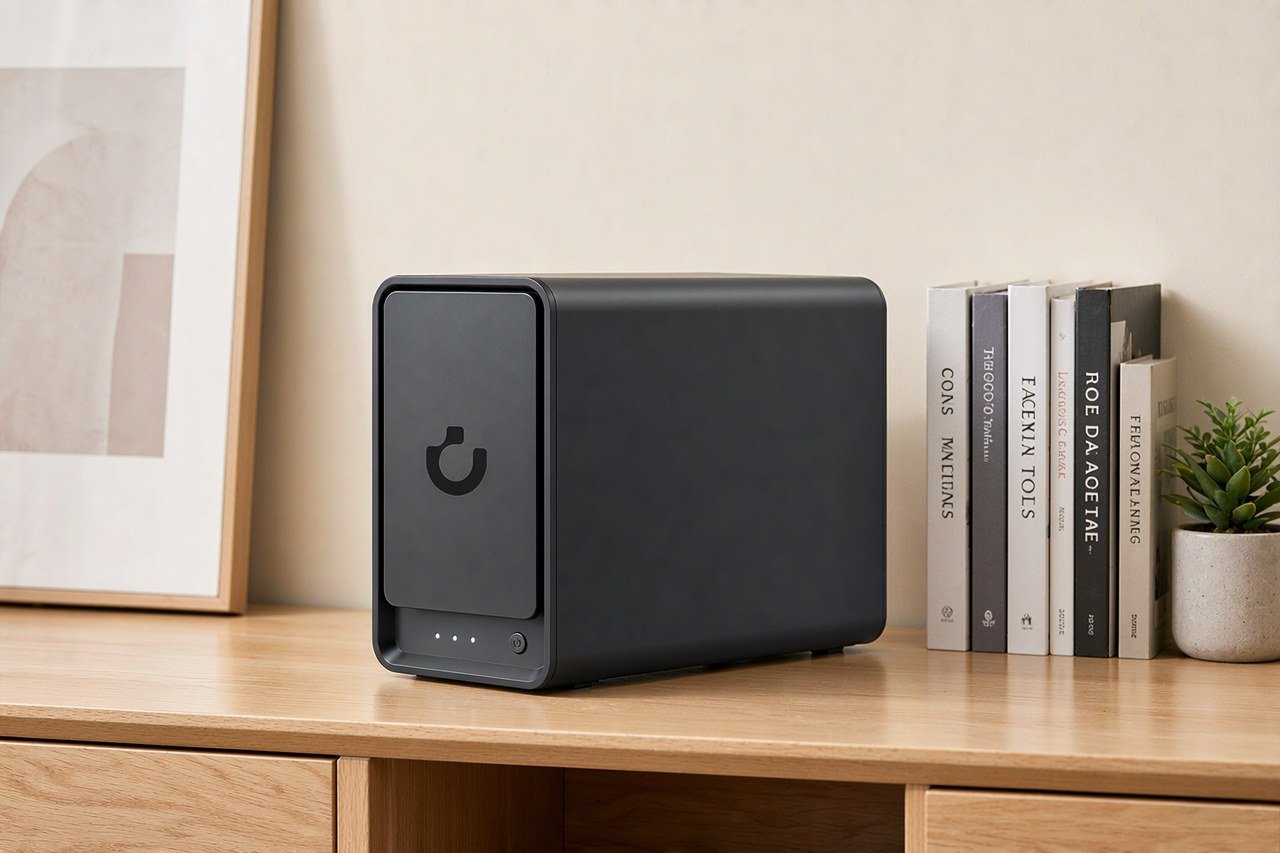
Direct answer up front, then the trade-offs that matter. This page covers linux-based nas os and answers: What is a NAS and do I need one?.
By Lillian · Senior Editor, Buying Guides
Beat: Buying guides · How we review
Quick Answer
ZimaOS is a Linux-based NAS OS from IceWhale Technology that installs on any x86-64 machine with 25 GB of system disk. It bundles RAID, SMB shares, a Docker App Store and encrypted remote access behind a browser. The free tier stops at four drives and three accounts.
Key Takeaways
- Generic x86-64 hardware works, not only IceWhale's own ZimaBoard and ZimaCube boxes. Latest release is 1.8.0, published 2026-10-15 on GitHub.
- Free licence: four disks, three accounts. ZimaOS+ costs $29 once and removes both caps.
- RAID 1, 5, 6 and JBOD are documented in the vendor's RAID reference. ZFS gets a separate setup guide in the developer docs.
- iSCSI and NFS shares still need terminal commands, according to XDA's October 2026 write-up.
What ZimaOS Is, and What It Is Not
ZimaOS is a standalone operating system image. It is not a dashboard you bolt onto an existing Linux install, which is the difference between it and CasaOS, the sibling project from the same company.
That distinction matters when you plan a build. CasaOS assumes you already have a running Debian box and adds a web panel on top. ZimaOS ships as a disk image that takes over the boot drive, sets up storage pools, file sharing and a container runtime, then serves a web interface on the machine's IP address. IceWhale Technology builds the hardware that ships it: ZimaBoard, ZimaBoard 2, ZimaBlade and the ZimaCube line. Every one of those devices arrives with the paid tier already active, per the vendor's pricing page. The software also installs on plain desktops, mini PCs and old laptops, and the documentation says so in the first line of the install guide.
It will not run on ARM. The install guide asks for x86-64, full stop, which puts a Raspberry Pi 5 or an ARM-based NAS enclosure out of reach. No amount of BIOS fiddling changes that.
We could not verify how much of the codebase is open. XDA's October piece treats some components as closed, and the vendor describes the project as open without publishing a licence breakdown on the pages we read. Treat "open" as a claim, not a settled fact.
The Install Takes Five Steps, and One of Them Wipes a Disk
Twenty-five gigabytes of system disk, a 4 GB USB stick, UEFI on, Secure Boot off. Those four conditions are the whole prerequisite list, and getting one of them wrong is where most first attempts die.
The sequence in the official guide, dated 2026-11-05: download the _installer.img file from the GitHub releases page, write it with ZimaOS USB Creator or balenaEtcher, boot the target machine from USB, pick the install disk, then confirm the erase.
Read that last step twice.
The installer wipes every partition on the disk you select. Vendor docs repeat the warning at least three times, which tells you something about how often people click past it.
The .raucb file in the same release folder is an update package, not an installer image. Flashing it to a stick produces a USB drive that boots into nothing useful. That is the single most common wrong turn in forum threads about the install.
Secure Boot is the second trap. Most boards from the last five years ship with it enabled, and ZimaOS will not boot until you turn it off in firmware settings. Some corporate laptops lock that toggle behind an admin password. Check before you buy the drives.
Once it boots, the machine prints its IP address on screen. Type that into a browser on the same network, or let Zima Client find it. No account is created on a vendor server; the first-run wizard builds a local admin account instead.
Storage: RAID 1, 5, 6, JBOD, and ZFS in the Corner
The RAID reference lists four redundant or pooled modes and one spanned mode. RAID 1 mirrors two drives, and the documentation says plainly that it is limited to two drives by design. Single-parity RAID 5 starts at three disks. Dual-parity RAID 6 needs four and tolerates two dead drives. JBOD chains disks into one volume with zero protection, and the vendor's own page advises against it for anything you care about.
Creating an array is three clicks: Settings, Storage, Combine. Choose the level, pick the disks, name the volume. Initialisation runs in the background and read speeds dip while parity builds, but the array stays usable.
ZFS is the awkward part of the story. The developer docs carry a ZFS setup guide covering pools, snapshots and checksums. XDA's reviewer, writing in October 2026, said ZimaOS lacks ZFS and named that as his main complaint against it.
Both can be true at once. The RAID page we read is dated 2026-11-05 and the XDA piece is older. We could not verify from the documentation which release added ZFS, or whether the reviewer tested a build that predates it. If ZFS is the reason you are looking at this OS, confirm against the version you download, not against a review.
The same caution applies to RAID 6 and JBOD. XDA's ZimaBoard 2 review says neither could be created in the build he tested, while the current documentation describes both. Version drift, most likely. Verify on your own hardware before you commit six drives to a pool you cannot build.
Apps and Containers: Where It Beats a Stock NAS
Eight hundred apps is the number on the vendor's product page. Realistically you will install five.
The App Store matters for a narrower reason: each entry is a pre-filled container template, so Jellyfin, Immich, Syncthing or Paperless-ngx arrives with ports, volumes and permissions already mapped. You can also paste your own docker-compose.yml, which is the escape hatch that keeps the store from becoming a cage.
If you have run CasaOS, the store will feel familiar. Same one-click model, same app catalogue lineage, more storage plumbing underneath because ZimaOS owns the disks.
VMs get their own manager, ZVM. XDA tested Debian, Ubuntu and Windows 11 guests and called it workable on capable hardware. On a low-power N150 board, one light VM is the realistic ceiling.
The terminal is not gone. XDA reports that iSCSI targets and NFS exports can only be configured through command-line tools. SMB shares are point-and-click; the two protocols that matter in a mixed Linux and VMware household are not. For a beginner-friendly OS, that is a strange gap, and it is the one I would want closed next.
What the Free Licence Caps, and What $29 Buys
Four disks. Three members.
Those are the free-tier numbers printed on the pricing page, and they are the numbers people miss.
The disk cap bites at a specific moment. You start with two drives in a mirror, add a third for capacity, then a fourth, and the fifth is where the appliance stops and asks for money. Three accounts is the same story for a household: two adults plus a shared media account, and the fourth person is paywalled.
ZimaOS+ is $29, described as a lifetime licence, with unlimited disks and unlimited users. No subscription line, no renewal date in the pricing table.
Our take: $29 is cheap enough that the cap is a speed bump rather than a business model problem. Compare it with the licence fees on the other DIY NAS systems and it looks trivial. The catch is that the fee arrives after you have already invested in drives and migration time, which is the worst possible moment to discover a limit.
Buyers on official Zima hardware never see this screen. Plus comes bundled with the device, so the $29 only applies to people installing on their own machine.
What the Alternative Costs
A prebuilt four-bay NAS is the option most people actually compare against, so here is the ledger, pulled from our price and spec tracking rather than from memory.
| Field | UGREEN NASync DXP4800 Plus | Synology DiskStation DS925+ | QNAP TS-464 (8 GB) | TerraMaster F4-424 Pro |
|---|---|---|---|---|
| Price (tracked) | Amazon $656.99 (2026-10-16); UGREEN official store (US), sale price $619.99 (2026-11-03) | Amazon $749.76 (2026-10-02, stale) | Amazon $639 (2026-10-02, stale) | DatacenterDisk listing $730.99 (2026-10-02, stale) |
| Drive bays (SATA) | 4 bays | 4 bays | 4 bays | 4 bays |
| M.2 NVMe slots | 2 slots | 2 slots | 2 slots | 2 slots |
| Max raw capacity | 144 TB | — | — | 88 TB |
| Hot-swap bays | Yes | Yes | Yes | Yes |
| CPU | Intel Pentium Gold 8505 | AMD Ryzen V1500B | Intel Celeron N5095 | Intel Core i3-N305 |
| Installed RAM | 8 GB | 4 GB | 8 GB | 32 GB |
| Max RAM | 64 GB | 32 GB | 16 GB | 32 GB |
| 2.5GbE ports | 1 port | 2 ports | 2 ports | 2 ports |
| 10GbE ports | 1 port | — | — | — |
| USB ports | 4 ports | 2 ports | 4 ports | 2 ports |
| Warranty | 2 years | 3 years | 3 years | 2 years |
The UGREEN row is the only one with a reading inside the last thirty days, and it shows the spread you get from picking a channel: $656.99 at Amazon on 2026-10-16 against $619.99 at UGREEN's own US store on 2026-11-03. The other three rows are 2026-10-02 readings, kept for shape, not for shopping. Check them yourself before you take a number to a checkout page.
Now the DIY arithmetic. A licence at $29, drives at whatever capacity you need, and hardware you may already own. If the box is sitting in a closet, the software is the entire purchase. If you have to buy a mini PC, the gap against a $619.99 appliance narrows fast, and the appliance comes with a warranty, a support line and a chassis designed to hold four drives. Every number above comes from our own price and spec tracking, checked against vendor pages or mainstream retailer listings with the access date attached. The sample is 24 NAS hosts, 3 drive models and 15 subscription tiers that this site covers. It does not represent the whole market, and any model missing a field is left out of that field's denominator rather than estimated.
Where It Breaks in Real Use
Hardware support is the first wall. The OS needs x86-64 and UEFI boot with Secure Boot disabled, which rules out ARM enclosures, most 2013-era office towers and any machine whose firmware hides the Secure Boot toggle.
Expansion is the second. XDA's ZimaBoard 2 review notes a single PCIe 3.0 x4 slot and two 2.5GbE ports on that board, and warns that a SATA card in that slot needs its own power supply for the drives. A 10GbE card fits. A 10GbE card plus four more drives does not, not without a bigger case and a second PSU.
Thunderbolt direct attach is limited to ZimaCube Pro, and the vendor says so in a footnote on its own product page. Do not buy a ZimaBoard expecting it.
The security story is thin on independent evidence. The vendor says accounts stay offline, remote access runs peer-to-peer and no telemetry is collected. We could not verify those claims through a third-party audit, and older reviewer write-ups raised concerns about default HTTP access and permissive Samba settings. Treat the defaults as a starting point that needs hardening, not as a finished posture.
Noise and power are yours to solve. IceWhale's boards are fanless or near-fanless; a repurposed desktop is neither. If the machine lives in a living room, plan for drive vibration and a PSU fan before you plan for capacity.
Who Should Skip It
Skip it if you need snapshots and replication you can defend in a business continuity document. TrueNAS still owns that ground, and the ZFS question above is exactly why.
Skip it if your hardware is ARM, or if you cannot disable Secure Boot. There is no workaround worth the afternoon.
A support contract with a phone number is not on the menu either. IceWhale sells hardware, not enterprise SLAs, and a dead board means a forum thread rather than a ticket queue.
Worth it if you have a spare x86 machine, want Jellyfin and Immich running tonight, and would rather click through a wizard than read a ZFS primer. That is the audience this OS was built for, and for that audience the trade-off is a fair one.
A Spare Desktop Becomes a Photo Archive
Here is the build I would recommend to someone with an old office PC and a phone full of pictures.
Start with the machine. An Intel i5-8500 desktop with 8 GB of RAM and a 256 GB SSD is enough. Add a pair of 4 TB drives for the mirror, and keep the SSD as the system disk so the array stays data-only.
Flash the installer, boot with UEFI on and Secure Boot off, and pick the SSD at the erase prompt. One wrong click here costs you whatever was on that disk, so unplug the data drives during install if you are nervous. It takes two minutes and removes the risk entirely.
Create the array as RAID 1 across the two data drives. Then create accounts: your own, a partner's, and one for a shared media library. That is the free tier used up.
Open the App Store and install Immich. Point the phone app at the server's LAN address and let the first sync run overnight. On a gigabit LAN, a 60 GB photo library moves in well under an hour; over Wi-Fi it takes longer and drops more often.
What breaks: the mirror protects against a dead drive and nothing else. Deleted photos replicate. Ransomware replicates. A power surge that takes the PSU takes both disks with it. Add an external USB drive on a weekly schedule and keep a copy somewhere that is not your house if the pictures matter.
The old desktop also brings its own noise and heat. It will pull far more at the wall than a purpose-built NAS, and the PSU fan will be the loudest thing in the room. Check our power-cost breakdown before you decide the free hardware is actually free.
Frequently Asked Questions
Does ZimaOS cost anything?
The free tier covers four disks and three user accounts with no time limit. ZimaOS+ is a one-time $29 licence that removes both caps, and IceWhale's own hardware ships with Plus already active. There is no subscription in the pricing table as of 2026-11-09.
Can I install ZimaOS on a Synology or QNAP NAS?
We could not verify that. The requirement is x86-64 with UEFI and Secure Boot disabled, and several Synology and QNAP models meet the architecture. Whether their firmware lets you boot an unsigned image is a per-model question, and the vendor documentation does not address third-party hardware by name.
Does ZimaOS support ZFS?
The developer documentation includes a ZFS setup guide covering pools, snapshots and checksums. XDA's October 2026 review said ZFS was missing, which suggests the feature landed after that piece was written. Confirm against your installed version before you plan a pool around it.
Is RAID 1 a backup?
No. RAID 1 mirrors a drive, so one disk failure does not lose data. It does not protect against deletion, ransomware, controller failure or theft of the whole machine. The vendor's own documentation points readers to a 3-2-1 backup routine for those cases. Treat the mirror as uptime insurance, not as a copy.
Sources
- ZimaOS Docs — How to Install ZimaOS (last updated 2026-11-05) — https://www.zimaspace.com/docs/zimaos/how-to-install-zimaos (accessed 2026-11-09)
- ZimaOS Docs — RAID Configuration Reference (last updated 2026-11-05) — https://www.zimaspace.com/docs/zimaos/raid-options (accessed 2026-11-09)
- ZimaOS Pricing — free and ZimaOS+ tiers — https://www.zimaspace.com/zimaos/pricing (accessed 2026-11-09)
- GitHub — IceWhaleTech/ZimaOS release 1.8.0, published 2026-10-15 — https://github.com/IceWhaleTech/ZimaOS/releases/tag/1.8.0 (accessed 2026-11-09)
- XDA Developers — ZimaOS and FygoOS vs TrueNAS and Unraid — https://xda-developers.com/zimaos-and-fygoos-prove-the-real-diy-nas-fight-is-no-longer-just-truenas-versus-unraid (accessed 2026-11-09)
- XDA Developers — ZimaBoard 2 review — https://xda-developers.com/zimaboard-2-review (accessed 2026-11-09)
Run your own 5-year cost comparison with the on-site calculator
Every figure above is attributed in the Sources list — put your own drive count and subscription tiers into the calculator to see where you land.
Open the cost calculator →Related reading
Was this article helpful?
One tap, no account and no comment box. It tells us which guides are actually worth updating.
How many drive bays is your NAS?
This is how we decide which setups to cover next.
Thanks.
Need help with a specific setup?
Storage choices depend on your drives, your budget and how many people share the box. Tell us what you are building and we will point you at a configuration that fits — no obligation, no sales script.
Affiliate Disclosure: SecureNAS Hub may earn a commission from qualifying purchases made through links on this page, at no extra cost to you. Facts and figures are attributed in the Sources list; nothing on this page is a fabricated test result. See our full disclosure. Product images are either supplied by the manufacturer or clearly labelled as illustrative renders; each one is captioned accordingly. Last reviewed 2026-11-09.