NAS Guides · Published 2026-10-29
NAS Power Consumption: What It Really Costs to Run 24/7
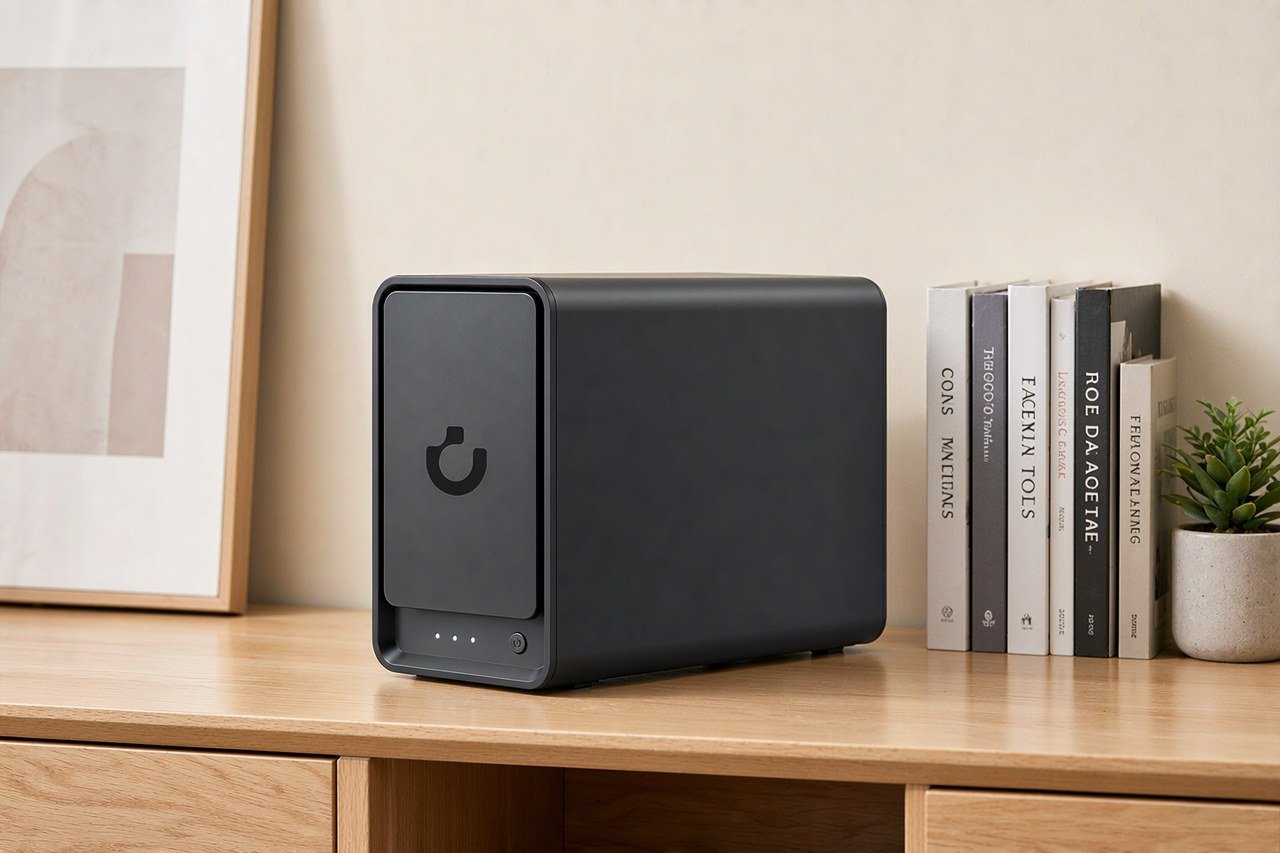
Direct answer up front, then the trade-offs that matter. This page covers nas power consumption and answers: how to check synology nas power consumption.
By Jack Huang · Senior Writer, Local AI and Smart Home
Beat: On-device AI features · How we review
Quick Answer
A NAS left awake around the clock costs $60.31 a year in electricity at the average U.S. residential rate of 18.16 cents per kWh — $19.61 if it actually reaches drive hibernation. Both figures are arithmetic on Synology's official spec sheet for the DiskStation DS925+ (37.91 watts access / 12.33 watts HDD hibernation, accessed 2026-10-29) combined with the EIA's August 2026 price table. Your own bill depends on your local rate and on whether your network-attached storage ever sleeps at all.
Key Takeaways
- At 18.16 ¢/kWh (U.S. average, August 2026), the DS925+ running at its official access figure of 37.91 W works out to $60.31 per year.
- The same box in drive hibernation, 12.33 W, costs $19.61 a year. That $40.70 gap is the whole argument for scheduled sleep.
- Regional rates swing the math hard: New England averaged 28.31 ¢/kWh in August 2026, which turns the same always-on box into $94.01 a year.
- Power is still a small line next to hardware — five years of access-mode electricity costs $301.56 against $656.99 for a comparable drive-less box (Amazon, checked 2026-10-16).
- We could not verify published access/hibernation watt figures for the other models in our tracking set, so treat every vendor's hibernation claim as conditional until you see the number.
Quick Answer in Context
NAS power consumption is the electricity a network-attached storage box draws while it serves files, runs backups, and indexes photos — usually measured in watts and billed by the kilowatt-hour. Because a NAS never switches off, that number repeats every day of the year. A device that idles at 38 watts is not "cheap to run" in the way a lamp you toggle on and off is cheap; it runs 8,760 hours annually whether you touch it or not.
The stakes are easy to misjudge in both directions. Skeptics assume a 24/7 server must cost hundreds of dollars a year, which is false at average rates. Enthusiasts assume the opposite, that a home server is effectively free, which is false in New England, California, or anywhere utilities price above 25 cents per kWh.
The honest answer sits between them, and it depends on two numbers you can look up before buying: the vendor's published access watts and your own utility rate. Neither number alone tells you the bill. Multiplied together, they do — and the multiplication is short enough to run on a napkin, because a year is 8,760 hours, a kilowatt-hour is 1,000 watt-hours, and your rate is printed on a bill you already receive. One more consideration belongs here before you move on: a NAS that serves photos to a household of four works harder — and draws more often at its access figure — than one that holds a cold backup nobody touches, so identical hardware produces genuinely different bills in identical apartments.
How It Works
Vendor spec sheets split power into two or three states. Synology, for one, publishes "Access" — the box awake, drives spinning — and "HDD Hibernation" — drives spun down, network stack still listening. The DS925+ lists 37.91 W and 12.33 W for those states respectively, as shown on its official product page (accessed 2026-10-29).
The gap is the drives. That gap is also where any power-saving plan lives.
Access watts are the number to budget by, for one blunt reason: most home NAS boxes never hibernate. Any backup job, thumbnail indexer, surveillance feed, or media scan wakes the drives, and some services keep them awake on a hair-trigger. Vendor claims about hibernation describe what the hardware can do, not what your configuration will let it do.
Third, your bill uses kilowatt-hours, not watts, so the conversion matters. Watts ÷ 1,000 × hours × rate = dollars. A 37.91 W draw over a year is 332.1 kWh; at the U.S. average of 18.16 ¢/kWh that is $60.31. None of this requires lab equipment — just the spec sheet and your utility's rate card.
What to Look For
Access watts versus hibernation watts
Look for both numbers, published separately, on the vendor's own specification page. A single "typical power" figure hides the split that matters, and marketing pages that quote only the hibernation number are quoting the best case. Synology's split (37.91 / 12.33 W for the DS925+) is the format to demand from any vendor.
What the spec sheet leaves out
UGREEN does not publish an access/hibernation split for the NASync DXP4800 Plus that we could verify as of 2026-10-29; its official site was not reachable from our network during research. That absence is not proof the box is wasteful. It does mean you cannot compute the bill in advance, and the trade-off is yours to accept or reject.
Rate, not watts, sets your bill
The EIA's Electric Power Monthly (Table 5.6.A) put the U.S. residential average at 18.16 ¢/kWh for August 2026, up 3.4% from 17.57 a year earlier, with New England at 28.31 ¢/kWh. A NAS that costs $60.31 a year at the national average costs $94.01 in New England, without any change in hardware.
Check your utility bill for the actual number.
Real-World Costs
Here is the arithmetic, stated once and in full. 37.91 W × 8,760 hours = 332.1 kWh per year; at 18.16 ¢/kWh that is $60.31. In hibernation, 12.33 W × 8,760 = 108.0 kWh, or $19.61. Five years of access-mode electricity is $301.56; five years of genuine hibernation is $98.07. Hardware dwarfs the difference: the UGREEN NASync DXP4800 Plus was listed at $656.99 on Amazon (checked 2026-10-16), and the DS925+ at $749.76 (Amazon, checked 2026-10-02). Five years of awake-mode electricity adds about 46% of that first price, which is the number to keep in mind when a deal looks decisive — a $60 saving on hardware is one year of the electricity line, and a bundle that looks cheap at checkout can still cost more over the warranty period than the box's sticker ever suggested.
| Field | UGREEN NASync DXP4800 Plus | Synology DiskStation DS925+ | QNAP TS-464 (8 GB) | TerraMaster F4-424 Pro |
|---|---|---|---|---|
| Price (tracked) | Amazon $656.99 (2026-10-16) | Amazon $749.76 (2026-10-02) | Amazon $639 (2026-10-02) | DatacenterDisk listing $730.99 (2026-10-02) |
| Drive bays (SATA) | 4 bays | 4 bays | 4 bays | 4 bays |
| M.2 NVMe slots | 2 slots | 2 slots | 2 slots | 2 slots |
| Max raw capacity | 144 TB | — | — | 88 TB |
| Max bays with expansion | — | 9 bays | — | — |
| Hot-swap bays | Yes | Yes | Yes | Yes |
| CPU | Intel Pentium Gold 8505 | AMD Ryzen V1500B | Intel Celeron N5095 | Intel Core i3-N305 |
| CPU cores | 5 cores | 4 cores | 4 cores | 8 cores |
| Installed RAM | 8 GB | 4 GB | 8 GB | 32 GB |
| Max RAM | 64 GB | 32 GB | 16 GB | 32 GB |
| RAM slots | — | 2 slots | 2 slots | 1 slot |
| ECC RAM | — | Yes | — | — |
| RAM soldered (not upgradeable) | No | — | — | — |
| 2.5GbE ports | 1 port | 2 ports | 2 ports | 2 ports |
| 10GbE ports | 1 port | — | — | — |
| PCIe slots | — | — | 1 slot | — |
| USB ports | 4 ports | 2 ports | 4 ports | 2 ports |
| HDMI output | 4K 60Hz | — | 4K 60Hz | 4K 60Hz |
| Form factor | Desktop tower | Desktop tower | Tower | Desktop tower |
| Weight | — | 2.26 kg | 2.26 kg | 3.4 kg |
| Internal filesystem | — | Btrfs, ext4 | — | — |
| Warranty | 2 years | 3 years | 3 years | 2 years |
Drives cost more than the box.
Four 8 TB NAS-class drives at the tracked listings — the WD Red Plus 8 TB at $431 (DatacenterDisk listing, checked 2026-10-02) or the Seagate IronWolf 8 TB at $347 (Amazon, checked 2026-10-02) — add $1,388 to $1,724, and every one of those watts spins on your meter rather than Google's. Those figures are snapshots from named retailers on the dates shown, and retail prices drift — recheck before you order. Cloud comparison: Google One's 2 TB plan was $9.99/month (checked 2026-10-02), or $599.40 over five years, with zero electricity at your meter because the watts move to Google's.
Recommended Setups
The file-archive box
If the NAS exists to hold backups and little else, hibernation is realistic and the bill lands near $20 a year. Schedule backups into one or two windows, disable services you do not use, and let the drives sleep the rest of the day. Worth it if your archives are static. Skip it if you stream media or run surveillance — both wake drives constantly, and a half-awake box burns access-mode watts with none of the access-mode convenience.
The always-on household server
Photo sync, media, home-automation storage: pick any two and the drives stop sleeping. Our take: budget at the access-watt figure and be pleasantly surprised, rather than budgeting the hibernation number and quietly doubling your estimate later. At the national average rate the surprise costs $40.70 a year — annoying, not budget-breaking. The trade-off shifts at 28 ¢/kWh, where the same habits cost $94.01.
The local-AI experiment
Language models and photo indexing pin the CPU, and pinned CPUs push power past the published access figure — vendor spec sheets describe idle-with-drives-spinning, not sustained inference load. We could not verify a watt figure for AI workload peaks on any model in our tracking set. Plan your bill with the access number and treat anything above it as the cost of the experiment, tracked separately.
Common Mistakes
The first mistake is budgeting hibernation watts for an always-on box. The second is forgetting that regional rates vary more than hardware does: 28.31 ¢/kWh against 18.16 ¢/kWh is a 56% premium on the electricity line, and that premium applies in New England to the same hardware.
A subtler error is comparing spec-sheet watts across boxes of different capacities. A 12-drive unit at 60 W is not comparable to a two-drive unit at 20 W; per-drive and per-terabyte numbers compare better.
Watch out for one final mistake before you sign off on the budget: quoting a friend's measured bill as if it were yours. Meters, tariffs, and time-of-use plans make the same box cost different money in the same city.
Real-World Scenario: A Year of Bills for a Working Photo Archive
What this changes for the use case
A family photo archive — phone backups landing nightly, Immich-style galleries viewed on weekends — sits between the two power states. Backups wake the drives for minutes, not hours, but browsing sessions, thumbnail generation, and mobile-app pings add up. Realistic annual electricity for this pattern lands somewhere between $19.61 and $60.31 on the DS925+ at the national average rate, and we could not verify a more precise figure without measuring the box in situ, which we have not done.
Hardware and software requirements
The arithmetic uses only two sourced inputs: Synology's published figures (37.91 W / 12.33 W, product page, accessed 2026-10-29) and the EIA's August 2026 residential average of 18.16 ¢/kWh. Storage for that archive at today's tracked listings means four 8 TB NAS drives — $1,388 in IronWolf drives (Amazon, checked 2026-10-02) or $1,724 in WD Red Plus (DatacenterDisk listing, checked 2026-10-02). Electricity over five years, $98.07 to $301.56, is small against either figure.
Limits, caveats, and who should skip it
These are vendor figures, not our measurements, and hibernation depends entirely on your own service configuration. Skip the hibernation bet if your NAS feeds cameras or media around the clock; skip the whole local-storage route if you want zero maintenance, because $599.40 of Google One over five years buys you someone else's electric bill and no failed-drive decisions. Our take: the electricity line is the smallest cost in home storage, and anyone choosing cloud storage purely on power grounds has misread the bill.
Frequently Asked Questions
How do I check Synology NAS power consumption?
Open the model's product page on synology.com, scroll to the hardware specification table, and read the Power Consumption row. Synology splits it into Access and HDD Hibernation — for the DS925+, 37.91 W and 12.33 W respectively (accessed 2026-10-29). Multiply by your hours and your utility rate for an annual estimate. Other vendors publish different formats; demand the same split.
Which NAS has the best low power consumption?
We will not rank boxes on watts we cannot verify. Of our tracked models, only Synology publishes the access/hibernation split we checked (DS925+: 37.91 W / 12.33 W, official page, accessed 2026-10-29); we could not verify comparable official figures for the UGREEN, QNAP, or TerraMaster units during research. Any "best low power" list that omits measurement conditions is guessing. Check spec pages before purchase.
What is a NAS and do I need one?
A NAS is a network-attached storage box that sits on your home network and serves files to every device — backups, photo libraries, media. You need one if you want local copies under your own control, especially alongside cloud services. For a plain-English walkthrough, see our beginner guide to setting one up in 15 minutes.
How much does a home NAS cost?
Hardware runs $656.99 to $749.76 for current four-drive models before drives — the UGREEN NASync DXP4800 Plus was $656.99 on Amazon (checked 2026-10-16) and the Synology DS925+ $749.76 (Amazon, checked 2026-10-02). Four 8 TB NAS drives add $1,388 to $1,724 at the listings we tracked on 2026-10-02. Electricity adds $19.61 to $94.01 a year depending on usage and region, per the arithmetic above.
How many bays do I need?
Start from what you store and your backup strategy, not from the biggest chassis. A two-drive mirror covers photo and document archives; four drives buy you more capacity or better redundancy as the library grows. Our breakdown of two versus four versus eight bays walks through the trade-offs with worked examples.
Sources
- Synology DS925+ official product page, hardware specification table (Power Consumption: 37.91 W Access / 12.33 W HDD Hibernation) — https://www.synology.com/en-global/products/DS925+ (accessed 2026-10-29)
- EIA, Electric Power Monthly Table 5.6.A, Average Price of Electricity to Ultimate Customers by End-Use Sector (U.S. residential average 18.16 ¢/kWh; New England 28.31 ¢/kWh, August 2026) — https://www.eia.gov/electricity/monthly/epm_table_grapher.php?t=epmt_5_6_a (accessed 2026-10-29)
- Price ledger snapshots: Amazon (DXP4800 Plus $656.99, 2026-10-16; DS925+ $749.76, 2026-10-02; IronWolf 8 TB $347, 2026-10-02), DatacenterDisk listing (WD Red Plus 8 TB $431, 2026-10-02), Google (One 2 TB $9.99/month, 2026-10-02)
Run your own 5-year cost comparison with the on-site calculator
Every figure above is attributed in the Sources list — put your own drive count and subscription tiers into the calculator to see where you land.
Open the cost calculator →Related reading
Was this article helpful?
One tap, no account and no comment box. It tells us which guides are actually worth updating.
How many drive bays is your NAS?
This is how we decide which setups to cover next.
Thanks.
Need help with a specific setup?
Storage choices depend on your drives, your budget and how many people share the box. Tell us what you are building and we will point you at a configuration that fits — no obligation, no sales script.
Affiliate Disclosure: SecureNAS Hub may earn a commission from qualifying purchases made through links on this page, at no extra cost to you. Facts and figures are attributed in the Sources list; nothing on this page is a fabricated test result. See our full disclosure. Product images are either supplied by the manufacturer or clearly labelled as illustrative renders; each one is captioned accordingly. Last reviewed 2026-10-29.