NAS Guides · Published 2026-10-22
Ring Cameras with Local Recording: NVR Without Subscriptions
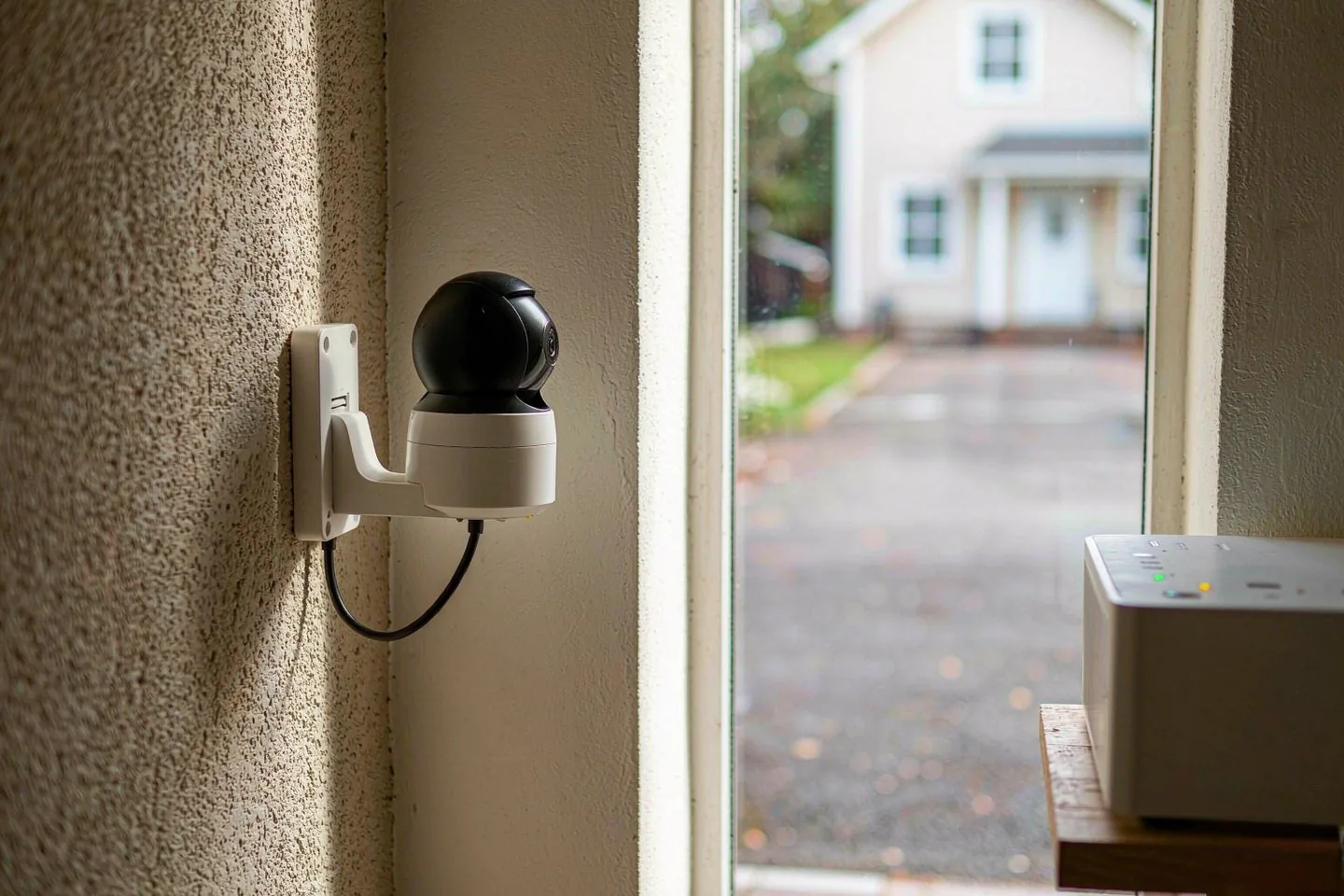
Direct answer up front, then the trade-offs that matter. This page covers ring camera and answers: What is a NAS and do I need one?.
By Leo · Hardware Reviewer
Beat: Drive bays, RAID and expandability · How we review
Quick Answer
Ring cameras still cannot record locally without a paid plan. Ring's own docs say storing videos on the microSD card inside a Ring Alarm Pro requires "a Ring Pro subscription" — the same paid tier that unlocks cloud recording. Without a plan you keep Live View and motion alerts, but no saved clips. If you want subscription-free local recording, that means a different ecosystem (Eufy's local storage costs $0 per month as of 2026-10-02) or an ONVIF camera feeding a NAS or NVR you own.
Key Takeaways
- Ring's local-recording option (microSD in the Ring Alarm Pro base station) still requires an eligible paid subscription — local storage does not remove the monthly fee (Ring, accessed 2026-10-22).
- US plans run $4.99/month for Home Basic, $9.99 for Home Standard, and $19.99 for Home Premium (ring.com/plans, checked 2026-10-07).
- Without any plan, a Ring camera gives you Live View and real-time alerts but no reviewable or downloadable video history (Ring, accessed 2026-10-22).
- Cloud motion-event clips are kept up to 180 days in the US (Ring, accessed 2026-10-22).
- The Ring app now supports ONVIF-compatible cameras, which changes what a mixed-brand, NAS-backed setup can look like (Ring, accessed 2026-10-22).
What Changed
A Ring camera in Kissimmee, Florida made the news this week. WKMG reported that a resident's Ring camera captured heavy law enforcement presence in the mayor's neighborhood (October 2026). One day later, USA Today reported that Kissimmee Mayor Jackie Espinosa was arrested on October 21, charged with grand theft and organized scheme to defraud. The camera did its job. Whether that footage still exists a month from now depends entirely on which plan, if any, the owner pays for.
That is the part most buyers miss. Ring sells the camera as a one-time purchase, but retention is a subscription feature. No plan means no saved history — you can watch live, and you get alerts, but clips you missed are gone (Ring, accessed 2026-10-22).
The camera keeps working. The evidence does not.
Ring also quietly widened the door this year. The Ring app now supports ONVIF-compatible cameras — cameras from other brands — with Live View, notifications, and timeline features (Ring, accessed 2026-10-22). That matters for anyone building local-first storage, because ONVIF is the same protocol a NAS-based recorder speaks.
Who Is It For
This article is for two groups. The first is existing Ring owners who assumed their footage lives somewhere safe. It does not, unless a plan is active. The second is shoppers comparing "no monthly fee" camera systems and wondering whether Ring can be bent into one.
If you are the first group: check your plan status today. Ring's Basic tier covers one device at $4.99 per month (ring.com/plans, checked 2026-10-07). If the trial lapsed months ago, your camera has been alert-only since then.
If you are the second group: Ring is the wrong answer for pure subscription-free recording, and its own requirements page is unambiguous about that. Eufy or a PoE NVR setup fits better. Our take: keep Ring only if you are already paying for a plan and value the app polish and alarm integration; switch if your priority is footage you own.
Key Specifications
We could not verify the specification for the Ring Alarm Pro base station or current Ring camera hardware against our spec ledger, so we will not quote bay counts, resolution numbers, or card capacity limits here. What Ring's own documentation does specify is the requirement stack for local recording (accessed 2026-10-22):
- A Ring Alarm Pro base station, which has a microSD card slot inside its built-in eero router.
- A compatible microSD card, sold separately.
- An eligible paid subscription — Ring's page states a Ring Pro subscription is required to store videos locally on Ring Alarm Pro.
Every one of those three lines is a cost. The hardware line item gets advertised; the subscription line is the one that surprises people at renewal.
Add the microSD card and the math gets worse, not better.
What Is New
Two things are new here. The first is the ONVIF support in the Ring app (Ring, accessed 2026-10-22). Ring positions it as "the benefits of Ring, now for your ONVIF-compatible cameras." Read the fine print, though: event history for those third-party cameras still needs a Ring Protect subscription, and local storage on Alarm Pro needs the Pro plan — same rule as Ring's own cameras.
The second is the plan naming. What used to be Protect Basic / Protect Plus is now Ring Home Basic / Standard / Premium in the US. The prices we verified are $4.99, $9.99, and $19.99 per month respectively (ring.com/plans, checked 2026-10-07). Same ladder, new labels — worth knowing before a price-comparison search sends you in circles.
How It Compares
Here is the monthly-fee picture from our price ledger.
| System | Recording without a plan | Cheapest paid tier |
|---|---|---|
| Ring | Live View and alerts only; no saved clips | Home Basic $4.99/mo, one device (ring.com, checked 2026-10-07) |
| Ring + Alarm Pro (local microSD) | Not available without a plan | Home Premium $19.99/mo tier required for local storage (ring.com, checked 2026-10-07) |
| Eufy | Records locally, no subscription needed | $0/mo for local storage (checked 2026-10-02) |
The trade-off is not one-sided. Ring's cloud tier gives you 180 days of motion-event history and off-site copy if a burglar takes the camera (Ring, accessed 2026-10-22). Eufy's local storage keeps footage in your house. A NAS-based NVR goes further — weeks of continuous recording on drives you control — but it needs PoE wiring or careful Wi-Fi camera selection, and we could not verify current pricing for a full NVR kit in our ledger, so we will not quote one.
Who Should Consider It
Stay with Ring if you want the least-friction setup, already trust the ecosystem, and accept the fee as a utility bill. The Home Standard tier at $9.99/month covers unlimited cameras at one address (ring.com/plans, checked 2026-10-07), which pencils out once you own three or more.
Skip it if your requirement is "footage I own, fee I don't pay." An ONVIF camera plus a NAS recorder is the honest path, and Ring's own ONVIF page concedes the direction of travel — even there, saved history routes through a subscription (accessed 2026-10-22).
The middle option: run Ring for the doorbell and alerts, and put continuous recording on a local system. It costs more up front and splits your apps. It is also the only setup where a dead internet connection does not pause your recording.
We run the math this way at SecureNAS Hub. One camera on a plan is fine. Four cameras on Premium is a second internet bill.
What Existing Users Should Know
Three checks take ten minutes. First, open the Ring app and confirm which plan your location actually has — trial lapses are silent, and the camera keeps working well enough that you may not notice. Second, if you use HomeKit or another hub, remember that Ring's integration story has not changed; ONVIF support helps third-party cameras enter the Ring app, not Ring cameras leave it. Third, download any clips you care about. Cloud retention is 180 days for motion events in the US (Ring, accessed 2026-10-22), and it only applies while the plan is active.
One more thing to verify yourself: we could not confirm whether Ring Edge local clips remain viewable after a subscription lapses. Ring's documentation ties the feature to an eligible subscription; it does not spell out the lapsed-state behavior. Ask support before you cancel if that footage matters.
Real-World Scenario: Smart Camera Local AI Video Monitoring & Snapshot
What this changes for the use case
Local AI monitoring means your camera's motion events and snapshots live on hardware you control, with retention you set. With Ring, that intent runs into a paywall at every turn: local microSD recording needs a plan, cloud history needs a plan, and even third-party ONVIF cameras get their event history through a subscription (Ring, accessed 2026-10-22). The Kissimmee case shows the value of retained footage — a camera that only streams live would have captured nothing to review later.
Hardware and software requirements
Ring's path: a Ring Alarm Pro base station with its microSD slot, a compatible card, and an eligible paid subscription (Ring, accessed 2026-10-22). The NAS path: ONVIF or RTSP-capable cameras wired back to a recorder, where the NAS handles motion detection and snapshot retention itself. The software stack is the deciding factor — the camera hardware is nearly interchangeable, but the recorder's AI detection and event rules are what make local monitoring usable.
Limits, caveats, and who should skip it
Be honest about the limits. Local storage loses to cloud on one point: theft or fire takes the evidence with it. Local AI detection is only as good as the recorder, and budget NVRs detect motion, not people.
Skip the whole local-first project if you need police-ready remote access within minutes — Ring's cloud workflow is genuinely easier. But if your goal is years of retention for a predictable one-time cost, the subscription ladder at $4.99 to $19.99 per month (ring.com/plans, checked 2026-10-07) is the recurring bill that never ends.
Frequently Asked Questions
What is a NAS and do I need one?
A NAS is a small storage server on your home network. For camera recording, it acts as the disk-brained recorder: cameras or a recorder feed video into shared folders, and software manages motion events and retention. You need one if you want long retention without monthly fees. If a $4.99 to $19.99 per month cloud plan (ring.com/plans, checked 2026-10-07) feels simpler to you, a NAS is optional.
How much does a home NAS cost?
Costs split into the box and the drives. Our ledger has a Synology DS925+ at $749.76 (checked 2026-10-02) and 8 TB NAS drives at $347 (Seagate IronWolf) and $431 (WD Red Plus), both checked 2026-10-02. We could not verify current pricing for other models, so treat any other figure you see as unconfirmed until you check the retailer yourself.
Can a NAS replace cloud storage?
For camera clips, mostly yes — with one caveat. A NAS gives you years of retention and no recurring fee, and nothing leaves your network. What it does not give you is an off-site copy. If someone steals the recorder, both the camera footage and the archive are gone. A hybrid setup — local recording plus a small cloud plan for critical clips — covers both failure modes.
Sources
- The benefits of Ring, now for your ONVIF-compatible cameras — https://ring.com/onvif-support-ring-app (accessed 2026-10-22)
- Ring Protect Plans (US pricing page) — https://ring.com/plans (accessed 2026-10-22; prices ledger-checked 2026-10-07)
- Kissimmee Mayor Jackie Espinosa arrested, charged with theft — https://www.usatoday.com/story/news/crime/2026/10/21/jackie-espinosa-kissimmee-mayor-arrested/92361595007 (accessed 2026-10-22)
- Price ledger entries: ring-home-basic, ring-home-standard, ring-protect-plus (ring.com/plans, 2026-10-07); eufy-security-local (2026-10-02); synology-ds925plus, wd-red-plus-8tb, seagate-ironwolf-8tb (2026-10-02)
Run your own 5-year cost comparison with the on-site calculator
Every figure above is attributed in the Sources list — put your own drive count and subscription tiers into the calculator to see where you land.
Open the cost calculator →Related reading
Was this article helpful?
One tap, no account and no comment box. It tells us which guides are actually worth updating.
How many drive bays is your NAS?
This is how we decide which setups to cover next.
Thanks.
Need help with a specific setup?
Storage choices depend on your drives, your budget and how many people share the box. Tell us what you are building and we will point you at a configuration that fits — no obligation, no sales script.
Affiliate Disclosure: SecureNAS Hub may earn a commission from qualifying purchases made through links on this page, at no extra cost to you. Facts and figures are attributed in the Sources list; nothing on this page is a fabricated test result. See our full disclosure. Product images are either supplied by the manufacturer or clearly labelled as illustrative renders; each one is captioned accordingly. Last reviewed 2026-10-22.