NAS Guides · Published 2026-11-17
Is a NAS Worth It in 2026? An Honest Cost Breakdown
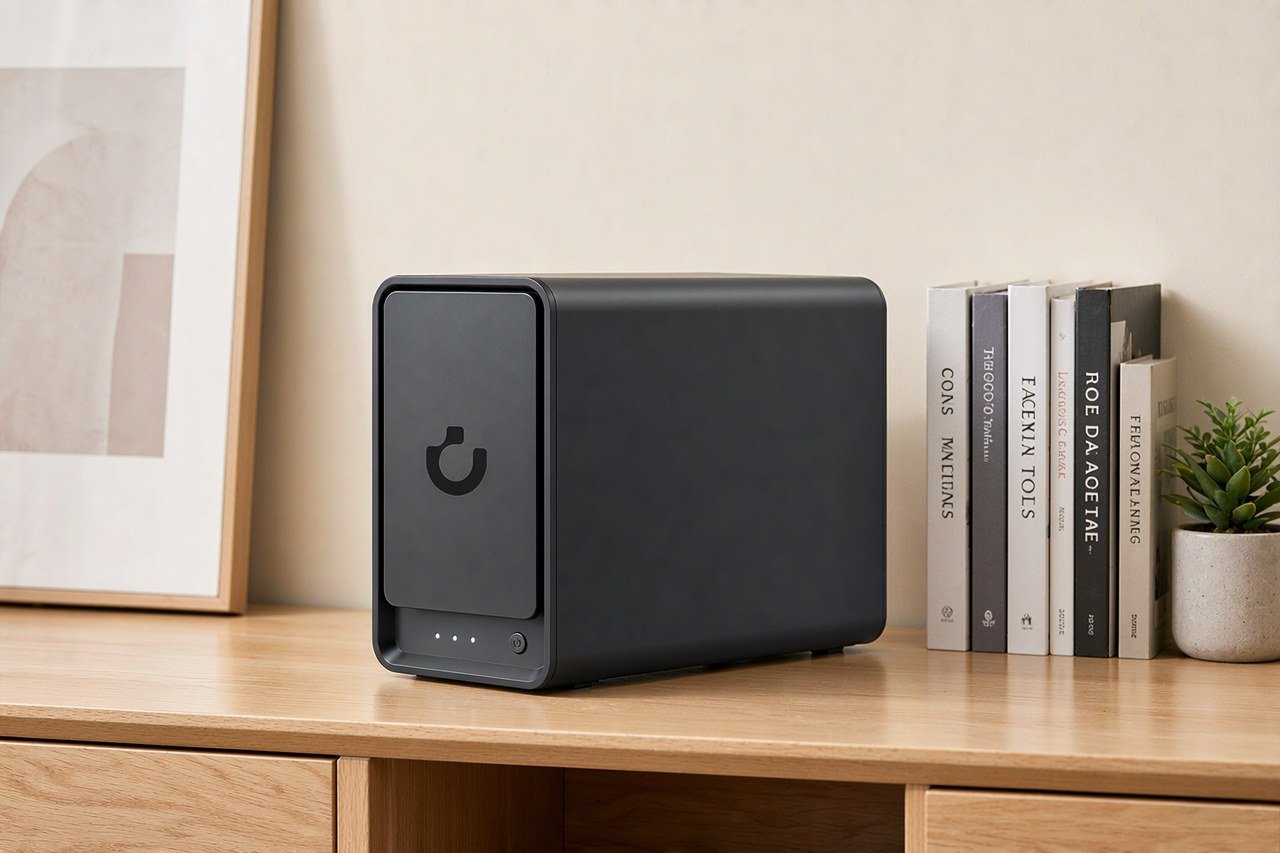
Direct answer up front, then the trade-offs that matter. This page covers is a nas worth it and answers: is a nas worth it in 2026.
By Anne · Storage and Home Tech Editor
Beat: Phone photo backup · How we review
Quick Answer
A NAS pays for itself above roughly 6 TB of usable storage. Below 4 TB it does not — a $2.99 iCloud+ plan costs less than any box you can build. Buy one for control and capacity, not to save money.
Key Takeaways
- A four-drive build costs $2,359.95 at 2026-11-17 prices: $619.99 for a UGREEN NASync DXP4800 Plus plus $434.99 for each 8 TB WD Red Plus drive.
- Two 8 TB drives in a mirror with a DXP2800 comes to $1,259.97. That is 10.5 years of iCloud+ 2 TB at $119.88 a year.
- Drives are 73.7% of the four-drive bill. The enclosure is the cheap part.
- At 12 TB the comparison reverses: five years of iCloud+ costs $3,599.40, the local build $2,359.95.
- Skip it if your whole archive fits in 200 GB. That tier costs $2.99 a month.
What You Are Actually Buying
A NAS is a small computer with drive bays, one or two network ports and software that shares folders to your phone, laptop and TV. That definition decides the cost question. You are not buying capacity. You are buying disks you own, a machine that serves them with no monthly fee, and the maintenance that comes with both.
Most buyers compare it to a subscription, so start there. Apple's US pricing table lists iCloud+ 2 TB at $9.99 a month and 12 TB at $59.99 a month, read on 2026-11-17 (Apple Support). Google's plans page shows $9.99 for 2 TB and $19.99 for 5 TB on the same date (Google One). Those are the numbers a box has to beat, and they are lower than most people guess.
What the subscription buys is convenience, not redundancy. A single cloud copy is one copy. Delete a file and it goes there too; lose the account and the archive goes with it. A local machine does not fix that on its own either. A failed disk or a ransomware event hits it just as hard.
Two copies in two places is the actual requirement, and only one of them can be the plan you already pay for.
Where the box differs from the subscription is at the file level. You get a share your operating system mounts like a folder, an account you control, and no upload queue deciding which of your files count as important. iCloud+ and Google One are tied to an account and to their own clients; they are not a network drive you can hand to a Windows machine, a camera and a TV at the same time. That distinction is worth money, and it usually is not what people are pricing when they open a spreadsheet.
The Break-Even Math, Tier by Tier
$119.88. That is one year of iCloud+ 2 TB, and it is where any comparison starts.
| Storage tier (US, 2026-11-17) | Cloud, per month | Cloud, five years | Local option | Local, five years |
|---|---|---|---|---|
| 200 GB | $2.99 | $179.40 | Nothing sensible | — |
| 2 TB | $9.99 | $599.40 | DXP2800 + two 8 TB drives, mirrored (8 TB usable) | $1,259.97 |
| 6 TB | $29.99 | $1,799.40 | Same build | $1,259.97 |
| 12 TB | $59.99 | $3,599.40 | DXP4800 Plus + four 8 TB drives (24 TB usable) | $2,359.95 |
Read the second row honestly. At 2 TB the box loses badly: $1,259.97 against $599.40, with payback landing at 10.5 years. That is longer than the warranty on the enclosure or on the disks inside it. If 2 TB is all you need, the cloud wins and it is not close.
Row three is the turn. Once the archive passes 6 TB, the local build is $539.43 cheaper across five years, and it does not stop working when a subscription price moves.
Row four widens the gap to $1,239.45. Twelve terabytes is where the math stops being close.
Capacity decides this. Nothing else in the comparison moves the answer as much.
One thing cuts the other way. Cloud tiers are elastic, and a four-drive box is not. You can drop from 12 TB to 2 TB next month. You cannot un-buy $1,739.96 of disks, and used drives resell badly.
Where the Money Goes
Eight terabytes sells for $54.37 a terabyte. Twelve sells for $49.58. Both come from WD's own store on 2026-11-17: $434.99 for the WD80EFPX, $594.99 for the 12 TB WD120EFGX listed on the same page (Western Digital).
That gap is the most useful pricing fact for a first build. Bigger disks cost less per terabyte, so stuffing a four-drive chassis with 8 TB units is the expensive route to 24 TB. Two 12 TB drives cost $1,189.98 and give 12 TB usable in a mirror. Four 8 TB drives cost $1,739.96 and give 24 TB usable with single parity.
Neither choice is wrong. One buys fewer failure points, the other buys capacity per dollar.
Drives also eat the budget. In the four-drive build the disks are $1,739.96 of $2,359.95, or 73.7%. The enclosure is the small line item, and it is the one buyers spend three weeks choosing.
The ladder is not monotonic, which catches people out. On the same WD page, the 6 TB unit works out to $53.33 a terabyte and the 8 TB to $54.37, so the smaller disk is the better buy per terabyte that week. The 4 TB sits at $60.00. Pricing on these drives moves with promotions, and the per-terabyte ranking changes with it, so check the page on the day you order rather than trusting a table you read in October. Our rule: fill the bays you have with the cheapest per-terabyte drive on the day you order.
Not the capacity you think you will need in three years.
What the Hardware Costs, From Our Ledger
The enclosure is the cheap part. Four bays from UGREEN costs $619.99 today, discounted from a $729.99 list price during the vendor's Black Friday early sale. The table below comes from this site's price and spec ledgers; rows without a 2026-11-17 date are older readings and should be treated as historical.
| Field | UGREEN NASync DXP4800 Plus | Synology DiskStation DS925+ | QNAP TS-464 (8 GB) | TerraMaster F4-424 Pro |
|---|---|---|---|---|
| Price (tracked) | UGREEN official store (US), sale price $619.99 (2026-11-03);UGREEN official store (US), Black Friday Early Deals $619.99 (2026-11-17) | Amazon $749.76 (2026-10-02, stale) | Amazon $639 (2026-10-02, stale) | DatacenterDisk listing $730.99 (2026-10-02, stale) |
| Drive bays (SATA) | 4 bays | 4 bays | 4 bays | 4 bays |
| M.2 NVMe slots | 2 slots | 2 slots | 2 slots | 2 slots |
| Max raw capacity | 144 TB | — | — | 88 TB |
| Max bays with expansion | — | 9 bays | — | — |
| Hot-swap bays | Yes | Yes | Yes | Yes |
| CPU | Intel Pentium Gold 8505 | AMD Ryzen V1500B | Intel Celeron N5095 | Intel Core i3-N305 |
| CPU cores | 5 cores | 4 cores | 4 cores | 8 cores |
| Installed RAM | 8 GB | 4 GB | 8 GB | 32 GB |
| Max RAM | 64 GB | 32 GB | 16 GB | 32 GB |
| RAM slots | — | 2 slots | 2 slots | 1 slot |
| ECC RAM | — | Yes | — | — |
| RAM soldered (not upgradeable) | No | — | — | — |
| 2.5GbE ports | 1 port | 2 ports | 2 ports | 2 ports |
| 10GbE ports | 1 port | — | — | — |
| PCIe slots | — | — | 1 slot | — |
| USB ports | 4 ports | 2 ports | 4 ports | 2 ports |
| HDMI output | 4K 60Hz | — | 4K 60Hz | 4K 60Hz |
| Form factor | Desktop tower | Desktop tower | Tower | Desktop tower |
| Weight | — | 2.26 kg | 2.26 kg | 3.4 kg |
| Internal filesystem | — | Btrfs, ext4 | — | — |
| Warranty | 2 years | 3 years | 3 years | 2 years |
Two entries in that table change a buying decision. The DXP4800 Plus is the only row with a 10GbE port, and it carries the shortest warranty of the four at 2 years. Synology's DS925+ matches it on bays, adds a second 2.5GbE port and a warranty that runs one year longer, and listed at $749.76 when we last checked on 2026-10-02.
The Costs Nobody Puts in the Spreadsheet
Your electricity rate sets part of the bill. The U.S. average residential price was 18.16 cents per kWh in August 2026, the most recent month in the EIA's Table 5.6.A (U.S. EIA, accessed 2026-11-17). Every 10 watts of continuous draw costs $15.91 a year at that rate. We could not verify idle power for these specific units from the vendors' own pages, so treat any wattage number in a review as one measurement of one machine in one room.
Then there is the second copy. A mirrored pair survives one dead disk. It does not survive a deleted folder, a sync bug that propagates the deletion, or ransomware that encrypts the share. The real cost of a NAS includes somewhere else to put the files that matter: a drive you rotate off-site, or a cloud bucket you rent by the terabyte.
Time is the third line and it never shows up in a spreadsheet. Firmware updates, a rebuild that runs for a day, permission mistakes, a drive that fails at the worst moment. A subscription hides that work. It does not remove it — someone else performs it, and the monthly fee is what you pay for the result.
What the First Month Actually Costs You
Budget a weekend, not an afternoon. You will initialize the array, copy the archive over the network, and discover that a terabyte over gigabit takes hours you did not plan for. Then you will set up remote access, which is where most people stop and leave the box reachable only from the couch.
The common mistake is buying the enclosure and one disk, then planning to add the rest later. It works, but until the second disk arrives you have no redundancy, and you will copy the same files twice. Watch out for the drive-order trap too. Labels on the trays matter more than the brand printed on the disks; a rebuild after you pull the wrong caddy is an afternoon you do not get back.
You will notice noise before you notice speed. Four 3.5-inch drives in a plastic tray hum at a frequency that carries through a floor, and a closet with no ventilation turns that hum into a heat problem.
Your Wi-Fi is the next surprise. Copying a large archive to the box over wireless finishes overnight; the same job on a cable takes an evening. If you plan to work off the share rather than archive to it, budget for a cable run and a switch, not just the enclosure.
None of this shows up in a spec sheet. All of it is part of what you paid for.
Three Builds and What They Cost
Start with the smallest build that still makes sense. A DXP2800 with two 8 TB Red Plus drives costs $389.99 + $869.98 = $1,259.97 and gives 8 TB usable in a mirror. That covers photos, documents, phone backups and a modest media library. The unit has 2 bays, 2 M.2 slots and one 2.5GbE port.
The family build buys capacity before speed: DXP4800 Plus with four 8 TB drives, $2,359.95, 24 TB usable with single parity. Give up one more disk to dual parity and usable space drops to 16 TB. Pair it with an external drive parked at a relative's house and you have the 3-2-1 shape without a subscription.
Creator build: same enclosure, disks bought in 12 TB pairs. Four 12 TB drives cost $2,379.96 against $1,739.96 for four 8 TB units — $640 more, or 36.8%, for 50% more raw capacity. Total lands at $2,999.95 for 36 TB usable with single parity.
Each build gives something up. The two-drive mirror cannot lose a second disk while it rebuilds, and the rebuild is exactly when a second failure is most likely. The four-drive single-parity build survives one loss, but a rebuild across 24 TB runs for a day or more, and the array stays slow and unprotected until it finishes. Dual parity closes that gap and costs a whole disk of usable capacity, which in this configuration is 8 TB. No combination removes the trade. What you control is which failure you are willing to absorb, and how quickly you can restore from the copy you keep somewhere else.
Who Should Skip It
Skip it if your archive fits in 200 GB. That tier costs $35.88 a year, and no build competes with it. Skip it if you travel constantly and rarely open a laptop at home, because a box in a closet you never reach is a subscription you paid for in hardware.
Skip it too if nobody in the house will patch it. A NAS on an old firmware build is a share with a published vulnerability, and the vendor's security advisories only help people who read them. If the phrase "apply the update" sounds like a chore you will postpone, pay Apple instead.
Worth it if you already pay for 2 TB or more and expect that number to climb, if you run Plex or Home Assistant on the same machine, or if your files are too large for a sync client to handle without choking.
Our take: buy the enclosure once, buy the drives grudgingly. The enclosure holds its job for a decade. Drives are consumables, they carry a limited warranty measured in years rather than decades, and yours will be replaced before the box is.
Frequently Asked Questions
Is a NAS worth it for a family of four?
Usually yes once the shared photo library passes 1 TB. One iCloud+ 2 TB plan at $9.99 a month works until a second member's phone fills it, and the next tier costs $29.99. A two-drive box with 8 TB usable runs $1,259.97 up front with no monthly fee, so the crossover comes when the plan gets upgraded twice.
How much does a home NAS actually cost?
A working two-drive setup costs $1,259.97 at 2026-11-17 prices: $389.99 for a DXP2800 and $869.98 for two 8 TB WD Red Plus drives. A four-drive build with a DXP4800 Plus and four of those drives runs $2,359.95. Neither figure includes an off-site copy, which adds cost.
Is a NAS worth it if I already pay for Google One?
Only above roughly 6 TB. Google charges $9.99 a month for 2 TB, so five years costs $599.40 — less than half the cheapest sensible build. The local machine wins on capacity, on running Plex or containers, and on not depending on an account you do not control.
Do I need four drive bays?
Not at first. Two bays in a mirror is the sane starting point and it survives one failed disk. Four bays matter when you want single-parity capacity, a hot spare, or room to grow without rebuilding. Empty bays cost nothing to leave empty; the drives are the expense.
Is a NAS cheaper than cloud storage?
Above 6 TB, yes on a five-year view. At 12 TB the local build is $1,239.45 cheaper across five years, before electricity. At 2 TB it is not close: $1,259.97 against $599.40, with payback of 10.5 years.
Is RAID a backup?
No. A mirror or a parity set survives a dead drive, not a deleted folder, a bad sync or ransomware that encrypts the share. Keep one copy somewhere else, on an external disk stored off-site or in a cloud bucket, and treat the array as availability rather than protection.
Sources
- Apple Support, iCloud+ plans and pricing, US table — accessed 2026-11-17. https://support.apple.com/en-us/108047
- Google One, plans page — accessed 2026-11-17. https://one.google.com/about/plans
- UGREEN NASync DXP4800 Plus product page — accessed 2026-11-17. https://nas.ugreen.com/products/ugreen-nasync-dxp4800-plus-nas-storage
- UGREEN NASync DXP2800 product page — accessed 2026-11-17. https://nas.ugreen.com/products/ugreen-nasync-dxp2800-nas-storage
- Western Digital, WD Red Plus 8 TB (WD80EFPX) product page — accessed 2026-11-17. https://www.westerndigital.com/products/internal-drives/wd-red-plus-sata-3-5-hdd?sku=WD80EFPX
- U.S. Energy Information Administration, Electric Power Monthly Table 5.6.A, August 2026 data — accessed 2026-11-17. https://www.eia.gov/electricity/monthly/epm_table_grapher.php?t=epmt_5_6_a
Run your own 5-year cost comparison with the on-site calculator
Hardware that fits this use case — check the specs and the five-year cost before you buy.
See woCyber NAS details → or run the 5-year cost calculatorWant this built to spec? Talk to a woCyber specialist about sourcing and pricing.
Request a quote from woCyber →Related reading
- NAS vs External Hard Drive: What Are the Differences · strong
- Dropbox Five-Year Bill vs One NAS Up Front · strong
- NAS Power Consumption: What It Really Costs to Run 24/7 · supporting
- Best 2-Bay NAS for Beginners in 2026 · supporting
Was this article helpful?
One tap, no account and no comment box. It tells us which guides are actually worth updating.
How many drive bays is your NAS?
This is how we decide which setups to cover next.
Thanks.
Need help with a specific setup?
Storage choices depend on your drives, your budget and how many people share the box. Tell us what you are building and we will point you at a configuration that fits — no obligation, no sales script.
Affiliate Disclosure: SecureNAS Hub may earn a commission from qualifying purchases made through links on this page, at no extra cost to you. Facts and figures are attributed in the Sources list; nothing on this page is a fabricated test result. See our full disclosure. Product images are either supplied by the manufacturer or clearly labelled as illustrative renders; each one is captioned accordingly. Last reviewed 2026-11-17.