NAS Guides · Published 2026-11-02
Security Camera Storage Calculation: How Much Do You Need
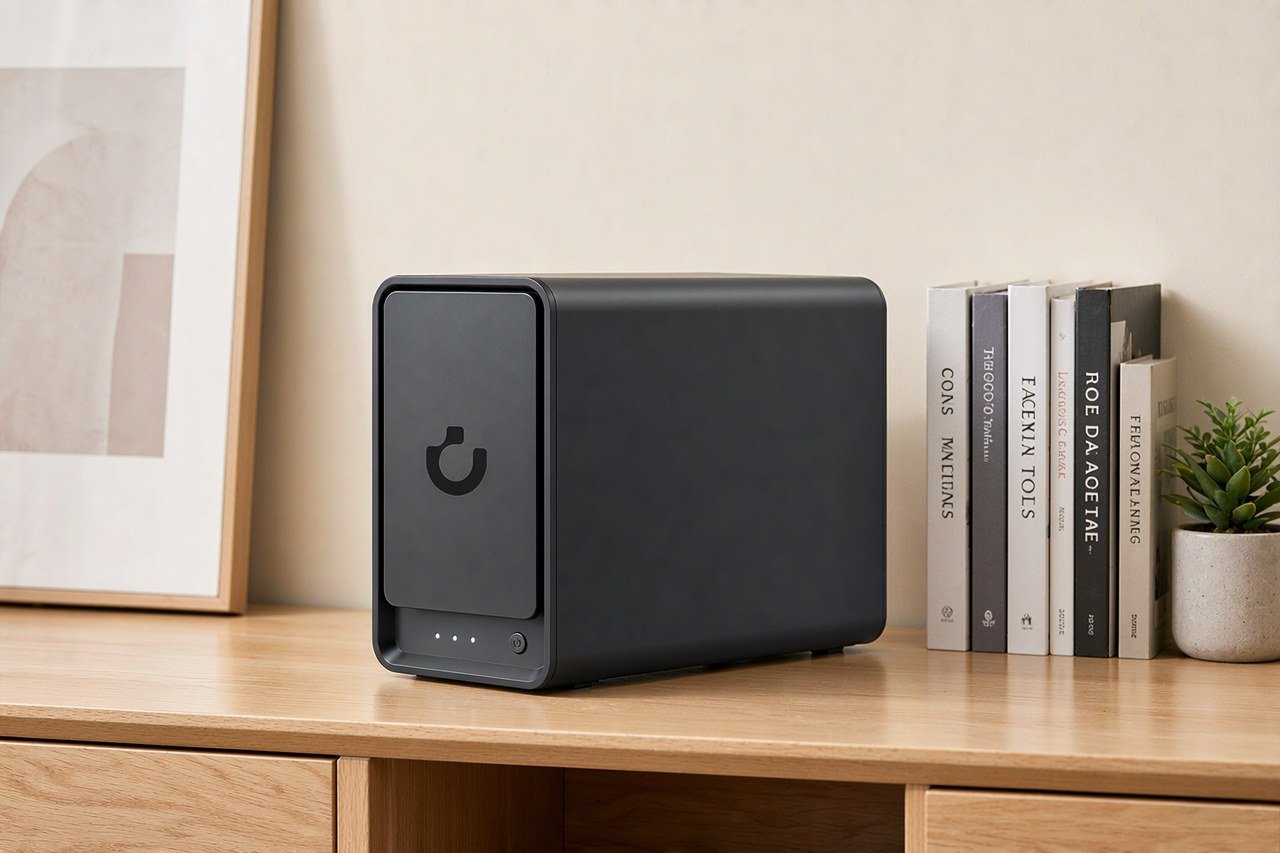
Direct answer up front, then the trade-offs that matter. This page covers security camera storage calculation and answers: What is a NAS and do I need one?.
By Konpin · Founder / Lead Analyst
Beat: Private-cloud economics · How we review
Quick Answer
A camera recording around the clock at 2 Mbps writes 900 MB per hour — Hikvision publishes that exact figure in its NVR quick start guide. One camera, one day: 21.6 GB. Four cameras for 30 days: 2.59 TB. On a 2 TB drive, that is about 92 days of retention for a single camera and 23 days for four. Motion-only recording changes everything, but the size of the discount depends on how busy your scene is, and no honest number exists for that in advance.
Key Takeaways
- The whole calculation is bitrate × hours × cameras. Hikvision's own chart: 2048 kbps → 900 MB per channel per hour (accessed 2026-11-02).
- Four cameras at 2 Mbps, continuous, 30-day retention: 2.59 TB. At 8 Mbps: 10.37 TB.
- Surveillance-rated drives are built for this write pattern: WD Purple carries a 180 TB/year workload rating and supports up to 64 single-stream HD cameras (Western Digital, accessed 2026-11-02).
- A four-camera continuous system with 30 days of retention fits on a 6 TB drive. Buy two and mirror them.
Where the Numbers Come From
Hikvision's Network Video Recorder quick start guide includes a table titled "HDD Storage Calculation Chart," and the vendor is upfront about its limits: the values "are estimated by formulas and may have some deviation from actual value." The chart runs from 96 kbps (42 MB per hour per channel) to 16,384 kbps (7.2 GB). The rows that matter for home systems: 2048K → 900 MB, 4096K → 1.8 GB, 8192K → 3.6 GB, each per channel per hour (Hikvision, accessed 2026-11-02).
The arithmetic behind it is short. Bitrate times 3,600 seconds, divided by 8, gives bytes per hour. A 2 Mbps stream works out to 900 MB. Multiply by 24 for a day, then by camera count and days of retention for a total. Resolution does not appear anywhere in that formula — bitrate does. Two 4K cameras with different compression settings can write wildly different amounts, so check the bitrate on your camera's spec sheet instead of guessing from the megapixel count.
Worked Examples
Four cameras at 2 Mbps, recording continuously, kept for 30 days: 900 MB × 24 × 30 × 4 = 2.59 TB. A single 6 TB drive holds that plus another 39 days. The same four cameras at 8 Mbps — common for 4K — write 345.6 GB per day, which is 10.37 TB per month and exhausts a 6 TB drive in 17 days.
One more, because the jump surprises people. A single 8 Mbps camera left recording for a year produces 31.5 TB. Bitrate is not a detail. It is the whole budget.
Watch out for one more pitfall when you plan this: cameras on battery power often hard-cap their own bitrate to stretch battery life, so the 4K label on the box says nothing about what actually lands on your drive. Check the bitrate in the camera's live settings, or measure a day of recording before you size the disks.
What Actually Moves the Number
Recording mode is the biggest lever. Continuous recording fills drives on a predictable schedule; event-based recording replaces those 24 hours with short clips triggered by detection. A driveway camera might trigger a hundred times a day, a backyard camera five. How much storage that saves depends entirely on the scene, and we could not verify a dependable universal percentage — anyone who quotes you one without watching your footage is guessing. Our take: size the drives for continuous recording and treat motion savings as a bonus, not a plan.
There is a middle road, too. Some recorders keep two weeks of continuous video and retain motion events for months while overwriting the rest. Your retention curve stops being a flat line, and the storage bill sits between the two extremes.
Codec comes second. Synology's Surveillance Station accepts H.264, H.264+, H.265 and H.265+ streams from its long compatibility list of 20,000 camera models across 200 brands (accessed 2026-11-02). Vendors claim H.265 needs less bitrate than H.264 for comparable quality, and in practice you will usually see a real reduction — but the exact saving varies by scene, so the dependable move is reading your camera's actual bitrate figure, not trusting a codec label.
Frame rate and camera settings round it out. A camera capped at 15 fps writes less than the same sensor pushed to 30 fps; a fixed lens watching an empty hallway needs less bitrate than a PTZ unit panning across a parking lot. You control some of this in the camera's own settings page, and it is worth ten minutes of your time before you buy a single drive — the spec sheet number and the number your camera actually delivers are not always the same thing, and the second one is what fills your disks.
The Recorder and the Drives
The math above only works if the recorder holds the footage long enough, so the box matters as much as the arithmetic. A NAS running surveillance software is the flexible option: add cameras when you want, swap drives when retention demands it, and keep every recording on hardware you control rather than on someone else's monthly plan. As a concrete anchor, the UGREEN NASync DXP4800 Plus is a 4-bay box with two M.2 slots, a single 10GbE port, 8 GB of RAM and a 2-year warranty; against it, here is how its class looks in our tracked ledger:
| Field | UGREEN NASync DXP4800 Plus | Synology DiskStation DS925+ | QNAP TS-464 (8 GB) | TerraMaster F4-424 Pro |
|---|---|---|---|---|
| Price (tracked) | Amazon $656.99 (2026-10-16) | Amazon $749.76 (2026-10-02, stale) | Amazon $639 (2026-10-02, stale) | DatacenterDisk listing $730.99 (2026-10-02, stale) |
| Drive bays (SATA) | 4 bays | 4 bays | 4 bays | 4 bays |
| M.2 NVMe slots | 2 slots | 2 slots | 2 slots | 2 slots |
| Max raw capacity | 144 TB | — | — | 88 TB |
| Max bays with expansion | — | 9 bays | — | — |
| Hot-swap bays | Yes | Yes | Yes | Yes |
| CPU | Intel Pentium Gold 8505 | AMD Ryzen V1500B | Intel Celeron N5095 | Intel Core i3-N305 |
| CPU cores | 5 cores | 4 cores | 4 cores | 8 cores |
| Installed RAM | 8 GB | 4 GB | 8 GB | 32 GB |
| Max RAM | 64 GB | 32 GB | 16 GB | 32 GB |
| RAM slots | — | 2 slots | 2 slots | 1 slot |
| ECC RAM | — | Yes | — | — |
| RAM soldered (not upgradeable) | No | — | — | — |
| 2.5GbE ports | 1 port | 2 ports | 2 ports | 2 ports |
| 10GbE ports | 1 port | — | — | — |
| PCIe slots | — | — | 1 slot | — |
| USB ports | 4 ports | 2 ports | 4 ports | 2 ports |
| HDMI output | 4K 60Hz | — | 4K 60Hz | 4K 60Hz |
| Form factor | Desktop tower | Desktop tower | Tower | Desktop tower |
| Weight | — | 2.26 kg | 2.26 kg | 3.4 kg |
| Internal filesystem | — | Btrfs, ext4 | — | — |
| Warranty | 2 years | 3 years | 3 years | 2 years |
Prices are channel-specific snapshots, not a blended market price — the Amazon listings for the three comparison boxes date from October 2026 and may have moved since.
Surveillance drives are a separate purchase, and the reasoning is workload. Western Digital rates WD Purple for 180 TB per year — roughly half a terabyte written every day, for years — and states it supports up to 64 single-stream HD cameras with a 3-year limited warranty (accessed 2026-11-02). Put our four-camera 2 Mbps system against that: 86.4 GB per day is nowhere near the limit. Four 8 Mbps cameras are a different story — 345.6 GB per day is about 126 TB per year, close enough to the rating that drive choice stops being a formality.
Costs, from the tracked ledger: a 4 TB Purple listed at $239.99 and the 6 TB at $319.99 on Western Digital's own store (checked 2026-11-02). Two 6 TB drives in a mirror cost $639.98. Add the DXP4800 Plus at $656.99 (Amazon, checked 2026-10-16) and the recorder-plus-drives core of a four-camera continuous system comes to $1,296.97 before cameras, cabling or a UPS.
That number buys more than capacity. It buys a recorder that also serves your photos, your backups and everything else a home NAS does between camera writes. A dedicated NVR is cheaper and does one job; you trade that money for flexibility.
A 30-Day, Four-Camera Plan
Worth it if: you want footage that exists before and after the incident, not just the ten seconds of motion clip. Four wired cameras at 2 Mbps, continuous, into the DXP4800 Plus-class recorder with a mirrored pair of 6 TB Purples gives about 69 days of retention at the tracked prices — enough that nobody reviews footage under deadline pressure. You also stop caring whether a delivery driver triggered the camera at 2:40 or 2:45, because everything in between is still on the disk.
The trade-off is noise and heat. Two spinning drives plus an always-on recorder live somewhere in your house, and a mirror protects against one drive dying — not against a deleted file or an encrypted filesystem. For that second failure mode, an off-box backup still applies; a NAS is one copy, not a strategy.
Skip it if: your cameras are battery models that clip only on motion. Sizing a continuous-recording rig for hardware that never records continuously pays for capacity you will never fill, and a smaller recorder or even camera-local storage covers that case for less.
You will notice this plan assumes wired power and wired network. That assumption carries the whole build — battery cameras change the math, the drive choice, and every argument above.
Common Mistakes
Retention math does not transfer between camera counts. "2 TB held my two-camera system for two months" says nothing about a four-camera system; divide, do not copy.
Desktop drives are the quiet trap here. A drive rated for 8 hours of daily operation writes surveillance footage around the clock, and the failure shows up months later as a dead disk, not a warning. The workload rating is the spec that separates the two categories.
Sub-streams count too. Many cameras record a second, lower-resolution stream alongside the main one for previews and remote viewing. It is small per camera, but it exists in the total, and the Hikvision chart's own caveat — estimated values, real-world deviation — applies to both streams.
Frequently Asked Questions
How long will 2 TB last with four cameras?
At 2 Mbps continuous: 86.4 GB per day across four cameras, so 2 TB holds about 23 days. Drop to two cameras and it stretches to 46. At 8 Mbps the same 2 TB lasts roughly 5.8 days with four cameras. All of these follow from the per-channel-per-hour chart Hikvision publishes; adjust for your actual bitrate and camera count (accessed 2026-11-02).
Is continuous recording worth the storage?
If the question is "what happened before the alarm," yes — clips start at the trigger and miss the approach. The trade-off is drive cost and noise. A compromise many setups use: continuous recording on a two-week cycle, with motion events kept longer. That costs no extra hardware, just configuration time in the recorder.
Do I really need a surveillance-rated drive?
Check your write rate against the rating. Western Digital rates Purple drives at 180 TB per year (accessed 2026-11-02). Our four-camera 2 Mbps example writes 31.5 TB per year — desktop-class drives survive that in some cases, but the margin shrinks fast at 8 Mbps, where the same four cameras write 126 TB per year. Above that, the surveillance rating is the spec doing its job.
Can cloud storage replace the drive?
For motion clips, yes, and there is no hardware to maintain. But per-camera cloud fees scale with camera count and retention, and continuous 24/7 upload is rarely practical on home broadband. We compared the five-year math for one popular ecosystem separately. A local drive is a one-time cost that works during internet outages; cloud is a monthly cost that does not. If your footage matters to you, the custody question — who holds the files and who can delete them — usually decides it before price does.
What bitrate should I assume if my camera's spec sheet is vague?
Assume 2 Mbps for 1080p-class streams and 8 Mbps for 4K, then treat both as placeholders. The real number lives in your camera's settings or its full datasheet, and battery-powered models often cap it lower than the resolution suggests. If you cannot find a figure anywhere, record one full day before buying drives and read the usage off your recorder — one day of measurement beats any chart, including the ones cited here.
Sources
- WD Purple Surveillance Hard Drive — Western Digital — https://www.westerndigital.com/products/internal-drives/wd-purple-hdd (accessed 2026-11-02)
- Hikvision NVR Quick Start Guide (UD15354B) — HDD Storage Calculation Chart — https://www.hikvision.com/content/dam/hikvision/products/S000000036/S000000037/S000000802/S000000803/OFR000385/M000009306/Quick_Start_Guide/UD15354B_Baseline_HiLook_Quick-Start-Guide_Network-Video-Recorder_NVR-100MH-D_P-Series_V3.4.104_20190702.pdf (accessed 2026-11-02)
- Surveillance Station 7.2 Technical Specifications — Synology — https://www.synology.com/en-global/dsm/7.2/software_spec/surveillance_station (accessed 2026-11-02)
Run your own 5-year cost comparison with the on-site calculator
Every figure above is attributed in the Sources list — put your own drive count and subscription tiers into the calculator to see where you land.
Open the cost calculator →Related reading
Was this article helpful?
One tap, no account and no comment box. It tells us which guides are actually worth updating.
How many drive bays is your NAS?
This is how we decide which setups to cover next.
Thanks.
Need help with a specific setup?
Storage choices depend on your drives, your budget and how many people share the box. Tell us what you are building and we will point you at a configuration that fits — no obligation, no sales script.
Affiliate Disclosure: SecureNAS Hub may earn a commission from qualifying purchases made through links on this page, at no extra cost to you. Facts and figures are attributed in the Sources list; nothing on this page is a fabricated test result. See our full disclosure. Product images are either supplied by the manufacturer or clearly labelled as illustrative renders; each one is captioned accordingly. Last reviewed 2026-11-02.