NAS Guides · Published 2026-10-20
Best Security Camera Setup With Local Recording
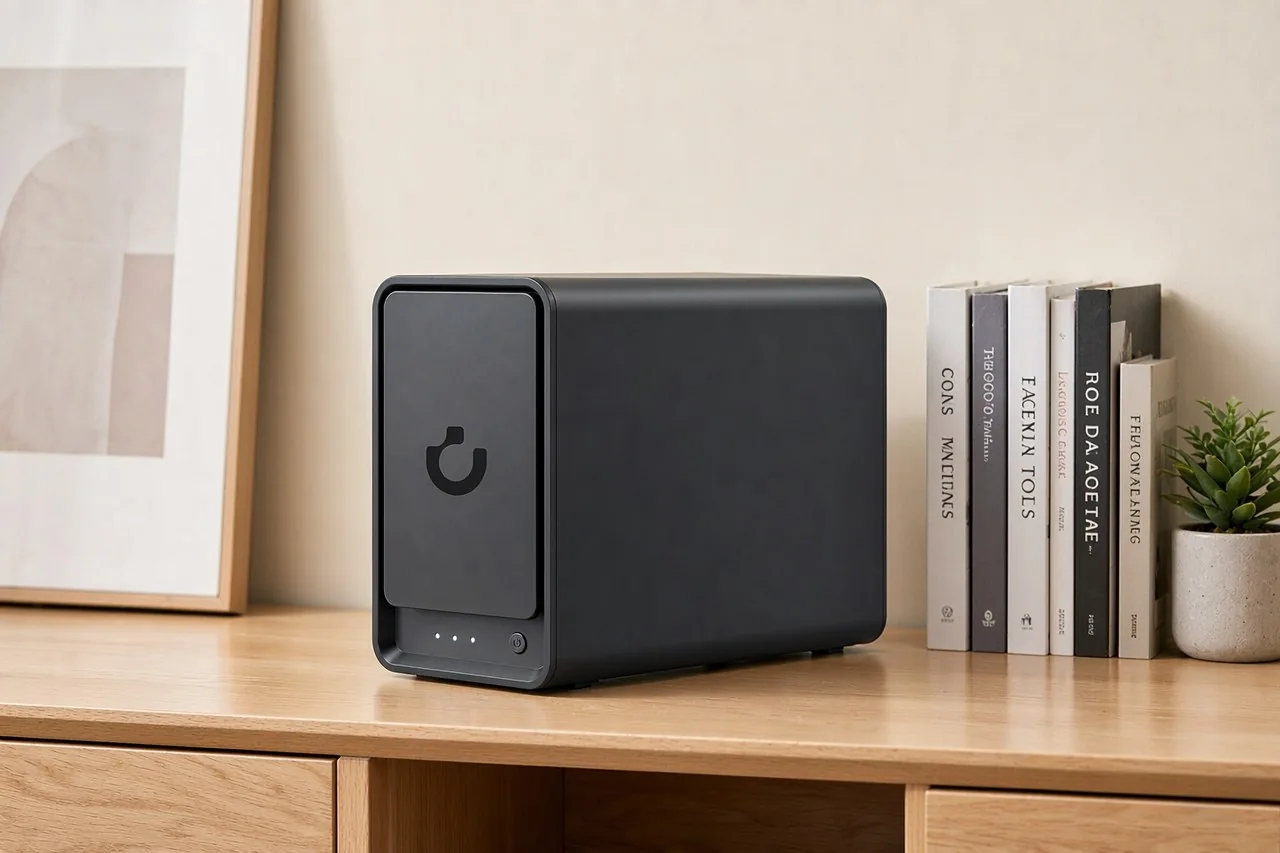
Direct answer up front, then the trade-offs that matter. This page covers best security camera local recording and answers: What is a NAS and do I need one?.
By Lillian · Senior Editor, Buying Guides
Beat: Buying guides · How we review
Quick Answer
Local recording is the practice of writing camera footage to storage you own instead of a vendor's cloud. The cheapest setup that works is one PoE camera and a 512 GB microSD card. The setup you will still be happy with in year three is four PoE cameras, a four-bay NAS, and four surveillance-rated drives. Budget $656.99 for the NAS alone, the Amazon price for the UGREEN NASync DXP4800 Plus on 16 October 2026.
Key Takeaways
- A 4K camera writes about 63 GB a day at Reolink's own continuous-recording estimate, so four cameras need roughly 7.6 TB for a 30-day window.
- Synology ships two free Surveillance Station device licences with every NAS. A four-camera build needs two more, and we could not verify current licence pricing for this piece.
- ONVIF Profile S is the compatibility line that matters: a camera that conforms to it can stream to any recorder that also conforms.
- At four cameras, a local build costs more than ten years of Ring Home Premium at $19.99 a month. Buy it for retention and control, not for savings.
- The DXP4800 Plus carries 8 GB of DDR5 and a two-year warranty; the Synology DS925+ lists at $749.76 with three years.
What Local Recording Actually Means
Cloud cameras are rented cameras. Stop paying and the recordings stop, and the copies already stored sit behind someone else's login. Local recording cuts that dependency at the point where the video lands.
An IP camera is a network device that sends video as a data stream over Ethernet or Wi-Fi. A PoE camera is the same thing with power over Ethernet, which means one cable carries both the data and the electricity, so you do not need a mains outlet at each mounting point. That single detail decides most installations: an outdoor camera under an eave is easy to wire with PoE and awkward to wire with a power brick.
The stack has three parts.
The camera captures. The recorder accepts the stream. The storage holds it. You can collapse all three into one box, which is what a camera with a memory card does, or split them across a switch, a recorder and a drive array.
What changes when you own the recorder is not picture quality.
It is custody. The footage stays after a subscription lapses, and nobody can change the retention policy on you. The cost of that custody is maintenance: firmware updates, drive replacements, and a remote-access setup you have to secure yourself.
Three Recorders, Three Failure Modes
Three boxes can hold the video, and each one fails in its own way.
A memory card inside the camera. This is the cheapest option and the one most people start with. Reolink's RLC-810A takes a microSD card up to 512 GB, and Reolink's own table puts 512 GB at 194.2 hours of 4K recording. The failure mode is obvious once you say it out loud: the card is inside the thing a thief takes. Cards also wear out under continuous writes, and a worn card can fail silently for weeks before you notice the timeline has gaps.
A vendor NVR or hub. Reolink sells NVRs; Eufy sells a HomeBase that keeps footage local with no subscription, which the price ledger records at $0. Setup takes an afternoon and the app does the work. The catch is that you buy into one vendor's camera ecosystem and its drive compatibility list.
A NAS running a video management system. This is the flexible option and the one that needs the most decisions. Camera support depends on the software, not the hardware, so the recorder you choose matters more than the CPU inside it.
Pick the failure you can live with.
| Recorder | Upfront cost | Retention ceiling | Where it breaks |
|---|---|---|---|
| microSD in camera | Card only | 512 GB, about 194 hours at Reolink's 4K rate | Card wear, camera theft, no central view |
| Vendor NVR or hub | Bundle price | Set by the drive bay inside | One vendor's cameras, proprietary formats |
| NAS + VMS | NAS, drives, licences | Set by how many bays you fill | You are the administrator |
Run the Retention Math Before You Buy
Pick a number of days first. Everything else — bays, drive size, budget — falls out of that number.
Reolink publishes a recording-hours table for the RLC-810A: 128 GB covers 48.5 hours, 256 GB covers 97.1 hours, and 512 GB covers 194.2 hours. Divide 128 GB by 48.5 hours and you get about 2.64 GB per hour, which is a bit under 6 megabits a second. Stretch that to a day and one 4K camera writes about 63 GB.
Four cameras, then, produce roughly 253 GB a day. A 30-day window needs about 7.6 TB of usable space before RAID overhead. Put four eight-terabyte drives in a single-parity array and you have 24 TB usable, which holds four cameras for around 94 days at that bitrate.
Two caveats, both worth stating plainly. Reolink's table is a vendor figure for continuous recording at a fixed resolution, and real installations vary with bitrate, frame rate and how much motion triggers the stream. The arithmetic above is ours, built on that vendor table, not a measurement we ran. If your cameras run a lower bitrate than the one Reolink assumes, the numbers shrink in proportion, and the drives last longer than this estimate suggests.
Choosing the Recorder: Specs That Matter
A recorder is a small computer with a storage array bolted on, and the spec sheet tells you where the money went.
The UGREEN NASync DXP4800 Plus runs an Intel Pentium Gold 8505, a five-core part, with 8 GB of DDR5 in the US configuration and a 64-gigabyte ceiling. It has four SATA bays, two M.2 NVMe slots, one 2.5GbE port, one 10GbE port, four USB ports and an HDMI output rated at 4K 60Hz. UGREEN sells a 16 GB configuration in mainland China, so check which SKU a discount page is actually selling. The warranty is two years.
Synology's DS925+ runs an AMD Ryzen V1500B with four cores, 4 GB of ECC memory and a 32-gigabyte ceiling, across four bays that expand to nine with a DX525 unit. Networking is two 2.5-gigabit ports, the filesystem is Btrfs, and the warranty is three years.
Bandwidth is not the constraint people think it is.
Four cameras at roughly 6 megabits a second each total about 24 megabits, which a single gigabit link carries without strain. The 10GbE port on the DXP4800 Plus earns its place when you pull a month of footage onto an editing machine, not when you record it.
| Field | UGREEN NASync DXP4800 Plus | Synology DiskStation DS925+ | QNAP TS-464 (8 GB) | TerraMaster F4-424 Pro |
|---|---|---|---|---|
| Price (tracked) | Amazon $656.99 (2026-10-16) | Amazon $749.76 (2026-10-02) | Amazon $639 (2026-10-02) | DatacenterDisk listing $730.99 (2026-10-02) |
| Drive bays (SATA) | 4 bays | 4 bays | 4 bays | 4 bays |
| M.2 NVMe slots | 2 slots | 2 slots | 2 slots | 2 slots |
| Max raw capacity | 144 TB | — | — | 88 TB |
| Max bays with expansion | — | 9 bays | — | — |
| Hot-swap bays | Yes | Yes | Yes | Yes |
| CPU | Intel Pentium Gold 8505 | AMD Ryzen V1500B | Intel Celeron N5095 | Intel Core i3-N305 |
| CPU cores | 5 cores | 4 cores | 4 cores | 8 cores |
| Installed RAM | 8 GB | 4 GB | 8 GB | 32 GB |
| Max RAM | 64 GB | 32 GB | 16 GB | 32 GB |
| RAM slots | — | 2 slots | 2 slots | 1 slot |
| ECC RAM | — | Yes | — | — |
| RAM soldered (not upgradeable) | No | — | — | — |
| 2.5GbE ports | 1 port | 2 ports | 2 ports | 2 ports |
| 10GbE ports | 1 port | — | — | — |
| PCIe slots | — | — | 1 slot | — |
| USB ports | 4 ports | 2 ports | 4 ports | 2 ports |
| HDMI output | 4K 60Hz | — | 4K 60Hz | 4K 60Hz |
| Form factor | Desktop tower | Desktop tower | Tower | Desktop tower |
| Weight | — | 2.26 kg | 2.26 kg | 3.4 kg |
| Internal filesystem | — | Btrfs, ext4 | — | — |
| Warranty | 2 years | 3 years | 3 years | 2 years |
Our read on the trade-off: the DS925+ is the safer buy for a pure surveillance box because of Btrfs and the third year of warranty, and the DXP4800 Plus is the better buy if the same box will also hold files, photos or a media library. The two-year warranty is the part of the UGREEN spec sheet we like least.
What a Local Setup Costs Over Five Years
$656.99 is what Amazon listed the DXP4800 Plus at when we checked on 16 October 2026. The drives are the part buyers forget.
Four WD Red Plus eight-terabyte drives at $431 each, the DatacenterDisk listing we recorded on 2 October 2026, add $1,724. That puts the recorder and the storage at $2,380.99 before a single camera. The Synology route starts at $749.76 on Amazon, checked 2 October 2026, and needs two extra Surveillance Station licences for four cameras; we could not verify what those licences cost today, so treat that line as an unknown rather than a rounding error.
Now compare the thing you are trying to escape. Ring Home Premium is $19.99 a month, the price on Ring's own plan page on 7 October 2026. Over five years that is $1,199.40. The NAS build above costs almost exactly ten years of that plan.
The honest conclusion is uncomfortable for anyone selling hardware: at four cameras, the subscription is cheaper for the first decade, and it includes someone else to call when the app breaks. The local build wins on three things a price column cannot show — retention you set yourself, footage that survives a cancelled card, and no third party holding a copy. If it were our money and the only goal was four cameras on a seven-day loop, we would keep the subscription. The NAS earns its price when it does a second job.
Mistakes That Lose the Footage
The failure that hurts is rarely the burglary. It is the rebuild that eats the array, or the card that died three weeks before anyone looked.
- Treating RAID as a backup. A single-parity array survives one dead drive. It does not survive a deleted folder, a ransomware encryption pass or a chassis fire. Camera footage needs a second copy somewhere else, and that copy can be a cheap external drive you rotate.
- Skipping the UPS. A short power cut during a write is survivable. A dirty shutdown during a RAID rebuild is how arrays get corrupted, and rebuilds are exactly when the system is most fragile.
- Buying a shingled drive for a surveillance pool. Shingled magnetic recording drives slow down badly on sustained writes and worse on rebuilds. Check the drive's recording-technology note before you buy four of them.
- Running the camera on weak Wi-Fi. An outdoor camera at the far edge of a mesh node drops frames under load, and dropped frames are missing evidence. This is the argument for PoE cameras on a wired switch.
- Leaving retention at the default. Seven days is a common default and a bad fit for a burglary you notice after a holiday. Set the window you actually need, then size the drives to it.
- Never testing playback. Recording is not the same as retrieving. Open a random timestamp from two weeks ago once a quarter and confirm the file plays.
Who Should Skip This
Skip the NAS route if you want three cameras, one app and no maintenance. A vendor hub does that job for less money and less of your weekend. The NAS is overkill until you need retention longer than a week, cameras from more than one brand, or a box that also stores everything else you own.
Worth it if you are wiring four or more cameras and want the footage to outlive any subscription. Skip it if the thought of mapping a share and checking drive health makes you tired — you will not maintain it, and an unmaintained recorder is a false sense of security.
The middle path deserves a mention. Buy a NAS that has a real video management system, use the two licences Synology bundles, and add cameras one at a time. You find out whether the software suits you before you spend on eight cameras and a licence pack.
Frequently Asked Questions
Can a NAS record security cameras without a subscription?
Usually yes, if the NAS ships a video management system. Synology's Surveillance Station includes two free device licences with every NAS, and purchased licences do not expire, according to Synology's Surveillance Station 9 user guide (accessed 20 October 2026). Third-party software running in a container is another route. The subscription disappears either way; the maintenance does not.
How much storage do I need for four 4K cameras?
About 7.6 TB of usable space for a 30-day loop. One 4K camera writes roughly 63 GB a day at Reolink's published continuous-recording rate, so four cameras produce around 253 GB daily. Add parity overhead, then round up: four eight-terabyte drives in a single-parity array give 24 TB usable, which is closer to three months of retention than one.
Do all IP cameras work with a NAS recorder?
No. Compatibility runs through ONVIF, the open standard that defines how cameras and recorders talk. Profile S covers streaming and Profile T covers advanced streaming, per ONVIF's profile documentation (accessed 20 October 2026). Synology lists more than 20,000 camera models from 200 brands as compatible with Surveillance Station. Check the support list for your exact model before assuming it will bind.
Is local recording more private than a cloud camera?
It removes the third-party copy and the subscription, and it adds a new attack surface: your own remote access. A local setup that you expose to the internet without care is not automatically safer than a vendor cloud. Keep remote access behind a VPN or the vendor's relay, patch the recorder, and put the cameras on a separate network segment from your laptops.
Sources
- Synology Knowledge Center. "Surveillance Station 9 User's Guide — Licenses." https://kb.synology.com/en-us/UG/Surveillance_Station_User_Guide_9/9 (accessed 20 October 2026).
- Synology. "Surveillance Station." https://www.synology.com/en-global/surveillance (accessed 20 October 2026).
- ONVIF. "ONVIF Profiles." https://www.onvif.org/profiles/ (accessed 20 October 2026).
- Reolink. "RLC-810A 4K PoE Security Camera." https://reolink.com/product/rlc-810a/ (accessed 20 October 2026).
- UGREEN. "NASync DXP4800 Plus." https://nas.ugreen.com/products/ugreen-nasync-dxp4800-plus-nas-storage (accessed 2 October 2026). Specification and price records are held in the site's spec and price ledgers.
Run your own 5-year cost comparison with the on-site calculator
Hardware that fits this use case — check the specs and the five-year cost before you buy.
Compare NAS brands → or run the 5-year cost calculatorRelated reading
Was this article helpful?
One tap, no account and no comment box. It tells us which guides are actually worth updating.
How many drive bays is your NAS?
This is how we decide which setups to cover next.
Thanks.
Need help with a specific setup?
Storage choices depend on your drives, your budget and how many people share the box. Tell us what you are building and we will point you at a configuration that fits — no obligation, no sales script.
Affiliate Disclosure: SecureNAS Hub may earn a commission from qualifying purchases made through links on this page, at no extra cost to you. Facts and figures are attributed in the Sources list; nothing on this page is a fabricated test result. See our full disclosure. Product images are either supplied by the manufacturer or clearly labelled as illustrative renders; each one is captioned accordingly. Last reviewed 2026-10-20.