Backup & Privacy · Published 2026-10-02
Ring Camera Cloud Storage vs a NAS: The Real Five-Year Cost
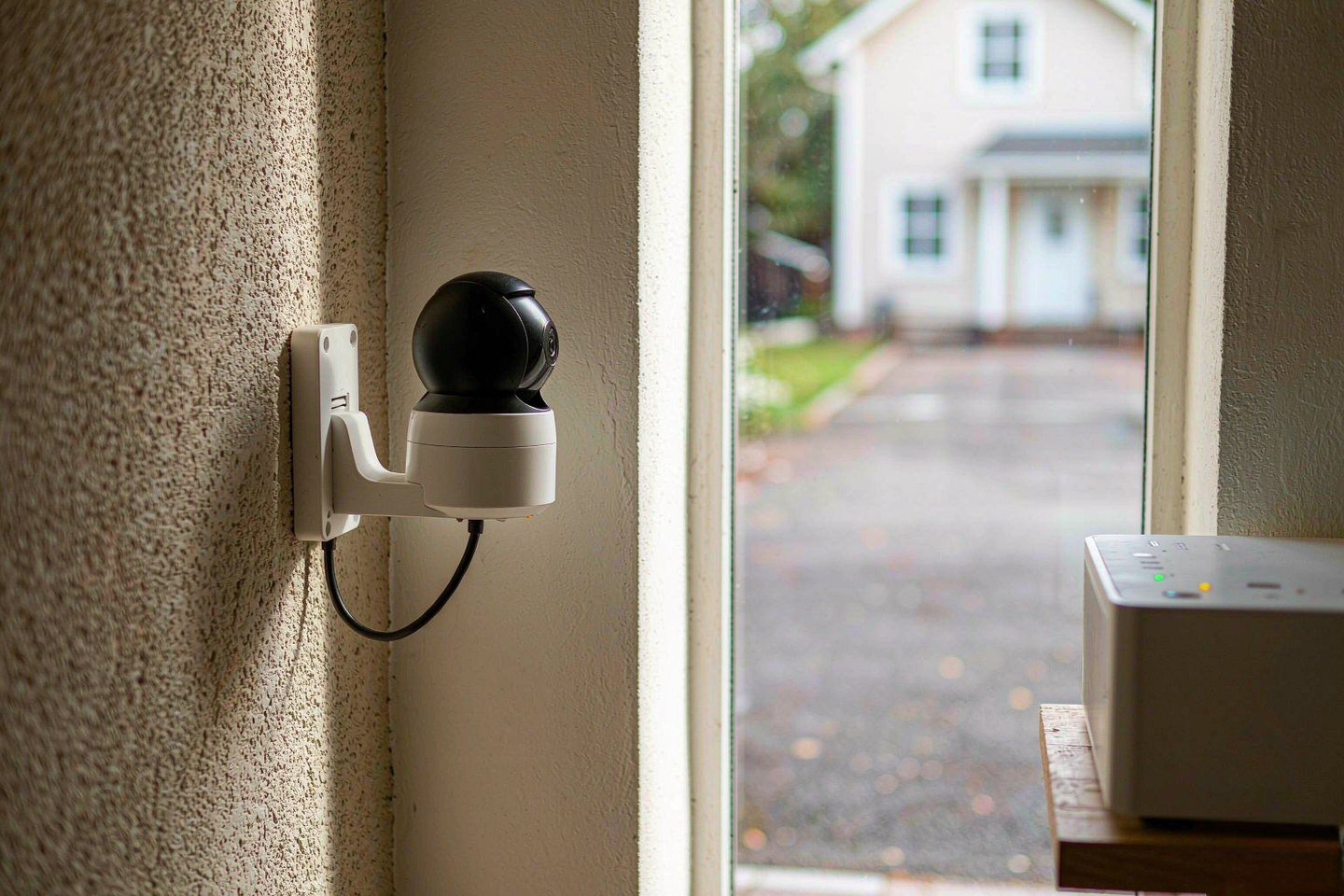
Direct answer up front, then the trade-offs that matter. This page covers ring camera and answers: How do I secure a NAS on my network?.
By Konpin · Founder / Lead Analyst
Beat: Private-cloud economics · How we review
Quick Answer
A Ring camera is cheap to buy and expensive to keep watching. Without a Ring Home plan, the hardware will not record anything at all — CNET is blunt about it: without a subscription, Ring cameras "only give alerts and allow you to see live video; they won't record any video." Add the plan most multi-camera homes actually need, Ring Multi at $9.99 a month, and you are looking at roughly $500 over five years on top of the hardware. A local setup — cameras that write to a NAS over RTSP or ONVIF — turns that recurring line into a one-time cost, but it asks you to run a recorder and accept its own limits. Here is the five-year arithmetic, and the point at which local actually wins.
Key Takeaways
- Ring's subscription is not optional if you want footage. Recording, event history and Smart Alerts all sit behind a Ring Home plan; the free tier gives you live view and motion alerts only. TechRadar sums it up: you need a Ring Home subscription "for features like online storage and access to 180 days of event history."
- Ring Home runs $4.99 (Solo, one device), $9.99 (Multi, every device at one address) and $19.99 (Pro) per month. Multi is the tier most multi-camera homes need, and it works out to about $500 across five years.
- Continuous 24/7 recording is a separate $3-per-month add-on per camera — and it is mutually exclusive with Ring Edge local storage and end-to-end encryption. You cannot have continuous cloud recording and local-only storage at the same time on the same camera.
- Cameras built around local storage — Tapo and Reolink to microSD, Eufy to its HomeBase hub, Swann to an NVR — record with no subscription, which is why the five-year math flips in year two or three.
- Going local is not free of trade-offs: you own the recorder, the retention policy and the remote-access path, and battery-powered cameras usually cannot stream continuously to a recorder without draining fast.
What Changed: the camera got cheaper, the subscription did not
The headline in this cycle is a price cut, not a new capability. The Ring Battery Doorbell 2K has been selling at around $40 on Amazon, down from a $100 list price — a 60 percent drop that Gizmodo described as leaving "almost no margin behind." That is a genuinely good deal on hardware: 2K head-to-toe video, two-way talk, night vision and a rechargeable battery, all in a unit that installs in about ten minutes.
The catch is what the $40 does not include. Every feature that makes the doorbell useful after the fact — the recorded clip, the event history you scrub through, the person-and-package Smart Alerts — is listed as subscription-required. TechRadar, which tests cameras in its own homes, puts it plainly: a Ring camera needs a Ring Home subscription starting at $4.99 per month for online storage and 180 days of event history, and 24/7 recording requires a premium plan on top. Owners report the specific delivery notification that motivated the purchase sitting behind Ring Protect. Without the plan you get a live view and a motion ping, and then the moment passes and nothing is saved.
This is not a hidden trick so much as the business model of the whole cloud-camera category. Ring renamed and repriced its UK plans in January 2026 and its US tiers run Solo, Multi and Pro. The hardware is the entry point; the storage is the annuity. Once you see the two as separate purchases, the five-year question stops being "which camera is cheapest" and becomes "which storage path do I want to pay for."
Who Is It For: the reader who already owns the cheap camera
This decision is mostly for two groups. The first is the household that has already bought a Ring doorbell or a couple of indoor cams, likes them, and is now doing the mental math on year three of a subscription. The second is the buyer standing in the Prime Day aisle who can see the $40 sticker and not the $500 that follows it.
For the first group the question is not whether Ring works — it does, and the app is one of the smoothest in the category for reviewing an event. The question is whether you want to keep renting the ability to look back. For the second group the question is whether to buy into a subscription ecosystem at all, or to choose cameras that write to a card, a hub or a recorder you already own.
If you have exactly one camera, the arithmetic is mild: Solo at $4.99 a month is $59.88 a year, and the convenience may be worth it. If you have three or more cameras at one address, Multi at $9.99 a month is the rational tier — and it is also the point where the annual figure starts to look like a hardware budget rather than a rounding error. That is the crossover this article is really about.
The five-year arithmetic, side by side
Numbers here are list prices published in September 2026 and checked on 2026-10-02; they move, so treat them as a shape rather than a quote.
| Path | Up-front | Recurring | Five-year total | What you give up |
|---|---|---|---|---|
| Ring doorbell + Ring Home Multi | ~$40–$100 hardware | $9.99/mo ($99.99/yr) | ~$540–$600 | Nothing records without the plan; footage lives on Ring's servers |
| Ring doorbell + Ring Home Solo (one camera only) | ~$40–$100 | $4.99/mo ($49.99/yr) | ~$290–$350 | Single device only; same cloud dependency |
| Ring + 24/7 add-on | ~$40–$100 | $9.99 + $3/mo per camera | ~$720–$780 | No Ring Edge local storage, no end-to-end encryption, 14-day cap on continuous video |
| Local cameras (Tapo/Reolink microSD, Eufy HomeBase, Swann NVR) + NAS | ~$150–$400 hardware + drives | ~$0 | ~$150–$400, plus electricity | You run and maintain the recorder; remote access is your problem |
| Existing NAS + RTSP cameras + NVR software | Camera cost only if NAS already owned | ~$0 | ~$0 marginal | Setup effort; battery cameras often cannot stream continuously |
Two rows deserve a note. The 24/7 row is the most expensive per year and the most constrained: Ring's own documentation for the continuous-recording add-on states that it is incompatible with Ring Edge local storage and with end-to-end encryption, and that continuous footage is kept for 14 days at most. Pre-Roll and Snapshot Capture also switch off while it is running. You are paying the most for the footage that is kept the shortest time, on the terms least compatible with keeping it yourself.
The local rows are cheap in cash and expensive in attention. A one-time outlay gets you years of recording, but the recorder, the retention setting and the way you reach it when you are away from home are all on you.
How the local path actually works on a NAS
The mechanism is not exotic. Most cameras sold outside the closed cloud ecosystems expose a standard stream: RTSP for the video, ONVIF for discovery and control. Once a camera speaks RTSP, anything that can open a network stream can record it — including a NAS running an NVR application such as Frigate, Scrypted or a vendor suite.
In practice the local path looks like this. The cameras write to the NAS over your local network, typically over PoE so power and data arrive on one cable. The NVR software does the continuous or motion-triggered recording, keeps the retention window you set, and runs detection on the stream. The NAS becomes both the recorder and the archive, which is the same box you may already use for photos and documents.
The bandwidth argument is often overstated and sometimes real. Recording to a card, hub or recorder removes the continuous upload that cloud recording requires; what still leaves the house is remote live viewing and notifications, and those are intermittent. If you are on a connection with a thin upload margin, or you are behind carrier-grade NAT that blocks inbound connections, local recording is a real fix for the first problem and a design constraint for the second — a CGNAT connection can block the inbound path you would use to reach the recorder remotely, so plan the remote-access route before you commit.
Three limits are worth stating plainly. Battery-powered cameras generally cannot sustain a continuous stream to a recorder without a serious hit to runtime, so a local 24/7 build usually means wired or PoE cameras. Storage is now your budget: continuous 2K streams add up quickly, and you set the retention window based on how many drives you actually have. And "local" is not automatically "encrypted" — if you want the footage unreadable at rest, that is a setting you configure, not a property you inherit from the word local.
Real-World Scenario: Smart Camera Local AI Video Monitoring & Snapshot
This is the part the five-year spreadsheet does not capture, and it is where local recording earns its keep.
What this changes for the use case
With a cloud camera, what happened between motion events does not exist. Clip-based recording leaves the timeline blank except when motion fired, and the snapshot feature that fills those blanks is itself a subscription feature kept in the cloud for up to 14 days. Move the recording to a NAS and the same porch becomes a continuous timeline you control. The practical change is that you can answer the question "who was in the driveway at 2:40, when nothing triggered an alert" without hoping the camera happened to catch it.
On a NAS the detection also runs on hardware you own, which changes what you can do with the result. Motion events can be classified, snapshots can be written alongside the video, and detections can stay on your network instead of being processed by a vendor's cloud. For a household that wants a camera for safety but not a permanent relationship with a facial-recognition pipeline, that distinction is the whole point.
Hardware and software requirements
The baseline is a camera that exposes RTSP or ONVIF — a plain IP camera, or a PoE camera if you want one cable to do power and data. You need a NAS with enough storage for the retention window you want: a few days of continuous 2K from several cameras is a real footprint, so budget the drives before you budget the cameras. On the software side, an NVR application runs the recording, detection and retention rules; Frigate and Scrypted are the common open options, and NAS vendors ship their own surveillance suites. A UPS on the NAS is worth the money — a recorder that dies with the power is a recorder that misses the event it exists to capture.
If you already own a NAS for photos and documents, the marginal cost of adding camera recording is close to the price of the cameras and the drives. That is the scenario where the five-year comparison is not close.
Limits, caveats, and who should skip it
Skip the local path if you want the simplest possible setup and you have one doorbell. Ring's app is polished, the install is ten minutes, and $4.99 a month for a single camera is a fair price for not thinking about any of this. Running an NVR is a small hobby, and it should be entered deliberately.
Skip it if your cameras are battery-powered and you cannot rewire. The continuous-stream requirement is real, and the battery math does not work. Skip it if remote access through a restrictive connection would leave you unable to see anything when you are away — solve that problem first, because a recorder you cannot reach is not much better than a clip you did not save.
Stay on the cloud if your main concern is legal exposure rather than cost. Ring's own history — police departments requesting footage through the Neighbors app, a request tool retired in 2024 and a "Community Requests" flow that lets agencies using Axon or Flock Safety platforms ask users for footage — is exactly the exposure a local NVR does not have, because there is no server to request from. That is an argument for local, but it is an argument about architecture, not about your monthly bill. If you do not care about that distinction, the subscription is a legitimate choice.
Why the hardware price is a distraction
The $40 doorbell is doing what a loss-leader is designed to do: move the decision to the point of purchase, where the recurring cost is least visible. The camera's own specification is genuinely good for the money, and none of the criticism here is about build quality. It is about the fact that you are buying two things — a device and an indefinite storage service — and the second one is priced per month, per address, forever.
The honest framing is that Ring is selling convenience with a five-year price tag attached, and local recording is selling ownership with a setup cost attached. Neither is free and neither is dishonest for being what it is. What goes wrong is buying the first while budgeting for the second. If you add up what you will actually pay to keep footage for five years before you add the doorbell to the cart, the decision becomes obvious — whichever path you choose.
Frequently Asked Questions
Does a Ring camera work without a subscription?
Partly. Ring devices provide live view, motion alerts and two-way talk without a plan. They do not record video, so you cannot go back and see what triggered an alert. If your reason for buying a camera is to have footage later, the subscription is effectively part of the purchase price.
How much does Ring Home cost per year?
As of September 2026, the US tiers are Solo at $4.99 a month or $49.99 a year for one device, Multi at $9.99 a month or $99.99 a year for every device at one address, and Pro at $19.99 a month or $199.99 a year, which adds intelligent alerts and professional monitoring for Ring Alarm. A Virtual Security Guard tier at $99 a month exists for live-agent monitoring. Prices are before tax and change — check the plans page before you commit.
Is 24/7 recording included in a Ring plan?
No. It is a separate add-on costing $3 per month per camera, more for the multi-sensor Elite models, and it requires a device on continuous power — hardwired, plugged in or PoE. It cannot be enabled on a battery or solar camera. It is also incompatible with Ring Edge local storage and with end-to-end encryption, and continuous footage is retained for 14 days at most.
Can I record Ring cameras to a NAS instead?
Not directly. Ring's cameras are built around Ring's cloud, and the Home Assistant integration talks to that cloud rather than making the camera local. To record to a NAS you generally want cameras that expose RTSP or ONVIF streams — from brands like Reolink, Tapo, Eufy or Swann built around local storage — and an NVR application on the NAS. That is a different camera purchase, not a setting on an existing one.
Sources
- The best home security cameras: indoor, outdoor and subscription-free cams — https://www.techradar.com/in/best/best-wireless-home-security-cameras (accessed 2026-10-02)
- The best early October Prime Day deals happening now — https://www.theverge.com/gadgets (accessed 2026-10-02)
- Ring Battery Doorbell 2K Crashes 60% to a Record Low on Amazon, Leaving Almost No Margin Behind — https://gizmodo.com/ring-battery-doorbell-2k-crashes-60-to-a-record-low-on-amazon-leaving-almost-no-margin-behind-2000819868 (accessed 2026-10-02)
- The Best Video Doorbells of 2026: Reinvent Your Front Door — https://www.cnet.com/home/security/best-video-doorbell-cameras/ (accessed 2026-10-02)
- Do Ring Cameras Record All the Time? 24/7 Recording and Storage — https://homesmartoffice.com/do-ring-cameras-record-all-the-time (accessed 2026-10-02)
- Is Ring Worth It in 2026? Cost, Privacy and Local Alternatives — https://nocloudnest.com/reviews-comparisons/ring-review-honest-2026 (accessed 2026-10-02)
- Upload Speed for Home Security Cameras and Video Doorbells — https://broadbandswitch.uk/insights/upload-speed-security-cameras-video-doorbells (accessed 2026-10-02)
Run your own 5-year cost comparison with the on-site calculator
信息型内容且无合作相关标签 → 不放商业位
Open the cost calculator →Related reading
Was this article helpful?
One tap, no account and no comment box. It tells us which guides are actually worth updating.
How many drive bays is your NAS?
This is how we decide which setups to cover next.
Thanks.
Need help with a specific setup?
Storage choices depend on your drives, your budget and how many people share the box. Tell us what you are building and we will point you at a configuration that fits — no obligation, no sales script.
Affiliate Disclosure: SecureNAS Hub may earn a commission from qualifying purchases made through links on this page, at no extra cost to you. Facts and figures are attributed in the Sources list; nothing on this page is a fabricated test result. See our full disclosure. Product images are either supplied by the manufacturer or clearly labelled as illustrative renders; each one is captioned accordingly. Last reviewed 2026-10-02.