NAS Guides · Published 2026-10-08
Brother Printer on a LAN: Printing and Document AI with a NAS
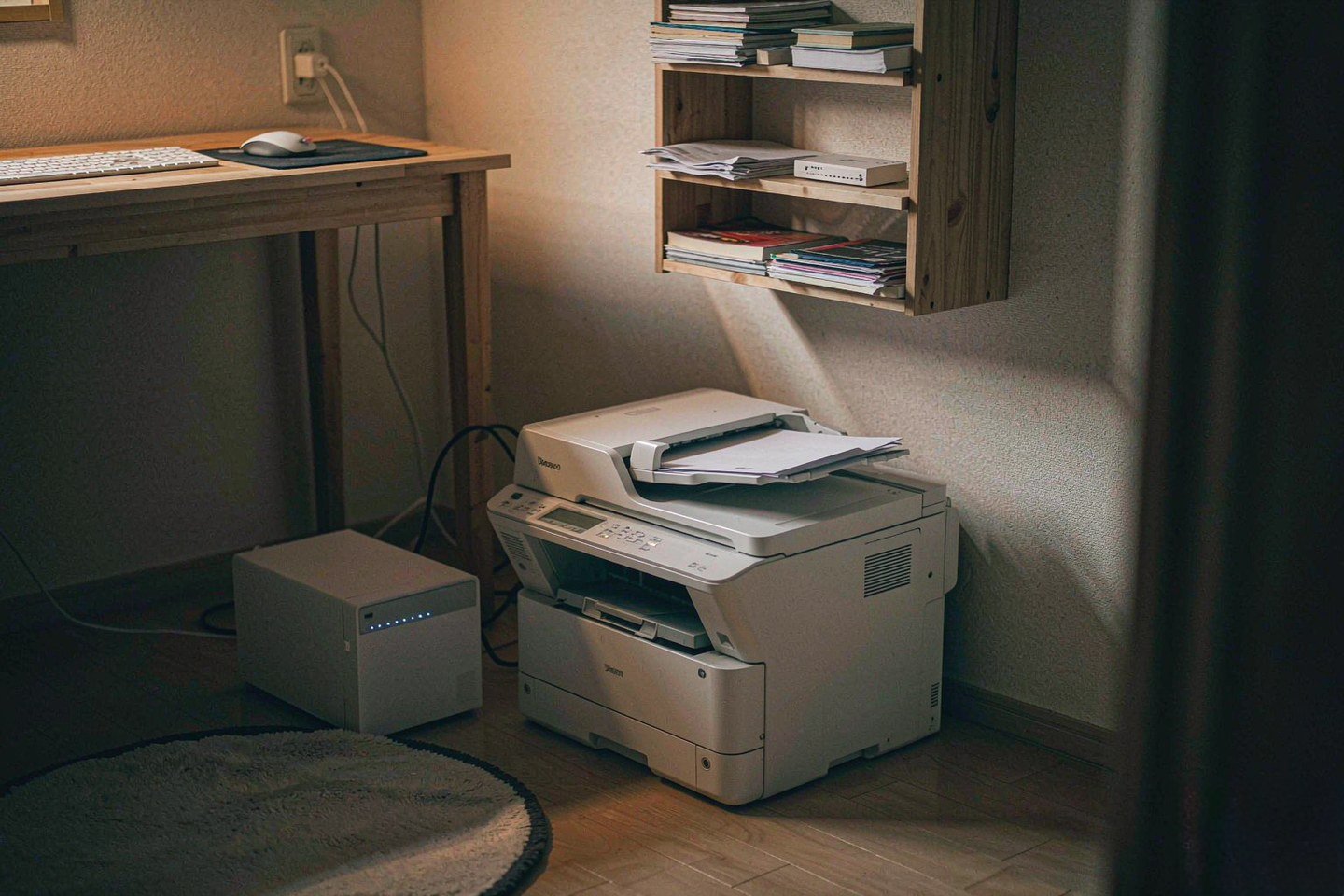
Direct answer up front, then the trade-offs that matter. This page covers brother printer and answers: What is a NAS and do I need one?.
By Leo · Hardware Reviewer
Beat: Drive bays, RAID and expandability · How we review
Quick Answer
Yes — a Brother all-in-one prints fine over a plain LAN, but printing is the easy half. The part people get wrong is where the scanned pages end up. Point Brother's scan-to-network-folder profile at a NAS share instead of a desktop, give it its own service account, and the same 50-sheet feeder that copies a contract also files it, searchable, with a version history. Worth it if you scan more than a few pages a week. Skip it if you print boarding passes twice a year.
Key Takeaways
- The news hook is a sale, not a product launch: Amazon's October Prime Big Deal Days ran on Oct. 7–8, 2026 (CNET, accessed 2026-10-08), and printers are one of the categories where the discounts are real rather than stretched list prices.
- Two independent 2026 buying guides still land on Brother for value: PCMag names the MFC-L3780CDW its best all-in-one laser printer, and Tom's Guide names the ink-tank MFC-T780DW its best-value pick (PCMag, accessed 2026-10-08; Tom's Guide, accessed 2026-10-08).
- Brother's own US store lists the MFC-L3780CDW at $569.99, the MFC-T780DW at $379.99 and the DCP-L2640DW at $209.99, all checked 2026-10-08. Street pricing moves: Tom's Guide lists the MFC-T780DW at $340, roughly 10% under Brother's list.
- The printer does no OCR. If you want searchable scans, the OCR job lives on the NAS, on a schedule, after the file lands.
- Scan-to-folder is an SMB share with a username and password. Create a dedicated service account, not your own admin login.
What Actually Changed This Month
Nothing about the hardware. The MFC-L3780CDW and the DCP-L2640DW are the same machines they were in September. What changed is the buying window: Amazon's second Prime Day of the year, branded Prime Big Deal Days, closed on Oct. 8, 2026 (CNET, accessed 2026-10-08).
That matters for one reason. Office printers are a category where a "deal" is usually a genuine cut, because the markup supports it and nobody buys a printer by impulse. If you were already planning to replace an inkjet that drinks cartridges, the discount is the only part of the decision that was ever time-sensitive. The setup work — network, share, OCR — is identical whether you paid $209.99 or $340.
Two guides published in 2026 both keep Brother in the frame, and they disagree about which Brother. PCMag's all-in-one roundup puts the Brother MFC-L3780CDW at the top of its laser picks and points to the 50-page single-pass duplexing ADF and NFC badge authentication as the reasons (PCMag, accessed 2026-10-08). Tom's Guide's own roundup gives its value slot to the INKvestment MFC-T780DW, an inkjet, on the strength of running costs rather than features (Tom's Guide, accessed 2026-10-08). Those are two different readers. One prints 200 pages a week in color and wants the ADF. The other prints 30 pages a month and wants to stop feeding cartridges.
Brother's 2026 All-in-One Lineup, Side by Side
Every number below comes from Brother's own US product pages, checked 2026-10-08, and the price row is the same ledger the rest of this article draws on. Where the ledger has no verified value for a field, it shows a dash. It is not filled in from a similar model.
| Field | Brother MFC-T780DW | Brother DCP-L2640DW | Brother MFC-L3780CDW |
|---|---|---|---|
| Price (tracked) | Brother US store (list) $379.99 (2026-10-08);US street (Tom's Guide review) $340 (2026-10-08) | Brother US store (list) $209.99 (2026-10-08) | Brother US store (list) $569.99 (2026-10-08) |
| 1GbE ports | — | — | 1 port |
| Print speed | 16 ppm | 36 ppm | 31 ppm |
| Scan speed (black, ADF) | — | 23.6 ipm | 29 ipm |
| ADF capacity | 20 sheets | 50 sheets | 50 sheets |
| Input tray capacity | 150 sheets | — | 250 sheets |
| Automatic two-sided printing | Yes | — | Yes |
| Two-sided (duplex) ADF scanning | — | — | Yes |
| Dual-band Wi-Fi | — | Yes | Yes |
_Sources: Brother US — DCP-L2640DW product page (official specs) · Brother US — MFC-L3780CDW product page (official specs) · Brother US — MFC-T780DW product page (official specs)_
Read the dashes carefully, because two of them decide the article. The DCP-L2640DW column has no verified input-tray figure in the ledger, and the MFC-T780DW column has no verified dual-band Wi-Fi entry. Brother's pages for those models did not state those fields in a form we could verify, so they stay blank rather than getting borrowed from a sibling model. The same rule explains why the DCP-L2640DW has a dash under 1GbE ports: Brother lists Ethernet on that model without a speed rating, so we did not record a number.
The row that actually separates them is the second-to-last one. Only the MFC-L3780CDW lists two-sided scanning through the ADF. The MFC-T780DW ships a 20-page single-sided ADF per Brother's page, and Tom's Guide's review of the same machine notes that it does not make two-sided copies or scans through the feeder (Tom's Guide, accessed 2026-10-08). If your archive is double-sided contracts, that single row is the difference between one scan job and two.
Getting a Brother All-in-One onto the LAN
Wired first if you can. Brother's US pages list Gigabit Ethernet on the MFC-L3780CDW, Ethernet on the DCP-L2640DW, and wireless plus USB only on the MFC-T780DW (Brother US, accessed 2026-10-08). A printer that holds its own IPv4 address through a DHCP reservation is one less thing to re-pair after a router firmware update.
Then stop treating the printer as a printer. Brother's Embedded Web Server — the page you reach by typing the machine's IP address into a browser — is where scan profiles live. That is the panel worth configuring, not the touchscreen. Set the profile once, name it after the destination rather than the department, and every user gets the same behaviour.
The classic failure here is a scan profile that writes to somebody's laptop. It works until that laptop is asleep, on a different subnet, or replaced. Then the scans queue, fail, and nobody notices for a week. The fix is not a better profile. It is a different destination.
Where the Scans Should Land
A scan-to-network-folder profile on a Brother AIO writes to an SMB share with a username and password. Point it at the NAS, not at a workstation.
Three decisions do most of the work:
- One service account, not yours. Give the printer its own NAS account with write access to a single drop folder and nothing else. A printer credential sitting in a config page is not a place for an admin login.
- Drop folder in, watched folder out. The printer writes to
/scans/inbox. A scheduled job on the NAS moves and renames the file into/scans/archive/<year>/. This keeps partial writes away from anything your OCR job reads. - Versioning on the archive share. Scans get overwritten by mistake — same filename, second attempt, first file gone. Snapshotting the archive share costs you nothing visible and turns that into a two-click recovery.
One protocol caveat we could not fully verify across Brother's current firmware line-up: the SMB dialect each model negotiates. If a NAS has SMB1 disabled, as most do now by default, an older printer that only speaks SMB1 will fail the scan-to-folder job with a generic network error and no useful logging. Check the printer's own network settings page before you blame the share.
What Document AI on a NAS Actually Does
Nothing happens in the printer. A Brother AIO with the cloud shortcuts enabled can send a scan to Google Drive, Dropbox, Box or OneDrive from its own panel (Brother US, accessed 2026-10-08), but that is transport, not processing. The searchable text layer gets created somewhere else.
On a NAS, that means a scheduled OCR job — Tesseract or OCRmyPDF in a container is the common pattern — running over whatever landed in the inbox. Three consequences follow, and they are all about ordering.
- OCR runs after the file lands, not with it. A scan becomes searchable minutes later, not instantly. If your workflow assumes instant search, it assumes wrong.
- Snapshot before OCR, not after. If OCR writes back over the original, you want the snapshot to hold the pre-OCR file. Get the order backwards and a bad OCR pass silently replaces your clean scan.
- Clean file names carry more weight than good OCR. A 200-page archive tagged
scan_0001.pdfis effectively unsearchable no matter how good the text layer is.
We could not verify accuracy figures for any consumer NAS OCR pipeline, and we are not going to invent one. What we can say is what the ledger says: the DCP-L2640DW feeds 50 pages per batch and the MFC-T780DW feeds 20 (Brother US, accessed 2026-10-08). A 500-page archive is therefore ten batches on the DCP and twenty-five on the ink tank. At roughly a minute per batch of handling, that is the difference between fifteen minutes and half an hour of standing at the machine.
Feeder size is only half of throughput. Brother lists ADF scan speeds of 23.6 ipm in black on the DCP-L2640DW and 29 ipm in black on the MFC-L3780CDW (Brother US, accessed 2026-10-08). The MFC-T780DW's page lists no ADF scan speed at all, so the ledger carries a dash there instead of a borrowed figure.
Real-World Scenario: LAN Printer Sharing & AI Document Layout Processing
This is the use case that turns a printer purchase into a filing decision: a household or small office with one Brother AIO, several computers, and a growing pile of paper that somebody will eventually need to search.
What this changes for the use case
The printer stops being a device with its own storage problem and becomes an input device on the same network as everything else. Documents flow one way: paper → ADF → SMB share → OCR job → indexed archive. Nobody has to remember whose laptop received the file, because no laptop receives it.
It also changes who can retrieve a document. With a NAS share, retrieval is a permissions question. The person who needs last year's insurance scan gets read access to the archive folder; they do not need to ask the person who ran the scans.
Hardware and software requirements
- A Brother AIO with a scan-to-network-folder or scan-to-SMB profile. All three models in the table support scan-to destinations; only the MFC-L3780CDW lists duplex ADF scanning (Brother US, accessed 2026-10-08).
- A NAS reachable over the same LAN, with SMB enabled and a dedicated service account.
- A NAS account with write access limited to the inbox folder.
- Snapshot or versioning enabled on the archive share. This is the requirement people skip.
- An OCR job — a container running Tesseract or OCRmyPDF, or a NAS package that does the same work — on a schedule you choose.
Limits, caveats, and who should skip it
The 20-sheet ADF on the MFC-T780DW is the binding constraint if you bought that model for its ink costs: a 300-page archive is fifteen loading cycles. Two-sided originals also become two single-sided files unless the scan path supports duplex ADF, which Tom's Guide reports the MFC-T780DW does not (Tom's Guide, accessed 2026-10-08).
Skip the NAS half of this entirely if you scan a form a month. A folder on a desktop with a backup is the honest answer at that volume, and you will spend less time maintaining it than the OCR schedule takes to explain.
What This Costs
Brother's US store lists the MFC-L3780CDW at $569.99, the MFC-T780DW at $379.99 and the DCP-L2640DW at $209.99, all checked 2026-10-08. Channels differ from that list: Tom's Guide lists the MFC-T780DW at $340 in the same week, about 10% below Brother's own price, so quote the channel when you quote the number.
Running cost is where the ink-tank model earns its place. Tom's Guide's own test numbers for the MFC-T780DW come out at 0.3 cent per black page and 0.94 cent per color page, against the same publication's estimate of about 51 cents per color page on a four-cartridge laser (Tom's Guide, accessed 2026-10-08). Do not read that as a printer-versus-printer verdict — it is a cartridge-versus-tank comparison, and the laser wins on speed, duplex ADF scanning and paper capacity in the same table.
We are not quoting NAS prices in this piece. Whatever NAS you already own is the correct starting point, and the number that changes the decision here is the printer.
Frequently Asked Questions
Can a Brother printer scan directly to a NAS?
Yes, through a scan-to-network-folder profile that writes to an SMB share. The printer needs a share address, a username and a password. On the NAS side, create a service account that can write only to the drop folder the printer uses (Brother US, accessed 2026-10-08).
Do I need Ethernet, or is Wi-Fi enough for scan-to-NAS?
Wi-Fi works for scanning. Ethernet is more predictable, and it also removes one variable when a scan job fails silently at 2 a.m. Brother's US pages list Ethernet on the MFC-L3780CDW and the DCP-L2640DW, and wireless plus USB only on the MFC-T780DW (accessed 2026-10-08).
Does the Brother MFC-T780DW scan both sides through the ADF?
No. Brother's page lists a 20-page single-sided ADF, and Tom's Guide reports that the machine does not make two-sided copies or scans through the feeder (accessed 2026-10-08). Two-sided originals come out as two separate single-sided files.
Is OCR done by the printer or by the NAS?
By the NAS, on a schedule. The printer's cloud shortcuts move files to Google Drive, Dropbox, Box or OneDrive, but the searchable text layer is produced by whatever OCR job you run afterwards (Brother US, accessed 2026-10-08).
Which of these three models should I buy for a scan-heavy workflow?
The MFC-L3780CDW, if duplex ADF scanning matters. It is the only one of the three whose Brother spec page lists two-sided scanning through the feeder, and it carries a 50-sheet ADF against the MFC-T780DW's 20 sheets (Brother US, accessed 2026-10-08). It also costs the most, at $569.99 list.
Sources
- Brother US — MFC-L3780CDW product page, specifications and list price. https://www.brother-usa.com/products/mfcl3780cdw (accessed 2026-10-08)
- Brother US — DCP-L2640DW product page, specifications and list price. https://www.brother-usa.com/products/dcpl2640dw (accessed 2026-10-08)
- Brother US — MFC-T780DW product page, specifications and list price. https://www.brother-usa.com/products/mfct780dw (accessed 2026-10-08)
- PCMag — all-in-one printers roundup, 2026. https://uk.pcmag.com/all-in-one-printers/14555/the-best-all-in-one-printers (accessed 2026-10-08)
- Tom's Guide — best all-in-one printers, 2026. https://www.tomsguide.com/us/best-all-in-one-printers,review-2026.html (accessed 2026-10-08)
- Tom's Guide — Brother INKvestment MFC-T780DW review. https://www.tomsguide.com/computing/printers/brother-mfc-t780dw-printer-review (accessed 2026-10-08)
- CNET — Amazon Prime Big Deal Days deals roundup, sale ran Oct. 7–8, 2026. https://www.cnet.com/deals/embrace-the-nomad-lifestyle-with-this-early-black-friday-sale/ (accessed 2026-10-08)
- Related reading on this site: how many drive bays you actually need and what a NAS is for.
Run your own 5-year cost comparison with the on-site calculator
信息型内容且无合作相关标签 → 不放商业位
Open the cost calculator →Related reading
Was this article helpful?
One tap, no account and no comment box. It tells us which guides are actually worth updating.
How many drive bays is your NAS?
This is how we decide which setups to cover next.
Thanks.
Need help with a specific setup?
Storage choices depend on your drives, your budget and how many people share the box. Tell us what you are building and we will point you at a configuration that fits — no obligation, no sales script.
Affiliate Disclosure: SecureNAS Hub may earn a commission from qualifying purchases made through links on this page, at no extra cost to you. Facts and figures are attributed in the Sources list; nothing on this page is a fabricated test result. See our full disclosure. Product images are either supplied by the manufacturer or clearly labelled as illustrative renders; each one is captioned accordingly. Last reviewed 2026-10-08.