NAS Guides · Published 2026-11-19
What Is a Private AI Cloud, and Do You Need One
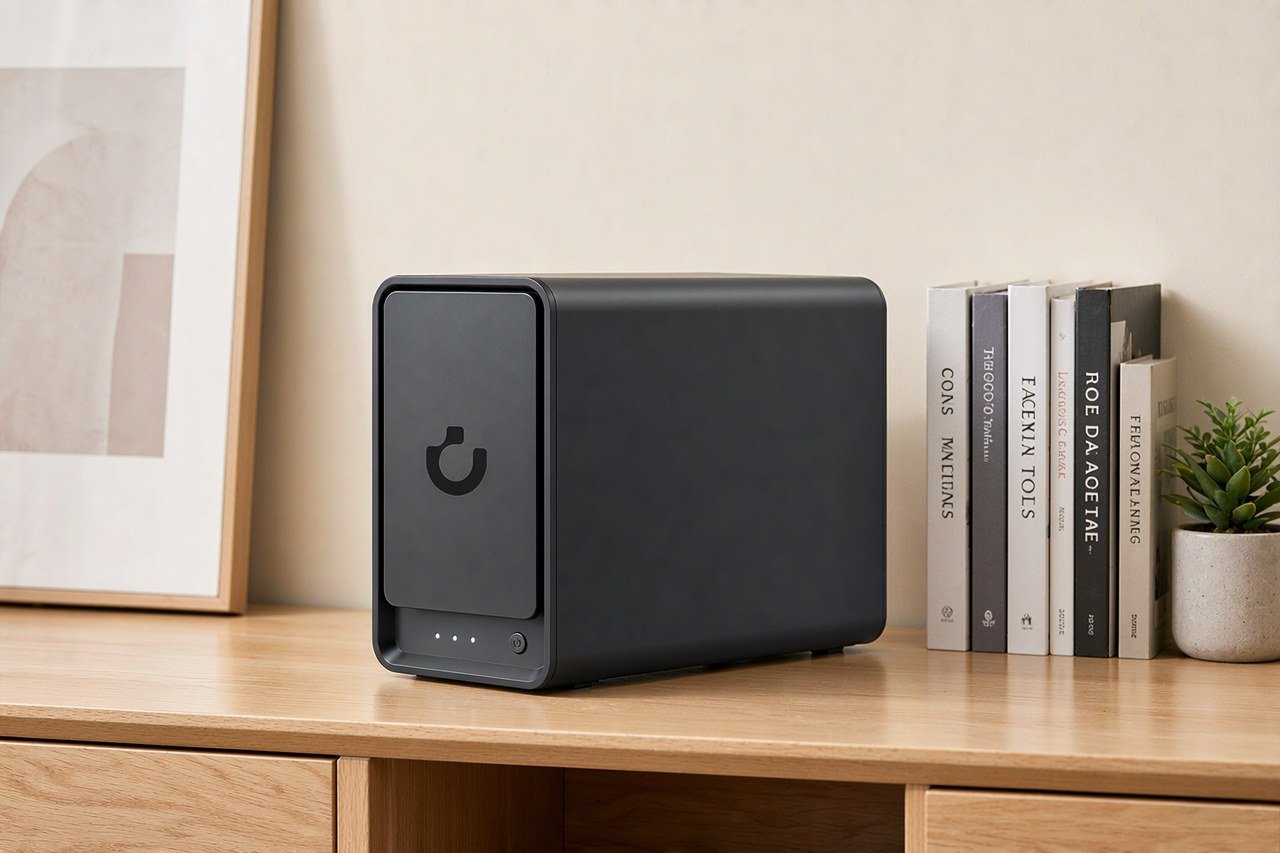
Direct answer up front, then the trade-offs that matter. This page covers private ai cloud and answers: what is private cloud ai.
By Lillian · Senior Editor, Buying Guides
Beat: Buying guides · How we review
Quick Answer
A private AI cloud is AI infrastructure you control: models, prompts and results run on hardware and software in your own home or organisation, not on someone else's servers. You need one only if prompts contain data you cannot send off-site, or if you want inference that keeps working when a subscription lapses. For most households, a single NAS with local models is enough. A rack is not.
Key Takeaways
- Local means local. Ollama's own FAQ says "Ollama runs locally. We don't see your prompts or data when you run locally." Cloud features can be disabled with
OLLAMA_NO_CLOUD=1(accessed 2026-11-19). - The hardware floor is modest for small models. Microsoft's Windows AI docs list Foundry Local for LLMs and voice-to-text, and Windows ML for ONNX models on Windows 10 and later (accessed 2026-11-19).
- Our tracked price for a UGREEN NASync DXP4800 Plus was $619.99 at the UGREEN US store on 2026-11-17. A DXP2800 was $389.99 the same day. Both prices move; check before you buy.
- Skip this if you only use AI for public web searches. A private AI cloud adds cost, heat and maintenance for a benefit you will not notice.
Definition
The phrase gets used two ways. Vendors mean a rack in your data centre running models behind an internal API. Home users mean a box on the LAN that answers questions without shipping them to OpenAI or Google. Both describe the same property: the inference happens on infrastructure you own. Everything else is detail.
A useful test is the prompt path. Ask where your text goes after you press enter. If it travels to a third party's endpoint, you have a cloud AI service with a private login, not a private AI cloud. Ollama draws this line explicitly: running locally means the vendor does not see prompts or data, while cloud-hosted models are processed remotely (docs.ollama.com/faq, accessed 2026-11-19).
The "cloud" part is about access, not location. A NAS in a study can still serve a model to a laptop, a tablet and a TV on the same network. To the apps using it, that looks like a cloud API. To you, it is a machine you can unplug.
One boundary matters. A private AI cloud does not make a model private by magic. Models are downloaded weights; they carry the biases and training data of whoever published them. Running an open model locally changes who sees your prompt, not what the model knows. We could not verify any vendor claim that local inference is inherently more accurate than a hosted model, and we would not repeat it if we could.
Cost is the second boundary. The hardware is a capital expense, and electricity is recurring. Our price ledger tracks a DXP4800 Plus at $619.99 (UGREEN US store, 2026-11-17). That is the entry ticket before drives. A diskless box does not answer questions on its own.
How It Works
Three layers do the work. A model runner loads weights and serves an API. An application layer sends prompts and renders answers. Storage holds the weights, the logs and whatever documents you want the model to read. On a home NAS these layers often live in containers on the same machine.
Microsoft's current documentation describes the equivalent on Windows: Foundry Local supplies ready-to-run LLMs and voice-to-text models, while Windows ML runs ONNX models locally through ONNX Runtime on Windows 10 and later PCs (learn.microsoft.com, accessed 2026-11-19). Speech recognition can use Whisper through Foundry Local. That matters for the voice-search scenario later in this piece: transcription happens on the box, not at a speech API.
Model size sets the hardware. Ollama shows the practical test: ollama ps tells you whether a model is loaded entirely in GPU memory, entirely in system memory, or split across both (docs.ollama.com/faq, accessed 2026-11-19). A 70-billion-parameter model in that example occupied 42 GB. We are not quoting that as a requirement for your setup; we are showing why "it runs on a NAS" is not the same sentence as "it runs well on a NAS."
Here is what our spec ledger records for the machines people actually buy for this. Prices other than the UGREEN rows are historical readings from 2026-10-02, not current quotes. A dash means the field is not verified in our ledger; we have not filled it with a competitor's number.
| Field | UGREEN NASync DXP4800 Plus | Synology DiskStation DS925+ | QNAP TS-464 (8 GB) | TerraMaster F4-424 Pro |
|---|---|---|---|---|
| Price (tracked) | UGREEN official store (US), sale price $619.99 (2026-11-03);UGREEN official store (US), Black Friday Early Deals $619.99 (2026-11-17) | Amazon $749.76 (2026-10-02, stale) | Amazon $639 (2026-10-02, stale) | DatacenterDisk listing $730.99 (2026-10-02, stale) |
| Drive bays (SATA) | 4 bays | 4 bays | 4 bays | 4 bays |
| M.2 NVMe slots | 2 slots | 2 slots | 2 slots | 2 slots |
| Max raw capacity | 144 TB | — | — | 88 TB |
| Max bays with expansion | — | 9 bays | — | — |
| Hot-swap bays | Yes | Yes | Yes | Yes |
| CPU | Intel Pentium Gold 8505 | AMD Ryzen V1500B | Intel Celeron N5095 | Intel Core i3-N305 |
| CPU cores | 5 cores | 4 cores | 4 cores | 8 cores |
| Installed RAM | 8 GB | 4 GB | 8 GB | 32 GB |
| Max RAM | 64 GB | 32 GB | 16 GB | 32 GB |
| RAM slots | — | 2 slots | 2 slots | 1 slot |
| ECC RAM | — | Yes | — | — |
| RAM soldered (not upgradeable) | No | — | — | — |
| 2.5GbE ports | 1 port | 2 ports | 2 ports | 2 ports |
| 10GbE ports | 1 port | — | — | — |
| PCIe slots | — | — | 1 slot | — |
| USB ports | 4 ports | 2 ports | 4 ports | 2 ports |
| HDMI output | 4K 60Hz | — | 4K 60Hz | 4K 60Hz |
| Form factor | Desktop tower | Desktop tower | Tower | Desktop tower |
| Weight | — | 2.26 kg | 2.26 kg | 3.4 kg |
| Internal filesystem | — | Btrfs, ext4 | — | — |
| Warranty | 2 years | 3 years | 3 years | 2 years |
Read the table as a constraint map, not a scoreboard. Two M.2 slots on the DXP4800 Plus mean you can add fast cache or model storage, but they do not add VRAM. A Pentium Gold 8505 with 8 GB installed RAM will run small quantised models and will struggle with large ones. The DS925+ and TS-464 rows show two 2.5-gigabit ports each; the DXP4800 Plus row shows one 2.5-gigabit port and one 10-gigabit port. Pick the network that matches your switch, not the longer spec line.
The trade-off is simple. A NAS gives you always-on storage and a low idle power draw. A desktop with a discrete GPU gives you faster tokens. You cannot buy both properties in one sub-$700 box, and anyone who says otherwise is selling something.
Why It Matters
Privacy is the honest reason. Every prompt you send to a hosted model is a copy of whatever you were working on. For a grocery list that is trivial. For medical notes, client contracts or a child's school records, it is a decision with consequences. Local inference keeps the copy on your disk.
Reliability is the reason nobody advertises. A hosted AI feature is a feature that stops working when the vendor changes pricing, deprecates an endpoint or decides your account tier no longer includes it. Local software can break too, but the failure modes are yours to inspect. You can read the logs.
Cost behaves differently. Subscriptions are small and endless; hardware is large and finite. A $9.99 monthly plan is $119.88 a year and keeps billing. Our price ledger has a DXP2800 at $389.99 and a DXP4800 Plus at $619.99, both checked 2026-11-17. Three years of the monthly plan buys a lot of compute, and the NAS remains yours after the third year.
That arithmetic only works if you actually use the thing. We see the opposite failure often enough to name it: a box bought for self-hosting, used for six weeks, then left running as an expensive heater. The cost is not the purchase price. The cost is the purchase price divided by the hours you got back.
Our take: build a private AI cloud when the data rule is real, not aspirational. If nobody in your house would object to the prompt leaving the building, you are buying a hobby, not privacy.
Common Misconceptions
"Private means encrypted." Encryption protects data at rest and in transit. It does not stop a hosted provider from receiving a decrypted prompt. A local model changes the route, not the cipher.
"Local AI is free." The model weights may be free; the electricity, drives and your time are not. Our tracked WD Red Plus 8 TB was $434.99 at the Western Digital US store on 2026-11-17, and you need at least one. Running a model also generates heat, and a small NAS in a closed cabinet will throttle.
"Any NAS can run LLM." Some can, slowly. The spec table above separates installed RAM from maximum RAM for a reason. Upgrading later costs money and, on some chassis, means removing drives. The DXP4800 Plus row lists 8 GB installed and a 64 GB ceiling; those are two different facts.
"Self-hosted means no updates." You still patch the OS, the container runtime and the model runner. You also decide when. That control is the point, and it is also a chore you cannot outsource.
"Voice search needs the cloud." It does not. Microsoft's speech-recognition path includes Whisper via Foundry Local (accessed 2026-11-19). Accuracy on a noisy room or an unfamiliar name is a separate question, and we could not verify a head-to-head comparison we would trust.
Related Terms
Inference is the act of running a trained model on new input. Training is the expensive part you skip; inference is the part you do every day.
Quantisation stores model weights at lower precision so they fit in less memory. It trades a little accuracy for a large drop in RAM use. When a spec sheet says "runs in 8 GB," quantisation is usually why.
ONNX is a model format designed to move between runtimes. Windows ML uses ONNX Runtime with execution providers for CPU, GPU and NPU (learn.microsoft.com, accessed 2026-11-19).
Facade is not an AI term. It is the pattern a media server uses to show one library while pulling from several disks. Jellyfin describes itself as a free media system that puts you in control of managing and streaming your media (jellyfin.org/docs, accessed 2026-11-19), and it has installation paths for Docker, Synology and TrueNAS.
Reverse proxy sits in front of your local services and handles incoming requests. It is how you reach your AI from outside without exposing the model runner directly. Our guide to remote NAS access without port forwarding covers the safer variants.
Real-World Scenario: Voice Search on the Living-Room Screen
What this changes for the use case
Picture a family room with a TV, a remote and a library of films on a NAS. The old setup sends each spoken query to a cloud service and plays back whatever it finds. A private version keeps the audio on the LAN: speech to text on the box, a local model that turns "that space film with the desert" into a search, then a media server that returns matching titles. Jellyfin is one of the pieces that can serve the library; it is free software and runs on hardware you own (accessed 2026-11-19).
Nobody notices the architecture when it works. They notice that the search returns something on the first try and that the household account cannot see another person's private folders. Permissions still matter with local AI. A model that can read your library will read whatever the service account can read.
Hardware and software requirements
You need a machine that stays on, a model runner, a transcription path and a media server. On Windows, Microsoft documents Foundry Local for local LLMs and voice-to-text, with Whisper available for speech recognition (accessed 2026-11-19). On a NAS, the equivalent is a container stack: a model runner such as Ollama, a speech-to-text service and Jellyfin.
Budget for storage separately. Our ledger puts a WD Red Plus 8 TB at $434.99 on 2026-11-17. Media fills drives faster than model weights do. If you want the DXP4800 Plus at $619.99 (UGREEN US store, 2026-11-17), you are looking at $1,054.99 before tax for one box and one drive. We are adding two verified ledger readings, not inventing a bundle price.
Network choice is a real decision here. The spec table shows one 2.5-gigabit and one 10-gigabit port on the DXP4800 Plus, against two 2.5-gigabit ports on the DS925+ and TS-464. Streaming a 4K remux to one TV does not need 10 gigabits. Several simultaneous streams and a large backup target make the faster port worth having, provided the rest of your LAN agrees.
Limits, caveats, and who should skip it
Voice search is where local AI shows its rough edges. A model that parses "the film with the red jacket" on a quiet evening may fail with three people talking and the television on. We could not verify a controlled accuracy comparison between local Whisper and a hosted speech API, so treat any confident claim on that point as unverified.
Worth it if you already keep media locally, you have a reason to keep prompts on-site, and you are comfortable maintaining containers. Skip it if your household watches everything through a streaming app, if nobody wants to administer a server, or if your main use is public fact-finding that a web search answers better.
The box also has to live somewhere. A NAS in a cupboard with no airflow will thermal-throttle under sustained inference. That is a real limit, and no amount of prompt engineering fixes it.
Frequently Asked Questions
What is a private AI cloud?
It is AI capacity you control rather than rent. Models run on your own hardware, and prompts and results stay on infrastructure you own. The "cloud" describes network access from your devices, not the location of the servers. A home NAS serving a local model to a TV and two laptops fits the definition. A hosted chatbot with a private account does not.
Is a private AI cloud the same as an AI NAS?
Not exactly. An AI NAS is a storage device with enough compute to run models. A private AI cloud is the broader setup: hardware, model runner, applications and access rules. You can build one on a NAS, a desktop or a small server. The NAS route wins on always-on storage; the desktop route wins on inference speed.
Do I need a GPU for local AI?
For small models, no. Ollama's ollama ps command shows whether a model is in GPU memory, system memory or split across both (accessed 2026-11-19). Large models benefit from a GPU, and some will not load usefully without one. Start with the model you intend to run, then buy hardware that fits it.
How much does a private AI cloud cost at home?
Our ledger tracked a UGREEN NASync DXP2800 at $389.99 and a DXP4800 Plus at $619.99, both at the UGREEN US store on 2026-11-17. At least one drive is extra; a WD Red Plus 8 TB was $434.99 at Western Digital US on 2026-11-17. We could not verify current pricing for every configuration, so check the retailer before committing.
Does local AI keep my data private?
It changes who sees a prompt. Ollama states that it does not see prompts or data when running locally, and that cloud features can be disabled (accessed 2026-11-19). It does not make downloaded models trustworthy, and it does not protect a shared NAS from other accounts on the same network. Permissions still apply.
Who should skip a private AI cloud?
Anyone whose prompts are public already, anyone who needs frontier-model quality for paid work, and anyone who does not want to maintain servers. For those cases a paid hosted service is cheaper in time and gives better results. The honest audience is smaller than the marketing suggests.
Sources
- Microsoft Learn — Use local AI with Microsoft Foundry on Windows (accessed 2026-11-19): https://learn.microsoft.com/en-us/windows/ai/overview
- Ollama — Local FAQ (accessed 2026-11-19): https://docs.ollama.com/faq
- Jellyfin — Documentation (accessed 2026-11-19): https://jellyfin.org/docs/
- UGREEN — NASync DXP4800 Plus product page (price verified 2026-11-17 in our ledger): https://nas.ugreen.com/products/ugreen-nasync-dxp4800-plus-nas-storage
Run your own 5-year cost comparison with the on-site calculator
Every figure above is attributed in the Sources list — put your own drive count and subscription tiers into the calculator to see where you land.
Open the cost calculator →Related reading
- AI NAS vs Traditional NAS: What Actually Differs · strong
- Best AI NAS for Local AI Workloads · strong
- Plex vs Jellyfin on a Home NAS · supporting
- Remote NAS Access Without Port Forwarding · supporting
Was this article helpful?
One tap, no account and no comment box. It tells us which guides are actually worth updating.
How many drive bays is your NAS?
This is how we decide which setups to cover next.
Thanks.
Need help with a specific setup?
Storage choices depend on your drives, your budget and how many people share the box. Tell us what you are building and we will point you at a configuration that fits — no obligation, no sales script.
Affiliate Disclosure: SecureNAS Hub may earn a commission from qualifying purchases made through links on this page, at no extra cost to you. Facts and figures are attributed in the Sources list; nothing on this page is a fabricated test result. See our full disclosure. Product images are either supplied by the manufacturer or clearly labelled as illustrative renders; each one is captioned accordingly. Last reviewed 2026-11-19.