NAS Guides · Published 2026-10-09
Steam Deck Game Library on a NAS: Backups and Storage Math
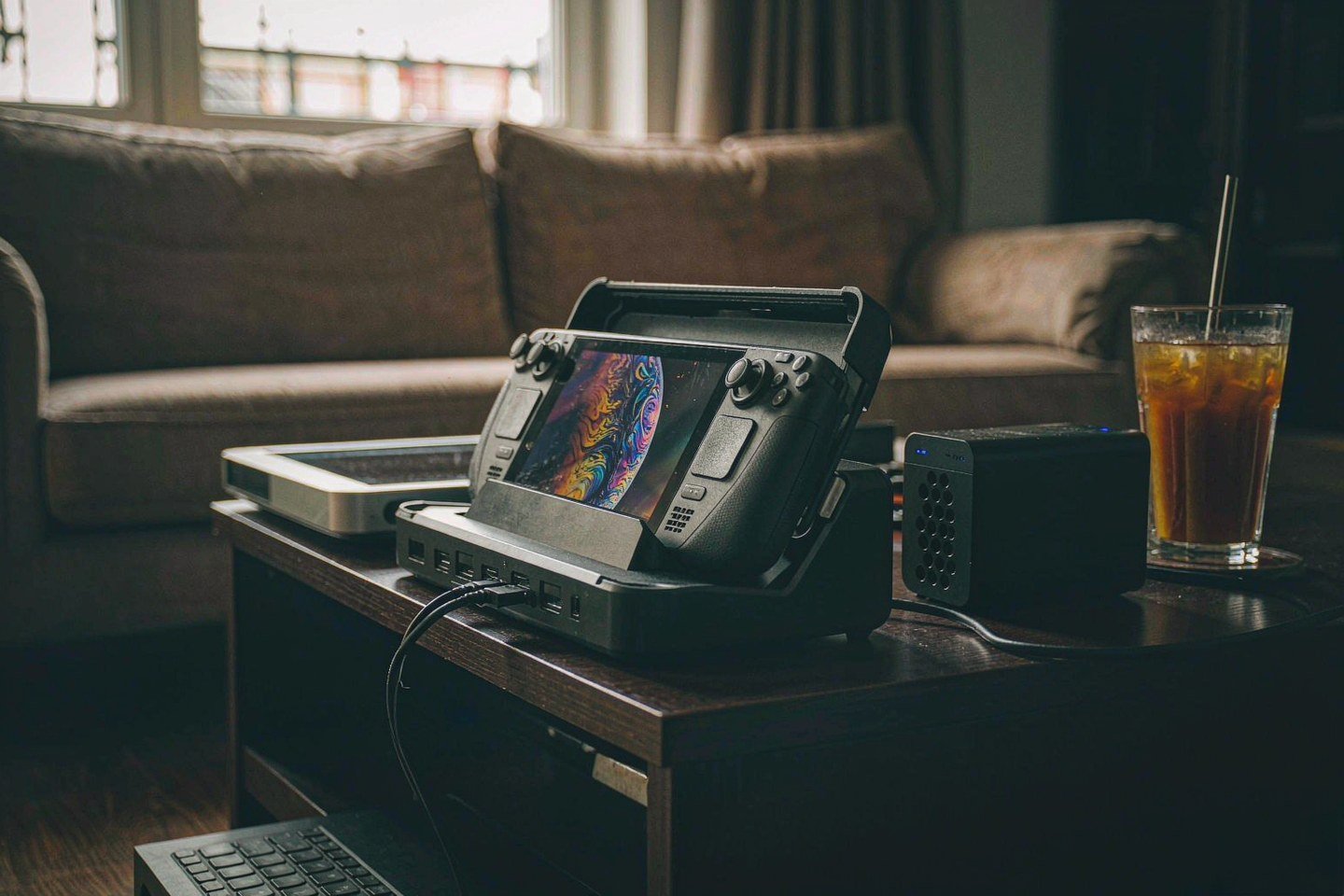
Direct answer up front, then the trade-offs that matter. This page covers steam deck and answers: What is a NAS and do I need one?.
By Konpin · Founder / Lead Analyst
Beat: Private-cloud economics · How we review
Quick Answer
A NAS will not make Steam Deck games load faster, and Valve does not officially support installing Steam games to a network share. What a NAS does well is hold the parts of a game library that do not need instant reads: install archives, screenshots and clips, mod packs, emulator ROM sets, and versioned save backups. Budget for it as an archive tier sitting behind the Deck's own flash, not as extra internal storage.
Key Takeaways
- Valve's tech specs page lists the Steam Deck OLED with 512 GB or 1 TB of NVMe storage, a microSD UHS-I slot and 16 GB of onboard RAM (Valve, accessed 9 October 2026). There is no drive bay to fill, so any expansion beyond a memory card happens off-device.
- Steam Deck OLED pricing changed on 27 May 2026: $789 for 512 GB and $949 for 1 TB, up from $549 and $649 (Tom's Guide, accessed 9 October 2026).
- Network drives and removable USB storage are not officially supported as Steam library folders, and Steam may not offer a mapped share as an install target at all.
- 2026 is a bad year to buy hard drives casually. Western Digital says its supply agreements now extend into calendar 2028 and 2029, and Seagate says nearline capacity is almost fully allocated through calendar 2027 (Tom's Hardware, accessed 9 October 2026).
- Buy the archive tier once, at the capacity you can actually find, and keep the active library on local flash.
What Changed
On 29 September 2026, AMD shipped Adrenalin 26.9.2, and a database file inside the driver carried a chip codename that had not been seen in public before: Gainsborough. Reporters matched the name against AMD's existing semi-custom handheld parts — Aerith in the LCD Deck, Sephiroth in the OLED — and read it as the strongest hint yet at Steam Deck 2 silicon. The rumoured configuration is a TSMC N3P part with four to eight Zen 6c cores and twelve to twenty-four RDNA 5 compute units, and a launch window of late 2027 or 2028. None of that is official. AMD has announced nothing, Valve has announced nothing, and the sourcing is a mix of driver strings, customs records and one well-known YouTube channel. Unconfirmed, all of it.
The price direction is not a rumour. Valve moved Steam Deck OLED pricing on 27 May 2026 to $789 for the 512 GB model and $949 for the 1 TB, and coverage ties the change to memory and storage costs rather than new hardware (Tom's Guide, accessed 9 October 2026). The cheaper LCD tier has been retired by most accounts, although Valve's own comparison page still lists a 256 GB LCD configuration — we could not verify whether any regional stock is still shipping.
Put those two facts together and the question shifts. Nobody is promising a bigger SSD next generation. The Deck's ceiling is a memory card.
Who Is It For
The people who genuinely need this are the ones who have re-downloaded the same 80 GB game twice. Your Steam licences travel; the bytes do not. Re-imaging a Deck, swapping a microSD card, or adding a desktop PC to the household means downloading everything again, at whatever speed your ISP and the CDN decide.
Three groups come out ahead:
- Travellers and commuters who keep a rotating handful of games installed and want the rest of the library somewhere that is not the internal SSD.
- Modders and emulator users whose mod packs, texture packs and ROM sets exist in no storefront and cannot be re-downloaded at any price.
- Multi-device households running a Deck and a gaming PC off one library, where save files and install archives are worth more than the games themselves.
Everyone else can stop here.
If you own four games, finish them, and never install a mod, a NAS is overkill. A 1 TB microSD card plus Steam Cloud covers you.
Key Specifications
A Steam Deck has no drive bays. The OLED models ship with 512 GB or 1 TB of NVMe storage, one microSD UHS-I slot and 16 GB of RAM soldered to the board (Valve, accessed 9 October 2026). Nothing inside is user-serviceable for capacity. That single constraint is why a network archive enters the conversation at all.
Capacity and bays
Storage planning for a Deck is really a two-tier problem. Tier one is the internal NVMe drive, which you cannot swap without opening the chassis and voiding your patience. Tier two is a microSD card, which Valve lists as UHS-I with SD, SDXC and SDHC support. Cards are cheap and slow.
A card full of current releases also means one small, easily lost object holding your entire installed library. That is a lot of eggs in a very small basket, and microSD failure modes are quiet rather than dramatic.
An archive tier sits behind both. On the NAS side, capacity comes from 3.5-inch drives in a multi-bay enclosure, and the cost of those drives is where 2026 bites. Two 8 TB NAS drives in our own price ledger were listed at $347 (Seagate IronWolf, model ST8000VN004, Amazon, checked 2 October 2026) and $431 (WD Red Plus, model WD80EFPX, DatacenterDisk listing, checked 2 October 2026). That works out to $43.38 per terabyte on the cheaper drive, before you count the enclosure, the redundancy overhead or electricity. Channel matters here: the two listings differ by about 20 percent for the same nominal capacity class, so quote the retailer, not a "market price".
Connectivity
The Deck end is sparse and current-generation: one USB-C port that carries DisplayPort video, USB 3 Gen 2 data and PD3.0 charging, plus Wi-Fi 6E and Bluetooth 5.3 on the OLED model (Valve, accessed 9 October 2026). There is no Ethernet jack, so bulk transfers ride Wi-Fi unless you dock.
The network end decides how painful archiving feels. At 1GbE, practical file transfers land around 110 MB/s; a 2.5GbE link reaches roughly 250 to 280 MB/s under good conditions; 10GbE tops out near 1.25 GB/s in theory (UGREEN, accessed 9 October 2026). Local NVMe is faster than all of them by an order of magnitude. Copying an 80 GB install over 2.5GbE is a coffee break, not a catastrophe. Playing from that same share is a different experience, and not a good one.
Software stack
SteamOS 3 is Arch-based with a KDE Plasma desktop, and Proton handles Windows titles. The practical part is Steam's storage manager, which moves install folders between drives Steam recognises and verifies files afterwards (TechYorker, accessed 9 October 2026). A mapped network share is not one of those supported targets, and Steam's own documentation-adjacent guidance treats network drives and removable USB storage as unsupported: games can go missing when the path disappears.
So the workflow that actually holds up is copy-then-play. Archive install folders to the NAS, move the ones you are playing back to internal storage or a card, and let Steam verify. Slower than magic, and it survives a reboot.
What Is New
Five numbers tell you why the archive tier suddenly costs more than it did in 2024. Western Digital's chief executive Irving Tan says the company's supply agreements now run into calendar 2028 and 2029. Seagate's William Mosley describes nearline capacity as almost fully allocated through calendar 2027. Cloud and hyperscale buyers account for the overwhelming share of that demand, and the retail channel gets what is left (Tom's Hardware, accessed 9 October 2026).
The knock-on effect is that a NAS project pencilled in last year is a more expensive project today. Prices for the same nominal capacity have moved enough that waiting for a dip is a bet, not a plan. If you need the capacity now, buy the capacity now. If you can defer, note that nothing in the published supply commentary promises relief before 2028, and treat any smaller forecast as a guess.
Demand here is contractual, not speculative.
How It Compares
Every archive route saves you storage somewhere and charges you somewhere else.
| Route | Strength | Cost | Our take |
|---|---|---|---|
| microSD card | Cheap, pockets-sized, no setup | Slow reads, losable, one copy | Fine for one or two extra games; not an archive |
| USB-C SSD | Fast, portable, works docked | Occupies the only USB-C port, unplug mid-write risk | Good for travel kit, bad as the long-term copy |
| NAS share over SMB | Capacity, redundancy, snapshots, one copy of the bytes for the whole house | Enclosure, drives, wired network for bulk transfers | The right home for the archive tier |
| Cloud backup | Offsite by definition | Recurring fee, upload time, restore time | Keep it for the irreplaceable 5 percent, not for game installs |
The trade-off is not really about speed. It is about what you are willing to re-download. Game installs are replaceable in principle and miserable in practice. Saves, mods and captures are the opposite. Split the two, and the design decisions get easy: bulk installs go to the cheapest per-terabyte tier, and the small irreplaceable stuff gets the redundancy.
For readers comparing local storage against subscription tiers, our own public cloud vs private NAS cost breakdown covers the five-year arithmetic, and the creator-focused NAS shortlist covers enclosures if you also store footage.
Who Should Consider It
Buy the archive tier if you have more than about 2 TB of Steam content, if you keep mods you cannot re-download, or if two machines share your library and one of them is a Deck. Those cases pay back the enclosure quickly.
Skip it if any of these is true. You play two or three games at a time and delete them when done. You already pay for fast unlimited broadband and treat the library as disposable. You want a single box that both stores and plays your PC library over the network — that gets you stutter, failed updates and anti-cheat launchers that cannot find the install path.
Our take on the 2026 timing: the drives will not get cheaper in a hurry, so the decision is about whether you need the capacity or not. Buying drives to stockpile against future prices is the one move we would not make at these prices.
What Existing Users Should Know
LCD owners are in a different position from OLED owners. Valve's own comparison page still lists a 256 GB LCD configuration, while press coverage reports the LCD line as discontinued with remaining stock sold out — we could not verify which storefronts still list it. What is verifiable is that LCD-specific parts, batteries included, will get harder to source as inventory drains.
For anyone already running a Deck, three habits matter more than hardware:
- Keep install archives of the games you return to, rather than the games you intend to return to. Intent is a poor filter.
- Copy the folder that holds saves manually if a title predates Steam Cloud support or you sideload non-Steam games; store copies are not automatic for everything.
- Buy the archive box before the second 1 TB card. Two cards plus a dock already approach the cost of a modest enclosure, and cards fail quietly.
Real-World Scenario: Multi-Bay Hardware RAID Array & Data Security Protection
RAID is sold as data protection and understood as free insurance. It is neither. Applying it correctly to a game archive is straightforward once you say out loud what it actually protects: a dead disk at 2 a.m. Nothing else.
What this changes for the use case
With a single external drive holding your archive, one mechanical failure costs you every install and every mod you cannot re-download. A multi-bay array with parity or mirroring removes that specific failure mode, and only that one. Delete a folder by mistake and the deletion is mirrored instantly. Get hit by ransomware and the encrypted files overwrite the good ones. Drop the enclosure and parity does not help either.
For a game archive, the value is real but bounded. Losing install archives is annoying; losing saves and mod packs is permanent. So the array protects capacity, and something else has to protect the irreplaceable slice. Snapshots or a second copy elsewhere are what make the archive survive anything other than a failed drive.
Hardware and software requirements
The shopping list is short and boring. An enclosure with slots for the drives you own or plan to own, matching NAS-rated 3.5-inch drives, a gigabit or faster wired connection, and a filesystem that can checksum data. Btrfs, ZFS and Synology's SHR are the names you will see; any of them can schedule snapshots and scrub for silent corruption. A mirrored pair is the cheapest configuration with real protection, and parity across three or more drives buys capacity efficiency instead of speed.
On the software side you need nothing exotic: an SMB share your Deck or dock can reach, somewhere the archive lives, and a snapshot schedule short enough to matter. Do not let two machines write to the same archive path at once. Steam's own guidance is blunt about this — shared libraries are not designed for concurrent use.
Limits, caveats, and who should skip it
Rebuilds are the part nobody plans for. When a drive in an array fails and you replace it, the array has to reconstruct that data from parity. On spinning disks that takes hours, and it loads every remaining drive hard. During that window your data has less protection than it did before, which is why an array on its own is not a backup.
Noise and power are the other quiet costs. Four 3.5-inch drives in one box produce whir and heat that a bedroom setup notices, and a running array draws power all year whether you play or not.
Skip the array if your archive fits on a single external SSD and you can copy it twice. Skip it if you cannot put the box somewhere with airflow and a wired connection. And skip RAID entirely if what you actually want is a backup — RAID is not one, and no number of bays changes that. The configuration we would pick for a game archive is a mirrored pair plus snapshots, with the genuinely irreplaceable saves copied to a second location.
Frequently Asked Questions
What is a NAS and do I need one?
A NAS is a small computer with drive bays that shares files across your network over SMB or NFS. You need one if the same files have to be reachable from more than one device and the total is too big for a card or an external SSD. For a single Deck used alone, a large microSD card is simpler and cheaper.
How much does a home NAS cost?
We track drive prices, not every enclosure, so the honest answer splits in two. The two 8 TB NAS drives in our ledger were $347 and $431 in early October 2026 (Amazon and a DatacenterDisk listing respectively, checked 2 October 2026). An enclosure is the other half of the bill, and we could not verify current enclosure pricing — check the vendor page the day you buy.
How many bays do I need?
Two is enough for a mirrored pair, which is the cheapest configuration that survives a failed drive. Four makes sense when you need substantially more capacity than two drives provide, or when you want parity across several disks with the option to expand one drive at a time. More bays than you can fill is money spent on an empty cage.
Can a NAS replace cloud storage?
For game installs and media archives, yes — you control the copy and you are not paying rent for bytes you already own. For anything you cannot recreate, no. A NAS does not survive fire, theft or a flooded basement by itself, so the irreplaceable files still need an offsite copy. Use cloud capacity for that, not for the 80 GB install you can download again.
Sources
- Steam Deck — Tech Specs (official: 6 nm AMD APU, Zen 2 4c/8t, 16 GB LPDDR5, microSD UHS-I, 50 Whr, DisplayPort over USB-C) — https://www.steamdeck.com/en/tech (accessed 9 October 2026)
- Steam Deck — Compare models (256 GB LCD / 512 GB OLED / 1 TB OLED) — https://www.steamdeck.com/en/ (accessed 9 October 2026)
- Tom's Guide — Best handheld gaming consoles in 2026 (Steam Deck OLED at $789 for 512 GB and $949 for 1 TB after the 27 May 2026 increase) — https://www.tomsguide.com/us/pictures-story/1340-best-handheld-consoles.html (accessed 9 October 2026)
- Tom's Hardware — Crushing shortages have pushed long-term supply agreements for SSDs and HDDs to record five years (Irving Tan, Western Digital: agreements extending into calendar 2028 and 2029; William Mosley, Seagate: nearline capacity almost fully allocated through calendar 2027) — https://www.tomshardware.com/pc-components/ssds/crushing-shortages-have-pushed-long-term-supply-agreements-for-ssds-and-hdds-to-record-five-years-large-customers-are-signing-large-contracts (accessed 9 October 2026)
- Tom's Hardware — Best hard drive deals ('a market that's seen heavy price rises in recent months') — https://www.tomshardware.com/pc-components/one-day-black-friday-hard-drive-deal-frenzy-kicks-off-at-b-and-h-26tb-and-even-40tb-hard-drives-slashed-in-price-ssds-and-more (accessed 9 October 2026)
- Gaming On Steam — Steam Deck 2: new leak points to a huge upgrade and potential release window (AMD Gainsborough semi-custom APU, rumoured N3P, 4-8 Zen 6c cores, 12-24 RDNA 5 compute units) — https://gamingonsteam.com/2026/10/02/steam-deck-2-new-leak-points-to-a-huge-upgrade-and-potential-release-window (accessed 9 October 2026)
- Two Average Gamers — Steam Deck OLED at $789: should you still buy one in 2026? (May 2026 price rise; cheaper LCD models retired) — https://www.twoaveragegamers.com/steam-deck-oled-789-still-worth-it/ (accessed 9 October 2026)
- UGREEN — How NAS storage can enhance your gaming experience (1GbE ≈ 110 MB/s, 2.5GbE ≈ 250-280 MB/s, 10GbE ≈ 1.25 GB/s theoretical; NAS role for archives and saves) — https://ai.ugreen.com/blogs/how-to/setup-gaming-nas-storage-guide (accessed 9 October 2026)
- TechYorker — Where are Steam games stored and how to change their location (network drives and removable USB storage are not officially supported; Steam storage manager moves and verifies installs) — https://techyorker.com/where-are-steam-games-stored-and-how-to-change-their-location (accessed 9 October 2026)
- SecureNAS Hub price ledger — Seagate IronWolf 8 TB (ST8000VN004) $347.00 at Amazon, checked 2 October 2026; WD Red Plus 8 TB (WD80EFPX) $431.00 via a DatacenterDisk listing, checked 2 October 2026
Run your own 5-year cost comparison with the on-site calculator
基础/科普型内容不插商业位(信任优先)
Open the cost calculator →Related reading
Was this article helpful?
One tap, no account and no comment box. It tells us which guides are actually worth updating.
How many drive bays is your NAS?
This is how we decide which setups to cover next.
Thanks.
Need help with a specific setup?
Storage choices depend on your drives, your budget and how many people share the box. Tell us what you are building and we will point you at a configuration that fits — no obligation, no sales script.
Affiliate Disclosure: SecureNAS Hub may earn a commission from qualifying purchases made through links on this page, at no extra cost to you. Facts and figures are attributed in the Sources list; nothing on this page is a fabricated test result. See our full disclosure. Product images are either supplied by the manufacturer or clearly labelled as illustrative renders; each one is captioned accordingly. Last reviewed 2026-10-09.