NAS Guides · Published 2026-10-13
Setting Up a NAS for Apple TV 4K: A Step-by-Step Guide
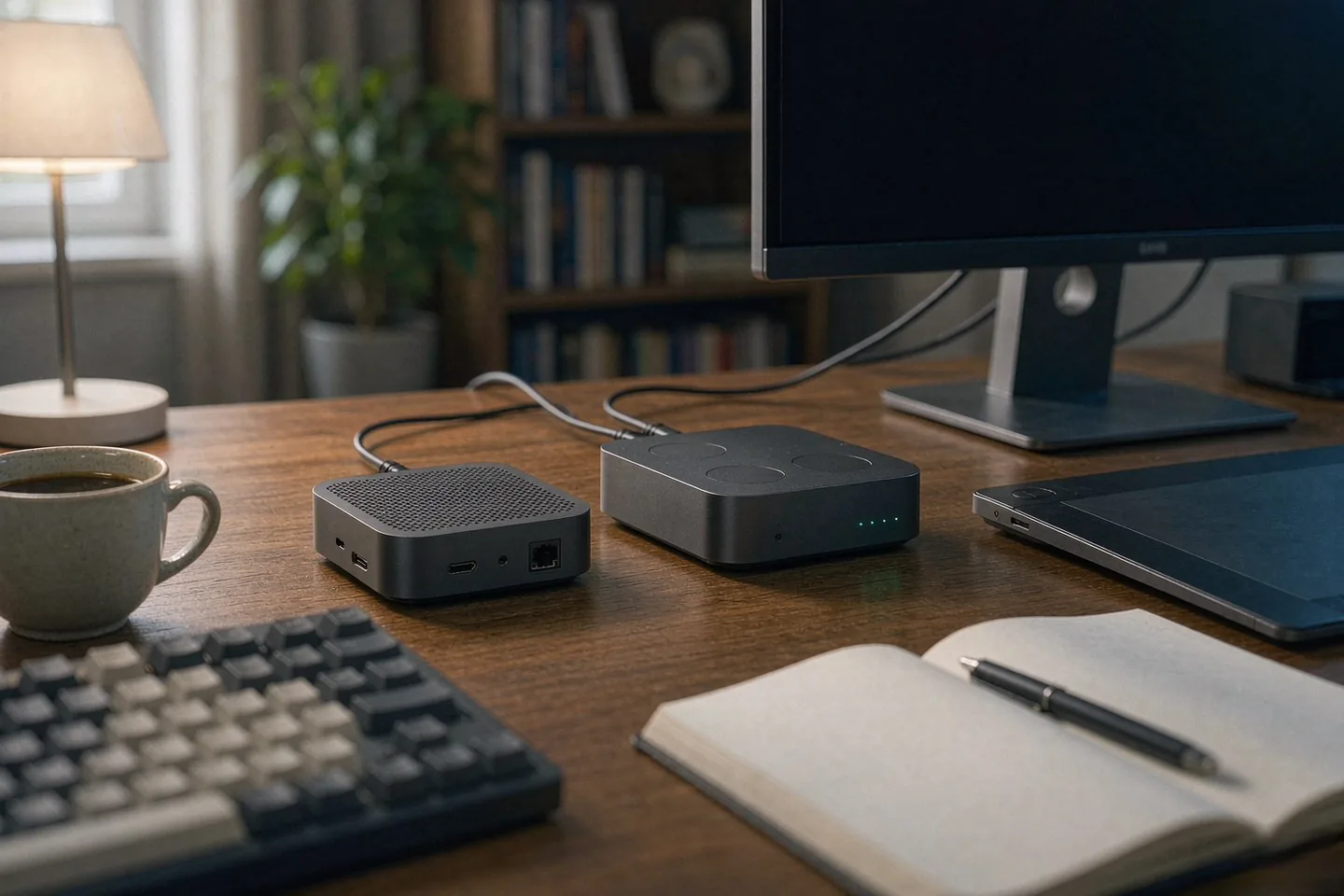
Direct answer up front, then the trade-offs that matter. This page covers apple tv 4k and answers: What is a NAS and do I need one?.
By Jack Huang · Senior Writer, Local AI and Smart Home
Beat: On-device AI features · How we review
Quick Answer
The Apple TV 4K cannot store movies on its own 64GB or 128GB of flash. A NAS is the only way to play full-bitrate files from the sofa. You point Plex, Infuse or VLC at a share, mount that share over SMB, and the player reads the file across your home network instead of a streaming app. Budget $656.99 for a 4-bay unit and add two 8TB drives; the whole job takes one evening.
Key Takeaways
- Apple lists the current third-generation model at $199 for the 64GB Wi-Fi version and $249 for the 128GB Wi-Fi + Ethernet version, after a June 2026 US price increase (MacRumors, checked 2026-10-13). Neither configuration plays media from an external drive.
- SMB is the protocol Infuse and VLC expect on a home network; WebDAV and NFS are fallbacks for a router-attached drive or a Linux server. Apple TV itself mounts nothing — the player app does the mounting.
- A 4-bay NAS such as the UGREEN NASync DXP4800 Plus was listed at $656.99 on Amazon (checked 2026-10-02), and the Synology DS925+ at $749.76 (Amazon, checked 2026-10-02).
- Your bottleneck is the network, not the box. On Wi-Fi 6 you will see hiccups on 60GB remux files; over the 128GB model's Gigabit Ethernet port you will not, for a single stream.
What Changed
Apple confirmed a "Welcome home" event for October 13, 2026, and its streaming box is expected to finally get a hardware refresh since October 2022. The reported changes are an A17 Pro chip in place of the current A15 Bionic, Wi-Fi 7, and the first Apple TV capable of running Apple Intelligence features. None of that has been confirmed by Apple as I write this, and one MacRumors-sourced report puts retail availability at October 30 — a date, not a launch.
Here is the part that matters for storage, and it is not in the rumor cycle at all. A faster Apple TV does not give you a place to put your files. The current model ships with 64GB or 128GB of internal flash, and Apple's own technical specifications page lists a USB-C connector on the remote — for charging. There is no user-accessible file system on the box, no USB browsing, and no browser. MakeUseOf reported in early October that you cannot download purchased movies or TV shows to the Apple TV's local storage even inside Apple's own TV app; the storage is for apps and games. If the fourth-generation model keeps that design, and every report so far assumes the same black chassis, the storage math does not change.
The hardware refresh is a side quest. Storage is the main one.
What changes, then, is how much the quality gap starts to hurt. Netflix caps some streams near 15 Mbps, while Apple's own service can run past 40 Mbps, according to MakeUseOf's measurement. Your 4K files on a NAS sit well above both. The moment you own a good TV and a library of your own rips, streaming's bitrate ceiling is the thing you notice, and the Apple TV is only the player.
Who Is It For
You should care about this setup if you own physical media you have ripped, if you have bought movies you want to keep offline, or if your household has a growing pile of phone and camera footage that never lands anywhere permanent. You should care less if you only ever open Netflix, Disney+ and Apple TV+ and never touch a file.
The 128GB model is the one to buy for this job, and the reason is hardware honesty rather than storage. It is the only configuration with a Gigabit Ethernet port and Thread radio, and its price sits at $249 versus $199 for the 64GB Wi-Fi version (MacRumors, checked 2026-10-13). Wired networking is not a luxury here. A single 4K Dolby Vision remux can spike past 60 Mbps, and Wi-Fi 6 on a busy 5GHz band drops and retries at exactly the wrong moment. You will see the spinner.
The NAS can be cheap. That is the point.
The NAS on the other end can be modest. A 2-bay or 4-bay box with a decent Celeron-class or Pentium-class CPU handles direct play without transcoding, which is the goal: let the Apple TV decode the file it can already decode, and let the NAS do nothing but serve bytes. That is what makes a cheap 4-bay unit viable where an expensive transcoding monster is not.
Key Specifications
Capacity and bays
Two bays is the floor and four is the comfortable middle. A 4-bay NAS lets you start with two 8TB drives and add a third and fourth later without buying a new chassis; a 2-bay box forces you into mirrored pairs from day one. The figures below come from our spec ledger, and the Apple TV column deliberately stays mostly empty — Apple does not publish NAS fields for a streaming box, and a dash means the number does not exist, not that we skipped it.
| Field | Apple TV 4K (3rd gen) | Synology DiskStation DS925+ | UGREEN NASync DXP4800 Plus |
|---|---|---|---|
| Price (tracked) | — | Amazon $749.76 (2026-10-02) | Amazon $656.99 (2026-10-02) |
| Drive bays (SATA) | — | 4 bays | 4 bays |
| M.2 NVMe slots | — | 2 slots | 2 slots |
| Max raw capacity | — | — | 144 TB |
| Max bays with expansion | — | 9 bays | — |
| Hot-swap bays | — | Yes | Yes |
| CPU | A15 Bionic | AMD Ryzen V1500B | Intel Pentium Gold 8505 |
| CPU cores | — | 4 cores | 5 cores |
| Installed RAM | — | 4 GB | 8 GB |
| Max RAM | — | 32 GB | 64 GB |
| RAM slots | — | 2 slots | — |
| ECC RAM | — | Yes | — |
| RAM soldered (not upgradeable) | — | — | No |
| 1GbE ports | 1 port | — | — |
| 2.5GbE ports | — | 2 ports | 1 port |
| 10GbE ports | — | — | 1 port |
| USB ports | 1 port | 2 ports | 4 ports |
| HDMI output | HDMI 2.1 | — | 4K 60Hz |
| Form factor | — | Desktop tower | Desktop tower |
| Weight | 0.21 kg | 2.26 kg | — |
| Internal filesystem | — | Btrfs, ext4 | — |
| Warranty | — | 3 years | 2 years |
| Dual-band Wi-Fi | Yes | — | — |
| Base storage | 64 GB | — | — |
| Max storage | 128 GB | — | — |
_Sources: Apple official technical specifications · Synology official comparison (DS925+). The 1GbE and USB figures describe the 128GB Wi-Fi + Ethernet model specifically; the 64GB Wi-Fi model has neither Ethernet nor Thread._
Connectivity
Apple's spec sheet for the box gives you HDMI 2.1 out, Wi-Fi 6 (802.11ax) with 2×2 MIMO, Bluetooth 5.0 and an IR receiver, with Gigabit Ethernet and Thread added only on the 128GB model. That is the entire network surface. Every media path into the box is either a streaming app or a third-party player reading a share.
Ports decide the ceiling.
The NAS side is where the real choice lives. The DS925+ carries two 2.5GbE ports, which only helps if your router or switch also speaks 2.5GbE; the DXP4800 Plus adds a single 10GbE port alongside one 2.5GbE. For one Apple TV, Gigabit is plenty. Buy the faster ports only if you are also moving large files to and from a desktop.
Software stack
Both boxes run their own operating systems with Plex, Jellyfin and Docker support. The Apple TV runs tvOS, whose App Store carries the player apps. The handoff between them is the standard one: a media server (Plex or Jellyfin) or a pure client (Infuse, VLC) reads the NAS library and exposes it on the TV.
What Is New
Nothing here rewires how your files get to the TV.
Almost nothing that changes this workflow. The rumored A17 Pro, Wi-Fi 7 and Apple Intelligence support are about Siri and gaming, not about where your files live. Wi-Fi 7 could reduce wireless stutters on high-bitrate files, but it is unconfirmed for the next model and does not fix the underlying problem: an Apple TV has no local media storage and no user-accessible file system, per AnExplorer's platform notes.
The genuine shift is the price. Apple raised the US price of the current model from $129 to $199 for the 64GB unit and from $149 to $249 for the 128GB model in June 2026, per MacRumors (checked 2026-10-13). A 2022 streaming box that now costs close to a mid-range 4-bay NAS is a harder sell than it was, which is a strange thing to say about a device whose software is still fine.
In practice, the interesting work is happening on the NAS side, not the TV side. Drive makers keep pushing capacity per bay, and NAS operating systems keep adding on-device AI features for photo tagging and search. The Apple TV benefits from those indirectly, because it becomes a screen for a library that a NAS organizes.
How It Compares
Three routes get your owned media onto an Apple TV, and they are not equal.
The first is Infuse or VLC reading a share directly. The apps open an SMB connection to the NAS, list your folders and play the file with no server software in between. This is the lowest-effort path and the one most people should try first. It works because SMB is the lingua franca of home networks, and it keeps the NAS dumb, which is a feature.
The second is Plex or Jellyfin running on the NAS. You get a poster-grid library, watch history across devices and remote access, at the cost of running a server and, for Plex, dealing with an account. If other people in your household will use this, the server wins on convenience.
The third is a hardware media player box. That is a separate purchase and a separate remote, and it defeats the point of owning an Apple TV with a good interface. I would not.
The protocol is where most people stall.
On protocol, be blunt with yourself. SMB handles files, permissions and streaming well on a mixed home network. NFS is faster on paper and a pain to secure; it is the right call only if you already run Linux and know what an export table is. WebDAV is the one to pick when the "server" is a router with a USB drive attached, because its firewall story is simpler.
Who Should Consider It
Worth it if you have ripped discs, DRM-free purchases, or camera footage you want at full quality on a big screen, and you are willing to spend one evening configuring a share. Skip it if your library lives entirely inside subscription apps, if you have no more than a handful of files, or if you are uncomfortable with a network share showing up in a player app.
A specific warning for the small-library reader: a NAS is not worth $656.99 to watch twelve movies. If that is you, an external SSD and a different player box will do the job for less, and you should say no to this upgrade.
Also skip it if your Apple TV sits on a weak Wi-Fi link in a far room. The hardware will be fine; the link will not. Fix the network first or run Ethernet, then come back.
What Existing Users Should Know
Owners of the 2022 box do not need to touch their hardware to do this. The current model plays local files from a NAS today; nothing about SMB, Infuse or Plex depends on the rumored refresh. If you were waiting for a new Apple TV to start, you were waiting for a chip that has nothing to do with file playback.
Migration is where people get hurt, and the pain is rarely on the TV. It is on the NAS: moving a library between vendors means rebuilding shares and rescanning metadata, and Plex will reprocess posters and thumbnails from scratch. Budget a weekend, not an afternoon, if you are switching NAS brands.
One caveat I cannot resolve for you: I could not verify whether the next model will keep the same port layout, because Apple has not published specs for an unreleased product. Treat every spec claim about the fourth-generation model as rumor until Apple's own page changes.
Real-World Scenario: SMB / WebDAV / NFS Cross-Protocol Mounting
This is where the setup stands or falls. Your Apple TV does not mount anything itself; the player app does, using whichever protocol its developers chose to support. Get the protocol right and the whole chain is invisible. Get it wrong and you will spend the evening reading error codes.
What this changes for the use case
The practical effect is that your library stops being "files on a computer" and becomes a channel on your TV. Infuse and VLC both open SMB shares on Apple TV, so your NAS appears as a browsable folder tree next to Netflix. The play experience is identical to streaming once it starts: the remote works, subtitles load, and playback resumes where you left off. For a household, the change is bigger than it sounds, because the person who never touched a computer can now find the movie.
Hardware and software requirements
Start with the network. The 128GB model's Gigabit Ethernet port is the cleanest path; run a cable or use a powerline adapter if the television is far from the router. On the NAS, create a share, a user account for the TV, and a password you will not mind typing once. In the player app, add a share by IP address rather than hostname — mDNS discovery is the single most common thing that fails on a home network.
Two working combinations that I would set up first: Infuse on the Apple TV plus SMB to a shared folder on the NAS, which needs no server software; or Plex Media Server on the NAS plus the Plex client on the Apple TV, which needs a Plex account and one library scan. For a router-attached USB drive, use WebDAV, since most consumer routers expose it and it survives a NAT boundary better than SMB. For a Linux server you already maintain, NFS over a trusted LAN with a fixed export is the fastest option, and I would only take it if you can explain your export rules from memory.
Limits, caveats, and who should skip it
Most failures are boring, not exotic.
SMB version mismatches are the classic failure. If the NAS defaults to SMB 1 and the app refuses to connect, or the NAS forces SMB 3 and an old player balks, you will see a connection error, not a helpful message. Turn off SMB 1 for security and raise the floor to SMB 2 or 3 on both ends.
Do not expect the Apple TV to transcode. If your NAS CPU is weak and your file is a codec the Apple TV cannot decode, you get silence or a refusal, not a mobile-quality fallback. Check the codec before you blame the network. Dolby Vision Profile 7 files from UHD discs are a known trouble spot for several players, and you should test one before ripping a whole shelf.
Skip this whole approach if you need remote access for family outside your home, want two viewers streaming different high-bitrate files at once over Wi-Fi, or refuse to manage a user account on a share. Those cases point to a cloud library or a proper server with remote streaming — different products, different trade-offs.
Frequently Asked Questions
Can I plug a USB drive straight into the box?
No. The USB-C connector on the current model is on the Siri Remote and is for charging, per Apple's technical specifications. The box itself has no user-accessible file system and does not browse external drives, as AnExplorer's platform notes state. A NAS works because the network, not a cable, carries the files.
Does the box support external storage?
Not in the way a NAS owner means it. You can add capacity through apps that reach network shares or cloud services, but there is no general-purpose external drive support for local media. The 64GB and 128GB figures are internal flash for apps and games, and MakeUseOf reported you cannot download media to them.
How much does a home NAS cost?
Our ledger has the UGREEN NASync DXP4800 Plus at $656.99 on Amazon and the Synology DiskStation DS925+ at $749.76, both checked 2026-10-02. Drives are extra. Two 8TB NAS drives such as the WD Red Plus 8TB or Seagate IronWolf 8TB are the usual starting point, and I have not verified their current pricing for this article.
Which protocol should I use for an Apple TV and a NAS?
Start with SMB. Infuse and VLC both connect to SMB shares on Apple TV, and it is the most widely compatible option on a mixed home network. Use WebDAV when your files live on a router-attached USB drive. Choose NFS only if you already run a Linux server and understand export permissions.
Sources
- MacRumors tracks current US pricing for the streaming box at $199 (64GB Wi-Fi) and $249 (128GB Wi-Fi + Ethernet), after a June 2026 increase from $129 and $149 — https://www.macrumors.com/guide/apple-tv-deals (checked 2026-10-13)
- The Apple TV roundup from MacRumors confirms the third-generation 2022 model remains current, with the A15 Bionic chip and a $59 standalone Siri Remote — https://appletv.macrumors.com/ (checked 2026-10-13)
- Gzmato summarises the confirmed October 13 "Welcome Home" event and the reported A17 Pro, Wi-Fi 7 and Apple Intelligence upgrades, while flagging price as unresolved — https://gzmato.com/blog/post/apple-tv-4k-2026-upgrade-worth-waiting (checked 2026-10-13)
- Geeky Gadgets describes the expected fourth-generation model with a newer A-series chip, 8GB of RAM and Wi-Fi 7, alongside the Apple Home Hub — https://www.geeky-gadgets.com/apple-october-2026-event-expectations/ (checked 2026-10-13)
- MakeUseOf reports that the box cannot download media to its own storage and compares streaming bitrates near 15 Mbps with roughly 40 Mbps on Apple's service — https://www.makeuseof.com/apple-tv-extra-storage-downloads/ (checked 2026-10-13)
- AnExplorer explains that the Apple TV platform has no user-accessible file system, no USB file browsing and no browser, so media arrives through apps, AirPlay or app-specific libraries — https://anexplorer.io/device/tv/apple-tv (checked 2026-10-13)
- Accessories Tested compares Infuse, Plex, VLC and Jellyfin as Apple TV media players that read local network shares directly — https://www.accessorytested.com/?p=35844/ (checked 2026-10-13)
- Apple publishes the technical specifications used for the CPU, storage and port figures above — https://www.apple.com/apple-tv-4k/specs/ (checked 2026-10-13)
Run your own 5-year cost comparison with the on-site calculator
Every figure above is attributed in the Sources list — put your own drive count and subscription tiers into the calculator to see where you land.
Open the cost calculator →Related reading
Was this article helpful?
One tap, no account and no comment box. It tells us which guides are actually worth updating.
How many drive bays is your NAS?
This is how we decide which setups to cover next.
Thanks.
Need help with a specific setup?
Storage choices depend on your drives, your budget and how many people share the box. Tell us what you are building and we will point you at a configuration that fits — no obligation, no sales script.
Affiliate Disclosure: SecureNAS Hub may earn a commission from qualifying purchases made through links on this page, at no extra cost to you. Facts and figures are attributed in the Sources list; nothing on this page is a fabricated test result. See our full disclosure. Product images are either supplied by the manufacturer or clearly labelled as illustrative renders; each one is captioned accordingly. Last reviewed 2026-10-13.