NAS Guides · Published 2026-11-09
Ring Camera Backup to a NAS: Where Automation Actually Starts
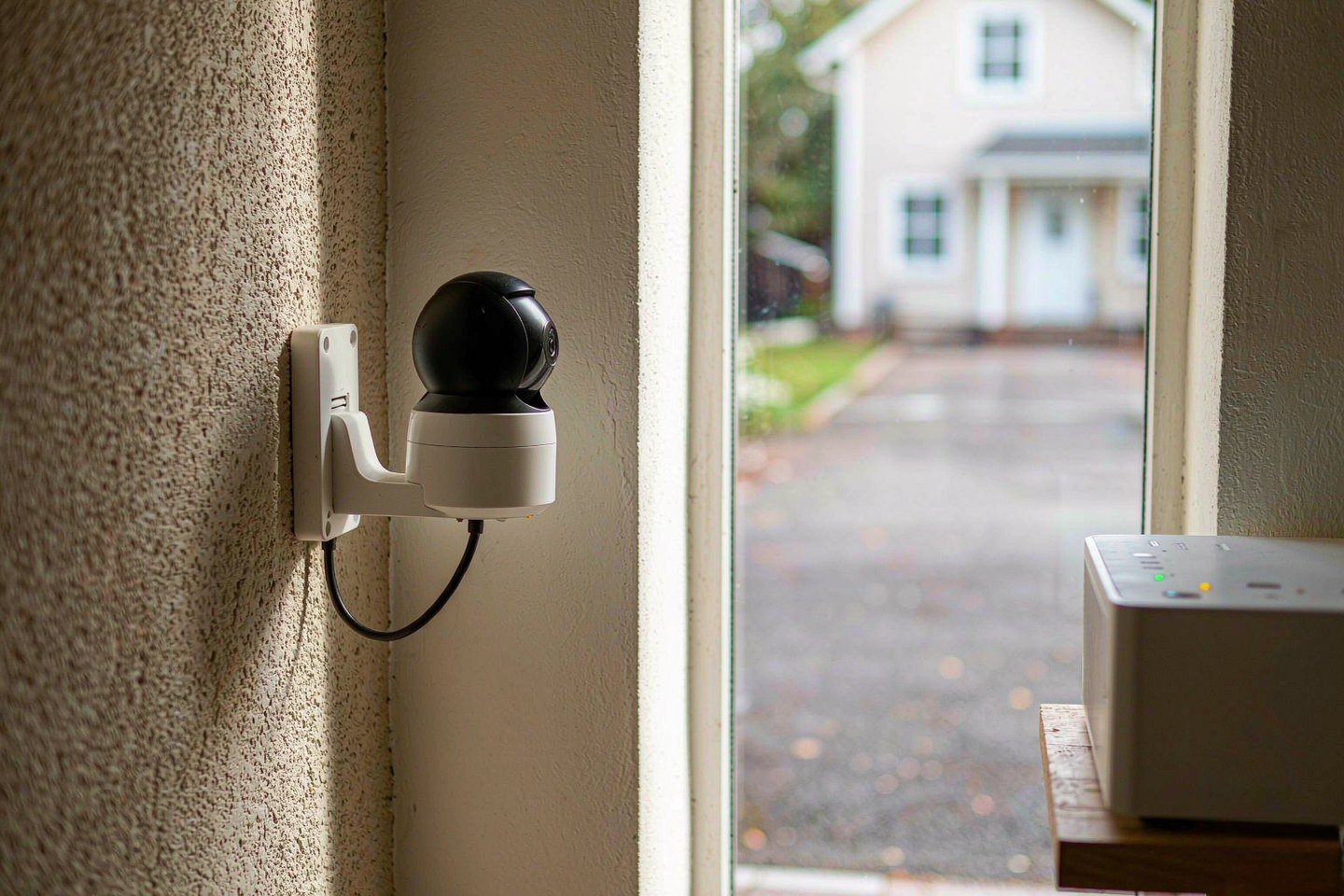
Direct answer up front, then the trade-offs that matter. This page covers ring camera and answers: how to ring cameras work.
By Leo · Hardware Reviewer
Beat: Drive bays, RAID and expandability · How we review
Quick Answer
Ring does not hand footage to a NAS by itself. Ring's help centre lists two export routes: one clip at a time in the Ring app, or a multi-select batch on ring.com that lands as a timestamped .zip of MP4 files. Everything around that click has to be automated by something else, which is why a working archive puts the automatic leg between your phone and the NAS rather than between Ring and the NAS.
Key Takeaways
- Ring stores recordings in its cloud for up to 180 days, and playing anything back needs an active plan (Ring support, accessed 9 Nov 2026).
- The early Black Friday price for the Indoor Cam 2K is $24.99 against a $59.99 list, per Lifehacker on 9 Nov 2026. Hardware got cheap. Your archive did not.
- Ring Solo runs $4.99/month or $49.99/year, Ring Multi $9.99/month or $99.99/year, Ring Pro $19.99/month or $199.99/year (ring.com/plans, checked 9 Nov 2026).
- A NAS auto-upload job converts a manual download into a versioned, recoverable copy. The download itself stays manual.
What Changed
Ring's early Black Friday sale is live, and the discount is steep enough to change buying behaviour. SafeHome.org, reproducing Ring's own sale table, puts the window at 2 November to 30 November 2026. Security.org measures the ceiling at 60 percent off. The Indoor Cam 2K drops to $24.99 from a $59.99 list. The Outdoor Cam 2K falls to $49.99 from $99.99, and the Floodlight Cam 2K to $99.99 from $199.99. Yahoo Tech counted eight models under $100 in the same promotion.
Here is the part the price tags do not mention. Watching a recorded clip requires a paid plan, as Lifehacker states plainly in its 9 November write-up: live view, two-way talk and basic alerts work without a subscription, but saved footage does not. One device costs $4.99 a month or $49.99 a year. Several devices at one address start at $9.99 a month or $99.99 a year.
A $24.99 camera that charges $49.99 a year to watch its own recordings is not a cheap camera. It is a cheap sensor bolted to a rented archive. That is a fine trade if you only want to glance at the porch from your phone. It is a bad trade if the footage is the thing you actually care about, because at the end of year two the subscription has outrun the hardware twice over and you still own nothing.
Which raises the question worth answering: where does the footage go, and which part of the trip can run without you?
Who Is It For
Read this if you already own a Ring camera, or you are about to buy one in the November sale, and you want the clips to outlive the plan. Three groups get the most out of it. You have already needed footage once — a stolen package, a car clipped in the driveway, a landlord dispute — so you know the difference between a clip that exists and a clip that expired eleven days before you looked. You run four or more cameras, and your plan bill now scales with your hardware. Or you cancelled a subscription and watched a year of history vanish.
You get very little from it if you check the live view twice a week and have never downloaded a clip. Ring's free tier covers live view and alerts, and a NAS you buy for this purpose alone will cost more than the plan it replaces.
That is the honest trade.
Key Specifications
Ring's hardware specification sheet is not in this site's specification ledger, so no resolution, field-of-view, sensor or power figures appear below. We could not verify the specification against a first-hand vendor page in this session, and guessing at them would be worse than leaving them out.
What Ring does document is behaviour, and behaviour is what decides whether an archive is possible.
Retention and export window
Recordings live in Ring's cloud for up to 180 days. Deletion is permanent and immediate on Ring's side, and the help page says so without hedging. A shared link is not a copy: Ring notes that a shared video can stay reachable through its link while the underlying event is deleted from the account, and it also notes that deleting private videos does not unshare them. Neither direction gives you a file on disk.
Export exists in two forms. In the app you scroll to an event, tap the overflow menu and pick Download. On ring.com you open History, hit Manage, tick several events and download them together as a .zip of MP4 files, each one time-stamped. Ring does not publish a hard cap on how many clips a batch can hold on the page we read, and we could not verify one.
Two routes. Both start with your finger.
What the plan gates
Playback. That is the gate, and it is the one that matters. Ring's download instructions state that reviewing recorded video requires a Ring subscription, and that only events recorded after you subscribed are kept. Live view stays free.
The 24/7 Recording add-on behaves differently again. Its timeline lets you pull a segment up to 10 minutes long, and switching back to motion-based recording hides the previously recorded continuous video from the timeline until you switch the feature back on. Hide is not delete, but a hidden clip is not something you can hand to an insurer on a Sunday night.
What the documentation does not say
There is no NAS target, no SMB share, no rsync endpoint and no documented export API for consumer accounts. That absence is the whole article. If a vendor page promised "back up to your NAS", the workflow would be three steps. It does not, so the workflow is a handoff.
One detail worth knowing before you buy a tier: the plans page presents the same three products under two naming schemes. The pricing cards are headed Home Basic, Home Standard and Home Premium. The comparison chart below them is headed Ring Solo, Ring Multi and Ring Pro. They are the same tiers, and Ring's own help pages note that several product names changed. Read the price, not the label.
What Is New
November delivered the visible change. Older, and far less advertised, is the structural one: Ring's consumer business now sells storage as the product and cameras as the entry ticket. A $24.99 indoor camera is a customer acquisition cost, and the $49.99 annual plan is the actual revenue.
That framing matters for anyone building an archive, because it tells you where the vendor's incentives point. Ring is not going to ship a one-click "export everything to my NAS" button, and it does not need to. The 180-day window is not an accident of engineering. It is the retention policy that makes a lapsed subscription painful.
Your counter-move is boring and effective: pull the clips on a schedule you will actually keep, and let the NAS do the part a human is bad at — versioning, checksums, and keeping a second copy somewhere else.
That is it. No vendor will sell you the missing half, because the missing half is their revenue.
How It Compares
Three routes exist, and they fail in different ways.
Cloud only. Pay the plan, watch clips in the Ring app, download when something happens. Cheapest to start, weakest to rely on. The failure mode is the 180-day wall: a dispute that surfaces in month seven has no footage.
Ring's own local route. The Alarm Pro base station with a microSD card records locally, and the details are ugly enough that we covered them separately in our October 2026 piece on Ring local recording. Short version: it still leans on a qualifying subscription, so it is not the subscription-free escape hatch people assume.
Manual pull plus a NAS archive. You export batches from ring.com, and the NAS ingests, versions and replicates them. It costs you a monthly reminder and a few minutes of clicking, and it produces files you own in a format any player opens.
Route three wins the moment you need footage as evidence, because evidence imposes requirements the other two do not meet: an original file, an unedited copy, a known download date and a second copy stored elsewhere. A share link meets none of your requirements.
Who Should Consider It
Worth it if you have cameras covering anything you might have to prove — a driveway, a shared hallway, a rental property you do not live in — and you want the clip to exist in five years without a subscription in between.
Worth it if you already run a NAS for photos or media. Your marginal cost is a folder, a scheduled task and about an hour of setup.
Skip it if you have one indoor camera pointed at a pet. The 180-day window is longer than your interest, and the plan is cheaper than the drive.
Skip it if you will not keep the monthly habit. A half-maintained archive is worse than an honest cloud plan, because it looks like a backup while missing the months you skipped.
Pick one route and commit.
Half measures cost you more than either extreme.
What Existing Users Should Know
If a trial or a plan is about to lapse, download first and cancel second. Ring's help pages are explicit that your footage becomes unavailable when a plan ends, when the retention window closes, or when an event is deleted — and a history entry can linger in your list long after the video behind it is gone from your reach.
Keep the .zip. It holds your MP4s and the only timestamp Ring hands you. Extract it and delete the original, and you have thrown away the only metadata Ring gave you.
Do not re-encode anything you might need as evidence. Trim a copy, not the original. For a police report or a claim, the useful facts are the event date and time, the time zone, the device, and the date you downloaded it — write those down in a text file next to your clip.
One more: check where the app actually put the file. Ring's page says the download is saved to your mobile device and stops there. On iOS it usually lands in Photos, on Android it may go to Downloads or a Files folder depending on permissions. You need to know which, because the auto-upload rule on the NAS side points at one folder.
Real-World Scenario: Automatic Lossless Photo Backup for Mobile
This is the section where the word "automatic" earns its place, and it is not on Ring's side of the wire.
Once a clip lands on your phone, it is just a file in a camera roll. Camera rolls are exactly what a NAS photo app was built to sweep. Point that app at your phone, tell it to upload originals, and every future download gets copied to the array without you opening a desktop. The manual part shrinks to "download the batch". The archiving stops being a decision.
What this changes for the use case
Chain of custody is what you gain first. A clip you pull from Ring in November, uploaded to the NAS the same night, and snapshotted weekly has a verifiable lineage: original file, original timestamp, known ingestion date, and a version history that shows nobody edited it afterwards.
Capacity comes second. Ring's 180-day window is not negotiable. Your drive bays are. Once clips are local, keeping three years of porch footage costs space, not subscription months.
Search comes third, and it is the quiet win. A folder of MP4s named by timestamp is greppable, sortable and copyable, and it stays yours. Your Ring history list is none of those, and it disappears when the plan does.
Hardware and software requirements
You need a NAS with SMB sharing and a photo or file app that supports phone-side auto-upload. Synology Photos, Immich and Nextcloud all do this; the setting is usually labelled "auto upload" or "camera backup" and has to be switched on per phone.
You need storage worth pointing it at. Amazon listed the DS225+ at $364.99 when we checked on 2 October 2026 — that reading is now outside our freshness window, so treat it as a historical figure rather than today's street price. Any two-bay box you already own will do; clips are small compared with a RAW photo library.
You need a versioning layer. Snapshots or the recycle bin on the NAS, plus a copy on a second disk or a remote target. Without that, the archive has the same single point of failure as the camera.
You need a phone rule: upload on Wi-Fi only, keep originals, no downscaling. A photo app that "optimises" footage on upload defeats the purpose.
Limits, caveats, and who should skip it
Your pull is manual. Nothing on Ring's side will run at 3 a.m. and fetch yesterday's events, and no consumer-facing export API is documented. If you skip three months, you lose whatever fell off the 180-day edge.
Watch out for the mistake most people make on day one: they unzip nothing. The batch arrives as a ZIP, they drop it straight into the watched folder, and the photo app either skips it or indexes it as one opaque file.
Unzip first. Then let your NAS index the MP4s.
Two minutes of your time, once a month.
Batches also arrive as ZIP archives by design, so build the habit into the routine rather than fighting it.
Timestamps come from Ring and reflect the device's time zone settings. If the camera sits in a different zone from the NAS, your folder names will disagree with the event times in a police report. Pick one convention and stick to it.
On iPhone, background upload timing is controlled by iOS, not the app. Large batches commonly wait until your phone is charging and on Wi-Fi, so a "backed up" clip may still be sitting in the queue when you check an hour later.
Skip this whole setup if you have one camera, no disputes, and no interest in maintaining a monthly routine. The subscription is genuinely simpler, and simpler is a legitimate answer.
Frequently Asked Questions
Can a Ring camera record straight to a NAS?
No. Ring's documented export paths are manual: one clip at a time in the app, or a multi-select batch on ring.com delivered as a .zip of MP4 files. The help pages we read on 9 November 2026 describe no network share, SMB target or export API for consumer accounts.
Does Ring let you download more than one clip at once?
Yes, through the website rather than the app. Sign in at ring.com, open History, select Manage, tick the events you want and download them together. Ring does not publish a fixed per-batch limit on that page, and we could not verify one.
How long does Ring keep recorded video?
Up to 180 days, according to Ring's own download and sharing help page. Only events recorded after you subscribed are stored, and deleting a video is permanent. A lapsed plan also cuts access, even inside that window.
Do you need a subscription to download clips?
You need one to play back the recording in the first place, and playback is the prerequisite for downloading. Live view and alerts work without a plan, but they do not leave a file behind. Ring Solo is $4.99 a month or $49.99 a year.
What is a NAS, and do I need one here?
A NAS is a small computer with drives that shares folders over your network. In this workflow it is the destination for downloaded clips, the place that keeps versions, and the copy that survives a cancelled subscription. You only need one if the footage matters beyond 180 days.
How much does a home NAS cost?
It depends on the enclosure and the drives, and prices move. Our ledger's last verified two-bay reading is a Synology DS225+ at $364.99 from Amazon, checked on 2 October 2026, which is a historical figure now. We could not verify current pricing for that model today.
Sources
- Lifehacker, "These Early Black Friday Ring Camera Deals Start at $24.99", read 9 November 2026 — promo prices for the Indoor Cam 2K and Battery Doorbell 2K, plus the statement that saved-footage review requires a paid plan from $4.99 monthly. https://lifehacker.com/tech/ring-camera-doorbell-sales-early-black-friday-2026
- Security.org, Black Friday security camera tracker, read 9 November 2026 — Ring discounts up to 60 percent, Outdoor Cam 2K at $49.99 and Indoor Cam 2K at $24.99, sale running to 30 November. https://security.org/security-cameras/black-friday/
- SafeHome.org, Ring Black Friday page, read 9 November 2026 — Ring's sale table per model and the 2–30 November 2026 window. https://www.safehome.org/home-security-cameras/ring/black-friday
- Yahoo Tech, early Black Friday Ring camera roundup, read 9 November 2026 — eight models under $100, Indoor Cam 2K two-pack working out to $24.99 each. https://tech.yahoo.com/cameras/deals/articles/amazon-early-black-friday-deals-175311449.html
- Ring support, "Downloading and Sharing Your Ring Videos", read 9 November 2026 — 180-day cloud retention, subscription requirement for playback, single-clip app download, multi-select ZIP download on the web, permanent deletion. https://www.ring.com/support/articles/rul14/Downloading-and-Sharing-Your-Ring-Videos
- Ring support, 24/7 Recording, read 9 November 2026 — 10-minute segment downloads and the way continuous footage is hidden when the mode is switched off. https://ring.com/gb/en/support/articles/wtr7r/24-7-recording-security-cams
- Ring plans page, read 9 November 2026 — Solo, Multi and Pro monthly and annual prices, and the Basic/Standard/Premium labels on the same page's pricing cards. https://ring.com/plans
Run your own 5-year cost comparison with the on-site calculator
Every figure above is attributed in the Sources list — put your own drive count and subscription tiers into the calculator to see where you land.
Open the cost calculator →Related reading
Was this article helpful?
One tap, no account and no comment box. It tells us which guides are actually worth updating.
How many drive bays is your NAS?
This is how we decide which setups to cover next.
Thanks.
Need help with a specific setup?
Storage choices depend on your drives, your budget and how many people share the box. Tell us what you are building and we will point you at a configuration that fits — no obligation, no sales script.
Affiliate Disclosure: SecureNAS Hub may earn a commission from qualifying purchases made through links on this page, at no extra cost to you. Facts and figures are attributed in the Sources list; nothing on this page is a fabricated test result. See our full disclosure. Product images are either supplied by the manufacturer or clearly labelled as illustrative renders; each one is captioned accordingly. Last reviewed 2026-11-09.