NAS Guides · Published 2026-10-09
Private Cloud for Photographers: Workflow, Backup and Delivery
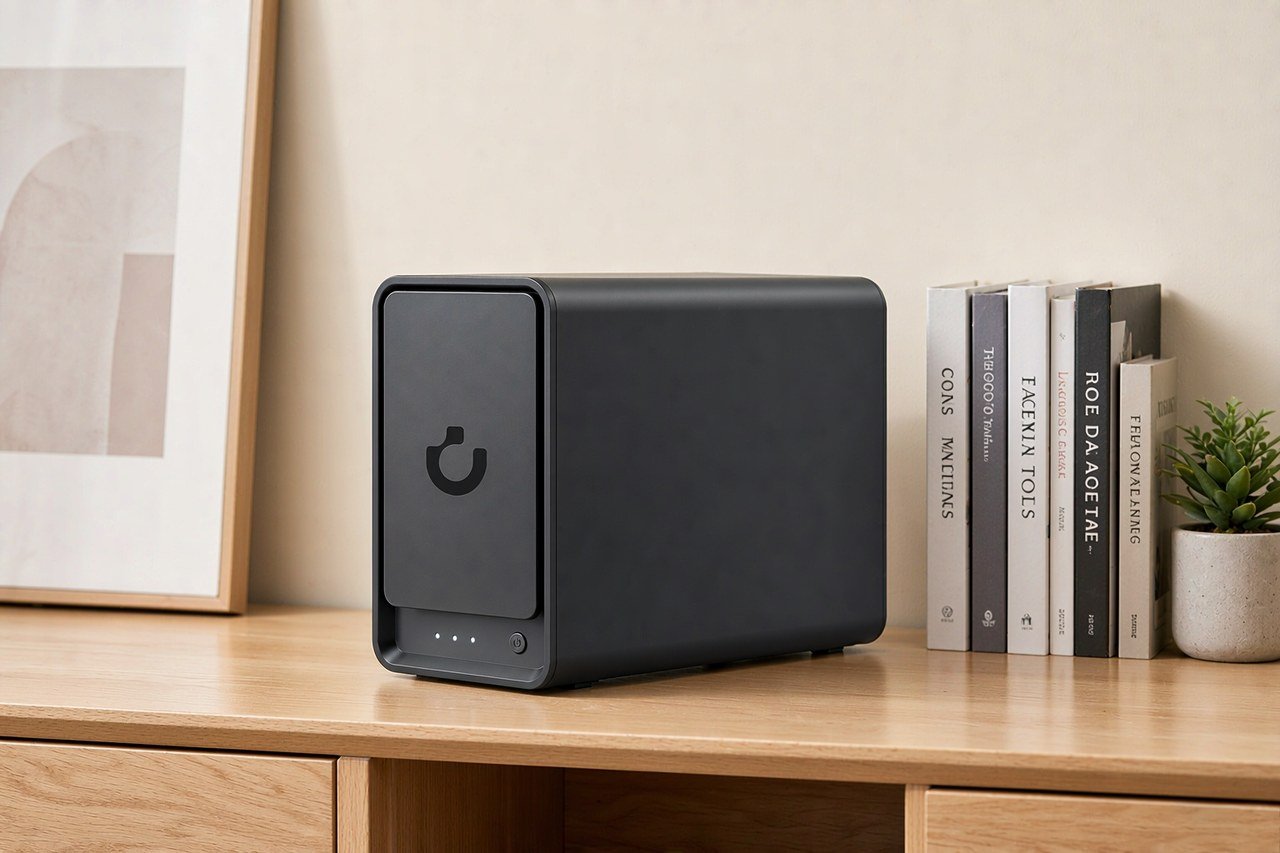
Direct answer up front, then the trade-offs that matter. This page covers private cloud and answers: What is a NAS and do I need one?.
By Jack Huang · Senior Writer, Local AI and Smart Home
Beat: On-device AI features · How we review
Quick Answer
Private cloud for photographers means owning the box your files live on. RAW files land on drives in your room, and client deliveries leave over your own encrypted link. UGREEN's NASync DXP4800 Plus, $656.99 on Amazon as of 2026-10-02, is the four-bay machine this guide prices out. Under 2 TB of archive, keep renting.
Key Takeaways
- The wall photographers hit is upload, not disk. A 200 GB wedding shoot needs about 11 hours to leave a studio on a 40 Mbps upstream line.
- Drives cost more than the box. Four Seagate IronWolf 8 TB drives at $347 each (Amazon, checked 2026-10-02) is $1,388, against $656.99 for the four-bay chassis.
- RAID survives a dead drive. It does not survive a deleted folder, a bad power event, or ransomware.
- Plain FTP sends your client's login in cleartext (RFC 959). Deliver over SFTP or FTPS.
- 10GbE cuts ingest and delivery time. It does nothing for culling speed.
Quick Answer in Context
Cloud tiers are priced for phone cameras, and photographers notice inside a season. iCloud+ at 2 TB costs $9.99 a month (Apple, checked 2026-10-02), which is $599.40 over five years for space your phone also uses. Six terabytes is $29.99 a month, or $1,799.40 across the same window. Twelve terabytes runs $59.99 a month.
A NAS is a small server with drive bays that shares folders over your own network. Buy one and that recurring line stops.
Owned storage is not free either. Four 8 TB IronWolf drives at $347 each adds $1,388 to the $656.99 box, and one drive of redundancy leaves roughly 24 TB usable out of 32 TB raw. Call it $2,045 for capacity that stays yours.
The comparison has an honest gap, and papering over it is how people lose archives. A cloud fee includes someone else's data center as the second copy. A box in your room does not, so budget a third tier — a USB drive you rotate off site, or a second cheap NAS at another address. Our take: if 2 TB covers you for three years, the cloud wins on effort, and no bay count changes that. If you already shoot 4 TB a year, the arithmetic above flips hard, and the public cloud versus private NAS comparison is the longer version of that argument.
How It Works
Three tiers of storage, and most studios buy them in the wrong order.
The working set is the job you are editing this week plus the Lightroom catalog. The archive is finished RAW files on redundant SATA drives. Offsite is a copy that leaves the building. A NAS sits across all three.
NAS stands for network-attached storage — a small server that shares folders over your LAN, the local network, using SMB, the same file-sharing protocol Windows uses for a mapped drive. Your editing machine mounts a share and treats it as a folder.
Two failures show up again and again. A Lightroom catalog on a Wi-Fi share corrupts slowly and without warning, because the catalog is a SQLite database and it does not tolerate a link that drops packets mid-write. Keep the catalog on an internal SSD, or on a wired share, and back it up either way.
The other failure is treating RAID as the plan. Four 8 TB drives in RAID 5 give about 24 TB usable and survive one dead disk. Delete a folder and the array copies the deletion instantly. Rolling that back needs snapshots, and snapshots need a copy-on-write filesystem: the Synology DS925+ spec row lists Btrfs alongside ext4, and Btrfs is the one that keeps previous versions of a file (Synology, checked 2026-10-02).
What to Look For
Four numbers decide whether the box is still useful in year three. The rest of the product page is decoration.
Backup automation
Scheduled snapshots, not a sync job. Sync faithfully copies your mistake to the other side, which is the opposite of what you want after an accidental culling pass. Set retention at the volume level — seven daily, four weekly, twelve monthly is a defensible default — then restore something. Pick one folder, restore it, and time it. If the restore takes four hours, that is your real recovery point, and you want to know that before a client deadline does.
Local AI indexing
Face and object recognition on your own photos is the feature vendors push hardest this year, and the one we cannot check from a spec sheet. UGREEN markets AI photo features for UGOS Pro, its NAS operating system; we could not verify how well they work, and we have run no recognition benchmark of our own. Treat local AI as a bonus, not a reason to buy. What you can verify is whether the hardware could host a model at all: the DXP4800 Plus ships 8 GB of RAM with a vendor ceiling of 64 GB, and that installed module is not soldered, so it can be swapped (UGREEN, checked 2026-10-02).
Expandability
Count three numbers, not one. The DXP4800 Plus lists 4 SATA bays, 2 M.2 NVMe slots and a 144 TB raw ceiling. The DS925+ also starts at 4 bays but reaches 9 once you add a Synology expansion unit. QNAP's TS-464 is the only machine in this comparison with a PCIe slot, which is how you add a 10GbE card to that box later instead of replacing it.
Past a 4-bay box, expansion gets serious. ServeTheHome's review of the ZimaCube 2 Pro covers a machine built around PCIe slots and Thunderbolt 4, with a 10GbE port on a Marvell AQC113 controller and a pair of 2.5GbE ports on Intel i226 silicon, running an Intel Core i5-1235U (ServeTheHome, accessed 2026-10-09). Its price is not in our tracker, so we are not quoting one.
Noise and power
Neither figure is in our spec ledger, and we are not going to invent a decibel number. Drive choice moves noise more than the chassis does, and the spindle speeds are on record: the Seagate IronWolf 8 TB spins at 7200 RPM, the WD Red Plus 8 TB at 5640 RPM (both checked 2026-10-02). The slower platter is the quieter one, and the slower one. That is the trade, stated plainly.
Real-World Costs
The four-bay shortlist, spec by spec
| Field | UGREEN NASync DXP4800 Plus | Synology DiskStation DS925+ | QNAP TS-464 (8 GB) | TerraMaster F4-424 Pro |
|---|---|---|---|---|
| Price (tracked) | Amazon $656.99 (2026-10-02) | Amazon $749.76 (2026-10-02) | Amazon $639 (2026-10-02) | DatacenterDisk listing $730.99 (2026-10-02) |
| Drive bays (SATA) | 4 bays | 4 bays | 4 bays | 4 bays |
| M.2 NVMe slots | 2 slots | 2 slots | 2 slots | 2 slots |
| Max raw capacity | 144 TB | — | — | 88 TB |
| Max bays with expansion | — | 9 bays | — | — |
| Hot-swap bays | Yes | Yes | Yes | Yes |
| CPU | Intel Pentium Gold 8505 | AMD Ryzen V1500B | Intel Celeron N5095 | Intel Core i3-N305 |
| CPU cores | 5 cores | 4 cores | 4 cores | 8 cores |
| Installed RAM | 8 GB | 4 GB | 8 GB | 32 GB |
| Max RAM | 64 GB | 32 GB | 16 GB | 32 GB |
| RAM slots | — | 2 slots | 2 slots | 1 slot |
| ECC RAM | — | Yes | — | — |
| RAM soldered (not upgradeable) | No | — | — | — |
| 2.5GbE ports | 1 port | 2 ports | 2 ports | 2 ports |
| 10GbE ports | 1 port | — | — | — |
| PCIe slots | — | — | 1 slot | — |
| USB ports | 4 ports | 2 ports | 4 ports | 2 ports |
| HDMI output | 4K 60Hz | — | 4K 60Hz | 4K 60Hz |
| Form factor | Desktop tower | Desktop tower | Tower | Desktop tower |
| Weight | — | 2.26 kg | 2.26 kg | 3.4 kg |
| Internal filesystem | — | Btrfs, ext4 | — | — |
| Warranty | 2 years | 3 years | 3 years | 2 years |
Every price row above comes from our tracker, checked 2026-10-02, with the source page listed at the end of this article. A dash means the ledger holds no verified value for that field. It is not filled in from a similar model, because a wrong bay count poisons every table that copies it later.
Channels move. TerraMaster's F4-424 Pro shows $730.99 at a DatacenterDisk listing, while the three Amazon rows sit between $639 and $749.76 in the same week. Quote the channel with the number, or the number means nothing.
Then add drives, which is the line people forget. Two 8 TB IronWolf drives cost $694 — more than the QNAP TS-464 chassis at $639. Fill all four bays and the drives roughly double the build. One more wrinkle on the TerraMaster row: the F4-424 Pro ships in a 16 GB factory configuration as well as the 32 GB one priced here, and they are different products with different prices (TerraMaster, checked 2026-10-02).
Recommended Setups
Budget setup
QNAP's TS-464 (8 GB) at $639 on Amazon (checked 2026-10-02), plus two 8 TB IronWolf drives at $347 each, lands near $1,333 before tax and gives you 8 TB of mirrored capacity. You get 8 GB of RAM with a 16 GB ceiling, a pair of 2.5GbE ports, two M.2 slots and that PCIe slot. Choose it if you are under 8 TB today and want a 10GbE upgrade path that does not involve a new chassis. Skip it if you already know you will fill four bays: the Celeron N5095 has four cores, and memory caps at 16 GB — the lowest ceiling in this group.
Family setup
The Synology DS925+ at $749.76 (Amazon, checked 2026-10-02). It costs $92.77 more than the DXP4800 Plus and returns ECC memory, a three-year warranty instead of two, a pair of 2.5GbE ports instead of one 10GbE plus one 2.5GbE, and Btrfs snapshots. For a household where the NAS also backs up phones and holds ten years of family photos, the warranty and the rollback are worth the difference in our view. It is not the fastest box here. It is the one with the fewest ways to lose data.
Creator setup
The DXP4800 Plus is the pick for paid work: 4 bays, 2 M.2 slots for catalog and preview cache, and the only 10GbE port in this comparison (checked 2026-10-02). Fill it with four 8 TB IronWolf drives for 24 TB usable, put the catalog on an M.2 volume, and wire the editing machine to the 10GbE port. At $656.99 for the chassis plus $1,388 of drives, that is $2,044.99 for a box that moves a 200 GB shoot across the LAN in minutes rather than the 11 hours an upload would need. If you want the wider shortlist, we keep the best private cloud NAS picks in one place.
Common Mistakes
- The catalog lives on Wi-Fi. It works for weeks, then it stops working, and the repair is a restore from backup.
- One volume for everything. Snapshots on a single giant volume give you one rollback target. Separate the catalog volume from the archive volume and a bad sync costs you less.
- Buying the box before doing the drive math. The chassis is the cheap half. Four 8 TB drives cost more than every NAS in this table.
- Never testing a restore. An untested backup is a hypothesis. Restore one folder and write the elapsed time down.
- Assuming the LAN is fast because the NAS is. Two of these four boxes stop at 2.5GbE, which needs a matching switch port and NIC to mean anything. Only the DXP4800 Plus has a 10GbE port to plug into.
- Forgetting the offsite copy. RAID, snapshots and UPS all live in the same room as the flood.
Real-World Scenario: SFTP / FTP Enterprise-Grade Remote Encrypted Transmission
What this changes for the use case
Delivery is where a private cloud stops being a hobby. Hand a client a link to your own box and the transfer is yours: no per-gigabyte fee, no 2 GB cap, no third party holding a copy of a signed contract.
Pick the protocol with your eyes open. Plain FTP dates to 1985 (RFC 959) and sends the username, the password and the file bytes as cleartext, so anyone on the path reads the login. FTPS wraps FTP in TLS (RFC 4217) and fixes the wire, though FTP still opens a second connection for data. SFTP is not FTP with a padlock: it runs inside SSH (RFC 4253) over a single port, which leaves less to misconfigure.
Hardware and software requirements
On the NAS side you need an FTP or SSH service. UGREEN's UGOS Pro and Synology's DSM both expose file-transfer services, and both boxes can run SSH, which is what carries SFTP. We could not verify feature-by-feature parity across firmware builds, so read the release notes for your build rather than a marketing page (vendor documentation, checked 2026-10-09).
On the network side, the constraint is not your NAS. It is your ISP's upstream. The DXP4800 Plus has a 10GbE port and a 2.5GbE port, and neither one matters once traffic leaves the building. A studio on a 40 Mbps upstream sends 200 GB in about 11 hours whether the NAS cost $639 or $749.76.
Limits, caveats, and who should skip it
Client-side friction is the real cost. Plenty of clients do not have an SFTP client and will not install one; they want a browser link. Opening port 22 or 21 to the internet also invites automated scanning, so a VPN — WireGuard or Tailscale running on the NAS — is the safer default, and TLS certificates on FTPS expire on a schedule you have to remember.
Skip SFTP delivery if your clients are consumers. A browser-based share link from the NAS operating system, with an expiry date, gets the file to them with fewer phone calls. Keep SFTP for the retainer clients and the agencies who already have a client installed.
Frequently Asked Questions
What is a NAS and do I need one?
A NAS is a small server with drive bays that shares storage across your local network. Photographers need one once the archive passes the practical ceiling of cloud tiers, around 2 TB, or once upload time becomes the bottleneck. Below that volume, an external SSD plus a cloud plan costs less and asks less maintenance.
How much does a home NAS cost?
A diskless four-bay unit ran $639 to $749.76 on Amazon as of 2026-10-02 — QNAP TS-464, Synology DS925+, UGREEN DXP4800 Plus. Drives are separate: 8 TB IronWolf drives were $347 each the same week. Assume the drives will cost roughly what the chassis costs once you fill four bays.
How many bays do I need?
Four bays plus two M.2 slots covers most photographers. Two bays is enough under 8 TB and is the honest answer if you shoot 20 GB a month. Eight bays belongs to video editors and multi-shooter studios; under that volume it adds idle drives, heat and noise for no gain.
Can a NAS replace cloud storage?
For the archive, yes, and it usually costs less across five years. For sharing, no. Cloud services win on the link you can send a stranger in one line. Keep a cloud plan for collaboration and an offsite copy, and move the terabyte archive onto hardware you own.
Sources
- UGREEN NASync DXP4800 Plus product page — bays, M.2 slots, CPU, RAM, ports, warranty. https://nas.ugreen.com/products/ugreen-nasync-dxp4800-plus-nas-storage (accessed 2026-10-02)
- Synology official model comparison, DS925+ — CPU, RAM, ECC, bays, expansion, filesystem, warranty. https://www.synology.com/en-uk/products/compare/DS423/DS425+/DS925+ (accessed 2026-10-02)
- QNAP TS-464 hardware specifications — CPU, RAM, PCIe, ports, warranty. https://www.qnap.com/zh-cn/product/ts-464/specs/hardware (accessed 2026-10-02)
- TerraMaster F4-424 Pro specification page — CPU, factory RAM configurations, bays, warranty. https://www.terra-master.com/zh/products/f4-424-pro (accessed 2026-10-02)
- Amazon US list prices for UGREEN DXP4800 Plus, Synology DS925+ and QNAP TS-464, recorded from a live Amazon snapshot. https://www.smarthomecompared.com/nas/best-sellers (accessed 2026-10-02)
- Synology price row for DS925+ at Amazon. https://smarthomecompared.com/brands/synology (accessed 2026-10-02)
- Seagate IronWolf 8 TB (ST8000VN004) — 7200 RPM, CMR, price $347 at Amazon. https://raidsize.com/blog/en/homelab-deals (accessed 2026-10-02)
- WD Red Plus 8 TB (WD80EFPX) — 5640 RPM, CMR, price $431 at a DatacenterDisk listing. http://datacenterdisk.com/wd-red (accessed 2026-10-02)
- TerraMaster F4-424 Pro price, $730.99 at a DatacenterDisk listing. http://datacenterdisk.com/drives/terramaster-f4-424-pro (accessed 2026-10-02)
- Apple iCloud+ plan prices — 2 TB $9.99, 6 TB $29.99, 12 TB $59.99 per month. https://support.apple.com/en-us/108047 (accessed 2026-10-02)
- Google One 2 TB price, $9.99 per month. https://deldur.com/cloud-storage-prices-dataset-september-28-2026 (accessed 2026-10-02)
- ServeTheHome — ZimaCube 2 Pro review: PCIe and Thunderbolt expansion, 10GbE on a Marvell AQC113, dual 2.5GbE on Intel i226, Intel Core i5-1235U. https://servethehome.com/zimacube-2-pro-review-intel-marvell-asmedia (accessed 2026-10-09)
- RFC 959 — File Transfer Protocol, 1985. https://www.rfc-editor.org/rfc/rfc959 (accessed 2026-10-09)
- RFC 4217 — Securing FTP with TLS. https://www.rfc-editor.org/rfc/rfc4217 (accessed 2026-10-09)
- RFC 4253 — The Secure Shell transport layer protocol. https://www.rfc-editor.org/rfc/rfc4253 (accessed 2026-10-09)
- Related reading on this site: Public cloud vs. private NAS, private cloud NAS for content creators and how to price a 4-bay build.
Run your own 5-year cost comparison with the on-site calculator
与合作方产品高度相关(标签:ai-storage)
See woCyber NAS details → or run the 5-year cost calculatorRelated reading
Was this article helpful?
One tap, no account and no comment box. It tells us which guides are actually worth updating.
How many drive bays is your NAS?
This is how we decide which setups to cover next.
Thanks.
Need help with a specific setup?
Storage choices depend on your drives, your budget and how many people share the box. Tell us what you are building and we will point you at a configuration that fits — no obligation, no sales script.
Affiliate Disclosure: SecureNAS Hub may earn a commission from qualifying purchases made through links on this page, at no extra cost to you. Facts and figures are attributed in the Sources list; nothing on this page is a fabricated test result. See our full disclosure. Product images are either supplied by the manufacturer or clearly labelled as illustrative renders; each one is captioned accordingly. Last reviewed 2026-10-09.