NAS Guides · Published 2026-11-03
NVIDIA GPU, Cloud Rental, or a NAS: Three Routes Compared
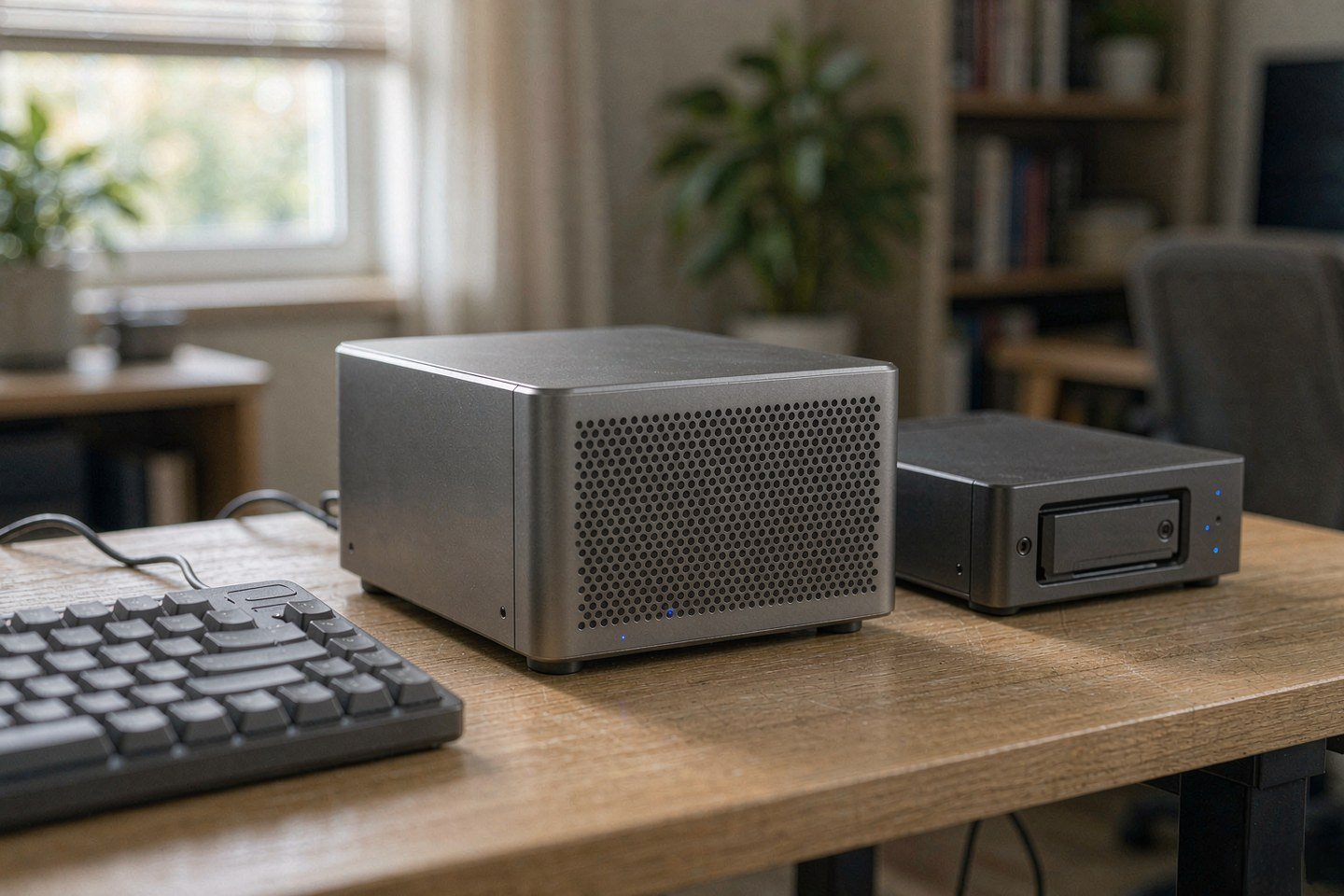
Direct answer up front, then the trade-offs that matter. This page covers nvidia gpu and answers: how to overclock nvidia gpu.
By Lillian · Senior Editor, Buying Guides
Beat: Buying guides · How we review
Quick Answer
Rent the compute, own the storage. That is the whole answer for most people reading this: keep weights, datasets and checkpoints on a NAS you control, and rent GPU hours until a project has paid for a card twice over. A local RTX card remains the cheapest per hour you will ever run. This week's news also shows how much friction sits between you and that cheapness.
Key Takeaways
- Nvidia's GeForce cards run FP32-accumulate tensor math at half the FP16-accumulate rate printed in Nvidia's own specifications; professional Turing and Ampere parts do not carry that limit (Tom's Hardware, 26 October 2026).
- Peak tensor throughput on an RTX 4090 nearly doubles, from 165.6 to 331.6 TFLOPS on FP16, while a real cuBLAS GEMM run in the same report moved 12 to 34 percent. Peak numbers are not your job's numbers.
- CUDA 13.4 makes GPU sharing an enforced memory boundary, which matters the moment you rent a fraction of a card instead of the whole thing.
- All three routes end with the same question: where do the weights, the dataset and the checkpoints live?
What Changed
Two announcements landed within a week, pointing in opposite directions.
The consumer side got a workaround. A project called nv-uefi-unlocker boots from a USB stick before the Nvidia driver binds, flips the write lock on the two speed-selector registers, and lets the card run its tensor units at full rate. No VBIOS flash. A power-off clears it, which means you repeat the ritual at every cold boot (nv-uefi-unlocker documentation, accessed 3 November 2026).
The server side got a product feature. CUDA 13.4 adds a memory boundary that applications cannot see: you request an exact amount of GPU memory, or a reserved floor with a burstable ceiling, and pick time-slicing or sm-sharing for compute. An open-source operator called GPU Fractioning Operator, hosted under the KAI Scheduler organisation, applies those limits per container and meters use per fraction rather than per whole GPU. KAI Scheduler v0.18.0 writes the annotations it reads (NVIDIA Technical Blog, accessed 3 November 2026).
Read those two together and the pattern is obvious. One route squeezes more out of hardware you already own. The other rents fractions of hardware you will never own. Neither tells you where the output goes.
That gap is where most home setups break.
Tom's Hardware put numbers on the first route. The Ada fork's developer took an RTX 4090 from 165.6 to 331.6 TFLOPS on FP16 and from 165.5 to 330.6 on BF16. One owner's cuBLAS GEMM medians on the same card rose 12 to 34 percent on FP16 and up to 20 percent on BF16. An RTX 3090 Ti at 450 W hit plus 35, 80 and 94 percent across FP16, BF16 and TF32. An RTX 3090 held at a 225 W cap gained 25 percent on BF16.
Who Is It For
Three readers, three different answers.
You have a 3070 or 3080 sitting in a desktop that already runs ComfyUI or Ollama. Your marginal cost of another inference run is electricity. The unlock is worth an evening of your time if your workload is image generation or prompt processing, and close to worthless if it is chat.
You bill clients by the project and occasionally need 24 GB of VRAM for a week. Renting is not a compromise for you; it is the correct accounting. You never carry depreciation, and you never explain a dead card to a client.
You run a three-person studio and the dataset is the business. Your problem is not FLOPs. It is that last April's renders, the client's camera originals and the fine-tune you spent six weeks on all need one address that survives a vendor's price change.
Skip all of this if your work fits on a laptop and a 200 GB cloud plan. Adding a NAS and a GPU host to that setup buys you maintenance, not capability.
Key Specifications
Capacity and bays
The two anchors here are not competing products. They are the two halves of the hybrid route.
NVIDIA's DGX Spark in its 64 GB configuration carries a GB10 Grace Blackwell Superchip with 20 cores and 64 GB of unified memory that is soldered, so the ceiling is the ceiling (NVIDIA product page, checked 2026-10-04). Nvidia lists it at $4,999 through six OEM partners, checked 2026-10-04.
Synology's DS925+ is the storage half: four SATA bays, two M.2 NVMe slots, nine bays with expansion units, hot-swap across the front (Synology comparison page, checked 2026-10-02). Its Amazon listing read $749.76 on 2026-10-02, which is now a historical reading rather than a current quote.
Practical translation: 64 GB of unified memory sets your model ceiling, and four bays set how many checkpoints you keep before you start deleting the ones you might need.
Connectivity
DS925+ ships two 2.5GbE ports. On a direct link that is 2.5 Gbit/s of theoretical throughput, roughly 312 MB/s, and you will see closer to 250 to 280 MB/s once protocol overhead and drive speed take their cut.
We could not verify the DGX Spark's port configuration from the specification ledger we track, so treat any cabling plan for it as something to confirm on Nvidia's product page before you order.
Software stack
The NAS half runs Btrfs or ext4 (Synology, checked 2026-10-02). Pick Btrfs if you intend to use snapshots, because that is where the rollback lives.
The compute half runs CUDA. On the rented route, CUDA 13.4 is the interesting version because it enforces memory limits per container. On the local route, the unlocker does not ship Nvidia firmware; its documentation says it rebuilds the needed files locally from a publicly distributed driver package.
What Is New
The Windows path is the actual news. Until recently the documented unlocks were Linux kernel modules, and Windows support was experimental. nv-uefi-unlocker moves the change to the pre-driver stage, which is why it works on a stock Windows install.
Three constraints come with it, and each one costs you something.
You need UEFI boot with Secure Boot disabled, or a self-signed EFI binary marked trusted. On a machine that also holds client data, that is a security trade, not a checkbox.
Turing cards need the driver switched into GSP firmware mode first. RTX 30 on GA10x and RTX 40 on Ada are listed as fully compatible. Pascal, GA100 and RTX 50 are not supported at all.
And the state does not persist. Power off, and the card is back to half rate. Your automation has to survive a machine that wakes up slower than it should.
How It Compares
Three routes, one table, and the blanks matter as much as the numbers.
| Field | NVIDIA GPUs (DGX Spark 64GB) | Synology DiskStation DS925+ |
|---|---|---|
| Price (tracked) | NVIDIA (MSRP, ships from six OEM partners) $4999 (2026-10-04) | Amazon $749.76 (2026-10-02, stale) |
| Drive bays (SATA) | — | 4 bays |
| M.2 NVMe slots | — | 2 slots |
| Max bays with expansion | — | 9 bays |
| Hot-swap bays | — | Yes |
| CPU | NVIDIA GB10 Grace Blackwell Superchip | AMD Ryzen V1500B |
| CPU cores | 20 cores | 4 cores |
| Installed RAM | 64 GB | 4 GB |
| Max RAM | 64 GB | 32 GB |
| RAM slots | — | 2 slots |
| ECC RAM | — | Yes |
| RAM soldered (not upgradeable) | Yes | — |
| 2.5GbE ports | — | 2 ports |
| USB ports | — | 2 ports |
| Form factor | — | Desktop tower |
| Weight | — | 2.26 kg |
| Internal filesystem | — | Btrfs, ext4 |
| Warranty | — | 3 years |
_Sources: NVIDIA DGX Spark — product page · Nvidia introduces 64GB DGX Spark ... starts at $4999 · Synology official comparison (DS925+)_
_Dash means the ledger has no verified value for that field; we do not substitute numbers from a similar product. Strikethrough marks a stale-only reading._
The DS925+ column shows what a store is: four bays, a 4-core Ryzen V1500B, and memory that starts at 4 GB and stops at 32 GB. That box will serve files all day. It will not run a 30B model, and anyone who tells you otherwise is selling you a demo.
The DGX Spark column shows what a compute box is: 20 cores, 64 GB of unified memory soldered shut, no drive bays at all. It has nowhere to put a dataset.
That emptiness is the argument. You are not choosing between three equal products. You are choosing which half to buy first, and the storage half is the half that keeps its value.
Read the dash column, then read your own workload.
Who Should Consider It
Worth it if you already own an RTX 20, 30 or 40 series desktop and your work is diffusion or prompt-heavy. The unlock costs a USB stick and a reboot, and Tom's Hardware recorded real GEMM gains of 12 to 34 percent on one owner's RTX 4090.
Worth it if you need a single address for 4 TB of project files that three people can mount at once. The DS925+ does that for $749.76 as of 2026-10-02, before drives.
Skip the unlock if your workload is token decoding. Decode is bound by memory bandwidth, and the report shows it barely moving. You would be trading boot-time stability for a number that never shows up in your output.
Skip the NAS if you work alone, always from one desk, and your total output fits under a terabyte. Sync folders and an external drive cover that life.
The trade-off nobody puts on a spec sheet: a rented GPU is someone else's maintenance problem, and a local box is yours. Pick the failure mode you can live with.
That is a judgement call, not a calculation. Your uptime tolerance decides it.
What Existing Users Should Know
If you already run a local AI box, three things changed for you this month.
Coverage is still patchy. The Tom's Hardware report notes gaps for GA103 and most Ada and Turing cards, which means your specific board may be listed as compatible in principle and untested in practice. Check the compatibility matrix for your card ID before you trust a video of someone else's 3090.
Power limits decide the result. The 4090 in the peak table hit double rate. The 3090 held at 225 W gained 25 percent on BF16. If your card is power-capped or thermally throttled, expect the lower number.
The risk language is unusually blunt. The project READMEs warn that the modification can damage hardware, hang the GPU or the host, or corrupt data. We are not going to soften that: this is firmware exploitation of a signed component, and the people writing it say so themselves.
Watch out for one specific mistake. People run the unlock, see a benchmark score jump, and then assume every job on that card got faster. It did not. Test your own workload for one week before you rebuild any pipeline around the number.
Your boot process is the other thing that quietly changes. If your desktop wakes on a schedule to run overnight training, a machine that needs a USB confirmation at boot will not wake the same way.
Real-World Scenario: Virtual LAN & Remote Secure Access without Public IP
What this changes for the use case
Picture the actual setup. A desktop with a 4080 sits in a spare room, on a residential connection with no public IPv4 address. Your NAS is next to it. You are three time zones away with a laptop.
Without a public IP, port forwarding is not available to you, and it was never a good idea for an inference endpoint anyway. An overlay network solves the reachability problem without opening anything: both the NAS and the desktop join a private mesh, get stable addresses, and authenticate device to device. You mount the NAS share from the laptop and reach the desktop over the same mesh.
The design consequence is the part most guides skip. You stop sizing the NAS for media streaming and start sizing it for checkpoint churn. A fine-tune that writes a 12 GB checkpoint every epoch will fill four bays faster than any film collection you own.
That is not a hypothetical. Check your training script's save interval before you buy bays.
Hardware and software requirements
On the storage side you want a NAS with SMB or NFS, dual 2.5GbE, and a filesystem that snapshots cheaply. DS925+ meets the first two on paper, and its Btrfs option covers the third (Synology, checked 2026-10-02).
On the network side you need an overlay client that runs on all three devices, per-device keys, and an access rule that says who may read the dataset share. Tailscale and WireGuard both do this; we are not going to pretend one is universally better, because the right pick depends on whether you have a headscale server or want a hosted control plane.
On the compute side, mount the dataset read-only from the GPU host. Write only to a dedicated outputs share. That one rule stops a runaway training script from rewriting your originals.
Set a snapshot schedule before your first remote session, not after the first mistake.
Limits, caveats, and who should skip it
Egress is the wall. A 2.5GbE local link gives you 250 to 280 MB/s. Your home upload on a residential line is often 20 to 40 Mbit/s, which is 2.5 to 5 MB/s. Pulling a 40 GB checkpoint across that tunnel is an overnight job, so plan to keep the working copy where the compute is.
Two numbers, two very different jobs.
Latency kills interactive work. Remote desktop over a tunnel feels fine for file management and bad for anything that redraws at 60 Hz.
Snapshots are not backups. A snapshot on the same NAS dies with the NAS. Keep one copy off-site or on a second device; the scenario is about reachability, not about surviving a fire.
Skip this design if you work from one site and your GPU box is under your desk. You would be adding a mesh network to solve a problem you do not have.
Frequently Asked Questions
Is unlocking an RTX 20, 30 or 40 card worth it for AI work?
Only for workloads that saturate tensor math. Tom's Hardware recorded 12 to 34 percent gains on real GEMM runs for one RTX 4090 owner, and Ampere prompt processing and diffusion work gained 14 to 36 percent. Token decoding barely moved because it is bound by memory bandwidth. If you mostly chat with a local model, skip it.
Does CUDA 13.4 make sharing one GPU between two jobs safe?
It makes memory limits enforceable, which is a real change from time-slicing with no memory enforcement. NVIDIA's post describes exact memory requests, a reserved floor with a burstable ceiling, and a choice between time-slicing and sm-sharing. What it does not give you is hardware isolation; MIG still does that, and the two answer different questions.
What is a NAS and do I need one here?
A NAS is a small computer whose job is serving files over SMB or NFS to other machines. In this setup it holds the dataset, the model weights and the checkpoints, so the GPU host becomes replaceable. You need one if more than one machine or more than one person has to reach the same files. You do not need one for a single laptop.
How much does a home NAS cost?
A four-bay Synology DS925+ listed at $749.76 on Amazon on 2026-10-02, diskless. Drives are separate: a WD Red Plus 8 TB was $431 on a DatacenterDisk listing on the same date. Budget for four drives before you commit to a four-bay chassis, and re-check both numbers, because they move.
Can I reach a NAS with no public IP address?
Yes, through an overlay network rather than port forwarding. Both the NAS and your laptop join a private mesh, authenticate with per-device keys, and talk to each other directly or through a relay. Throughput is then capped by your upload speed, not by the NAS, which is the number to check before you plan remote editing.
Sources
- Tom's Hardware, "Nvidia RTX 20, 30, and 40-series GPUs hacked to remove a half-speed AI throttle", 26 October 2026 — https://www.tomshardware.com/pc-components/gpus/nvidia-rtx-20-30-and-40-series-gpus-hacked-to-remove-a-half-speed-ai-throttle-firmware-exploit-doubles-rtx-4090s-peak-tensor-rate-lifts-rtx-3090-ti-matrix-math-up-to-80-percent (accessed 3 November 2026)
- nv-uefi-unlocker project documentation, GitHub — https://github.com/physicsdolphin/nv-uefi-unlocker/blob/main/README.en.md (accessed 3 November 2026)
- NVIDIA Technical Blog, "Memory-Enforced GPU Sharing in Kubernetes with NVIDIA CUDA 13.4" — https://developer.nvidia.com/blog/memory-enforced-gpu-sharing-in-kubernetes-with-nvidia-cuda-13-4/ (accessed 3 November 2026)
- NVIDIA, DGX Spark product page — https://www.nvidia.com/en-us/project-digits/ (accessed 3 November 2026; specification values tracked from a 2026-10-04 check)
- Synology, official product comparison for DS925+ — https://www.synology.com/en-uk/products/compare/DS423/DS425+/DS925+ (accessed 3 November 2026; specification values tracked from a 2026-10-02 check)
- Smart Home Compared, Synology brand catalogue (live Amazon US listing used for the DS925+ price) — https://smarthomecompared.com/brands/synology (accessed 2 October 2026)
- DatacenterDisk, WD Red listings ranked by dollars per terabyte — http://datacenterdisk.com/wd-red (accessed 2 October 2026)
Run your own 5-year cost comparison with the on-site calculator
Every figure above is attributed in the Sources list — put your own drive count and subscription tiers into the calculator to see where you land.
Open the cost calculator →Related reading
Was this article helpful?
One tap, no account and no comment box. It tells us which guides are actually worth updating.
How many drive bays is your NAS?
This is how we decide which setups to cover next.
Thanks.
Need help with a specific setup?
Storage choices depend on your drives, your budget and how many people share the box. Tell us what you are building and we will point you at a configuration that fits — no obligation, no sales script.
Affiliate Disclosure: SecureNAS Hub may earn a commission from qualifying purchases made through links on this page, at no extra cost to you. Facts and figures are attributed in the Sources list; nothing on this page is a fabricated test result. See our full disclosure. Product images are either supplied by the manufacturer or clearly labelled as illustrative renders; each one is captioned accordingly. Last reviewed 2026-11-03.