NAS Guides · Published 2026-10-23
DeepSeek-R1 at Home: What a NAS Can Run Next to a Mac mini
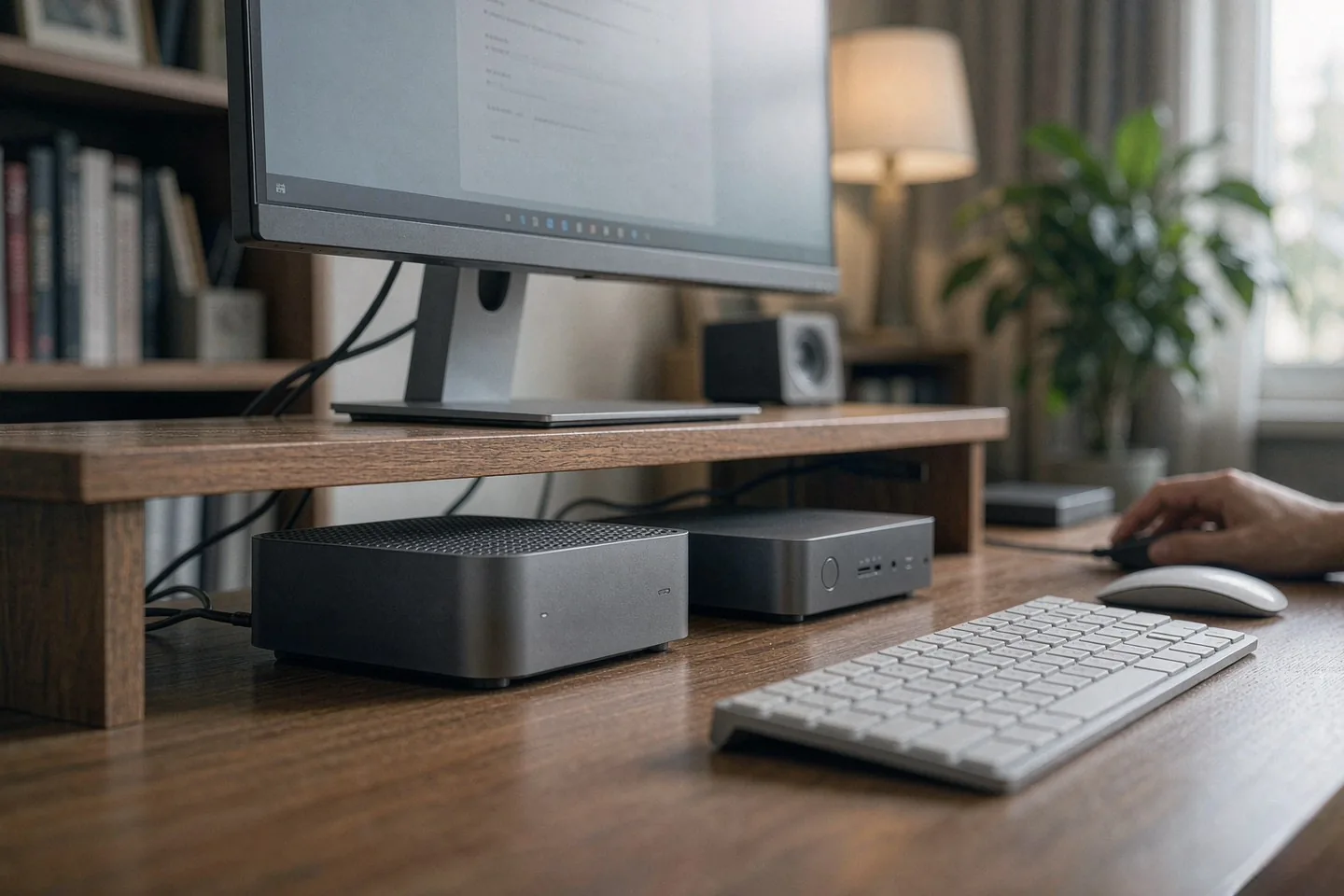
Direct answer up front, then the trade-offs that matter. This page covers mac mini and answers: What is a NAS and do I need one?.
By Jack Huang · Senior Writer, Local AI and Smart Home
Beat: On-device AI features · How we review
Quick Answer
Minisforum's new S5-304, a fanless five-bay all-flash NAS, launched on October 16, 2026 at $599 (Minisforum US store, checked 2026-10-23), and its product page leads with a 15 TOPS NPU and "local AI" language.
Here is the short version: do not buy it to run DeepSeek-R1.
Not this box. Not at this memory. The full R1 checkpoint is a 671-billion-parameter mixture-of-experts model (DeepSeek's model card on Hugging Face, accessed 2026-10-23), and neither the S5's 12 GB of soldered memory nor a Mac mini M6's 32 GB ceiling comes close. What each box does well is different, and you should be clear about the split before you spend anything. Your Mac mini runs small and mid-size quantized models; your NAS holds the library, the index, and the always-on agent that waits between prompts.
Key Takeaways
- The Minisforum S5-304 is storage hardware with a small NPU bolted on, not an inference box. Its 12 GB of LPDDR5X is soldered and ends the conversation about big models before it starts.
- A Mac mini M6 with 16 GB (Amazon listed $779.99 on 2026-10-07; Apple US list $899, same date) runs 7B- and 8B-class quantized models comfortably. The 32 GB configuration widens that to some 30B-class quants.
- Full, unquantized DeepSeek-R1? You need a machine measured in hundreds of gigabytes. If you want R1 at home today, your realistic paths are the official API or a quantized distillation. Neither of these boxes gets you there.
- The division of labor that works: you run the NAS for 24/7 indexing, embeddings, and serving files; your Mac mini does the actual token generation. Ollama on the Mac, files and search on the NAS.
That is the whole playbook.
What Changed
Minisforum put the S5-304 on sale on October 16, 2026 (HotHardware, 2026-10-16; Mini PC Deals, 2026-10-16). The box itself is a 176.5 × 154 × 60 mm aluminum slab with five M.2 2280 slots and no fans. Inside sits an Intel Core 3 304 processor whose NPU the company rates at 15 TOPS for INT8 work. The barebone configuration — 12 GB LPDDR5X, 128 GB UFS system drive, zero SSDs — costs $599, down from a $749 list (Minisforum US store, checked 2026-10-23). A preconfigured 20 TB version is $3,759 and ships in early November.
The marketing frames it as a "local AI NAS." That phrase does a lot of work. Vendor claims put the NPU on wake-word duty, semantic retrieval, and agent scheduling at low power. Nothing in the announcement claims the box generates tokens from a large model, and the memory configuration says it plainly cannot.
Why should you care about a NAS launch if you are shopping for a Mac mini? Because the two now overlap on a store shelf, at overlapping prices, and the product pages blur which machine does which job.
Who Is It For
The S5-304 is for you if you want a silent file server first and light AI housekeeping second. No fans means it can sit next to your desk, your TV, or your bed. Five NVMe slots scale to 40 TB raw, which is the headline capacity for raw photo libraries, video projects, and backups.
Your Mac mini M6 buyer is a different animal. That machine is your compute half: running Ollama or LM Studio, generating text, embedding your documents, transcribing your audio. Its memory is unified and fast, and Apple's M6 gives it 12 CPU cores against the S5's five. You will feel that difference the first time you watch tokens stream.
If your goal is the scenario this article is anchored to — a private DeepSeek-R1 deployment at home — you are, honestly, neither buyer yet. You need to decide between an API subscription and a much larger machine. The two boxes here are the supporting cast, not the star.
Key Specifications
Every number below comes from Minisforum's own store pages (US store and regional spec table, accessed 2026-10-23) or our tracked ledger for the Mac mini (Tom's Guide, checked 2026-10-07). Fields our ledger has not verified show a dash; we did not substitute another product's numbers.
| Field | Mac mini M6 (2026, 16GB/256GB) | minisforum-s5-304 |
|---|---|---|
| Price (tracked) | Amazon $779.99 (2026-10-07);Amazon $779.99 (2026-10-07);Apple (US list) $899 (2026-10-07) | Minisforum US store $599 (2026-10-23);Minisforum US store $3759 (2026-10-23) |
| M.2 NVMe slots | — | 5 slots |
| Max raw capacity | — | 40 TB |
| CPU | Apple M6 (12-core CPU: 2 super + 4 performance + 6 efficiency cores) | Intel Core 3 304 (5C/5T, up to 4.3 GHz, 15 TOPS NPU) |
| CPU cores | 12 cores | 5 cores |
| Installed RAM | 16 GB | 12 GB |
| Max RAM | 32 GB | — |
| RAM soldered (not upgradeable) | Yes | Yes |
| 2.5GbE ports | 1 port | 1 port |
| 10GbE ports | — | 1 port |
| USB ports | 5 ports | — |
| Form factor | 5 x 5 x 2 inch desktop | 176.5 x 154 x 60 mm fanless aluminum chassis |
| Weight | — | 1.8 kg |
_Sources: I reviewed the new Mac mini M6 and it's a tiny powerhouse (Tom's Guide, 2026-10-06) · MINISFORUM AI NAS S5-304 spec table (Minisforum official)_
_— = no verified data for that field in our ledger. ~~Strikethrough~~ = stale reading only._
Two rows decide the local-AI argument.
Read them before anything else. Then decide. Installed RAM is the first: 16 GB versus 12 GB, both soldered. The second is storage architecture: the Mac mini's 256 GB base drive is not user-expandable in any practical way, while the S5-304's five PCIe 4.0 x1 slots take up to 8 TB per slot (Minisforum official spec table, accessed 2026-10-23).
Capacity and bays
Fill those five slots and your box holds 40 TB raw. Raw is the operative word: a redundant pool, snapshots, and the OS overhead all subtract from what you can actually use. Minisforum put a 128 GB UFS 3.1 drive on the board for the system. None of your five data slots is wasted on boot duties.
Connectivity
One 10GbE port and one 2.5GbE port, two USB4 ports, Wi-Fi 7, Bluetooth 6.0.
The 10GbE link is the one that matters to you. It is what makes an all-flash NAS worth wiring up. If your network is still 1 GbE, you will strand most of that SSD speed behind your switch, and no amount of flash fixes that.
Software stack
MinisCloud OS ships pre-installed, with ZFS snapshots, LZ4 compression, Docker apps, and AI photo albums listed on the product page. Standard UEFI support means TrueNAS, Unraid, Windows 11 Pro, or plain Linux are installable. Minisforum does not list those alternatives as supported configurations — that distinction matters if you rely on vendor support.
What Is New
Three things are actually new here.
Only one of them involves AI. First, the price: a five-slot NVMe chassis with 10GbE at $599 undercuts most four-bay HDD NAS units in our price ledger. Second, the cooling: heat pipes and fins instead of fans, which Minisforum says sustained roughly 15 W of CPU power in internal stress testing at 25 °C ambient (vendor claim; we could not verify independently). Third, the NPU: 15 TOPS at INT8, aimed at always-on agents rather than model inference.
The S5-304 also arrives into a flash market that has been repricing all year. Our own ledger shows a single WD Red SN700 1 TB NVMe drive at $145.38 (Walmart, checked 2026-10-21). Multiply a price like that by five 8 TB drives and the storage costs several times the $599 chassis. Budget for drives first. The box is the cheap part.
Watch out for one trap before you click buy.
Read the headline twice. HotHardware's headline spells it out — "Minisforum launches a fanless 40TB all-flash local AI NAS at $599" — and the 40 TB figure is the maximum across five empty slots, not what arrives at your door. You bring the drives. If you read the title as a complete system for $599, you will be disappointed on delivery day.
So where should your money go first? That depends on which half of the local-AI stack you are actually missing.
How It Compares
Look at the table above and the honest reading is simple: these two machines are complements, not substitutes. The Mac mini wins on compute: 12 cores to 5, 16 GB of faster unified memory to 12 GB of LPDDR5X, and a mature local-LLM software ecosystem in Ollama and LM Studio. The S5-304 wins on capacity, expansion, and endurance: five slots against zero, 10GbE, and a fanless chassis designed to run all day, every day.
The trade-off is memory versus storage. You cannot add RAM to either box — both are soldered — but you can keep adding terabytes to the NAS for years. A Mac mini maxes out at 32 GB the day you buy it.
Our take: you run the model on your Mac, and you point its retrieval layer at your NAS. Embed your documents once, store the vectors and the source files on the S5-304, and let the Mac pull context over 2.5GbE or 10GbE. That split uses each box for what its hardware is actually shaped to do.
One sentence, if you remember nothing else. Memory does inference; storage does memory.
Who Should Consider It
Worth it if you want a silent, all-flash file server with a 10GbE pipe, you already own a capable client machine for AI work, and you will actually fill more than two NVMe slots. The $599 barebone only makes sense against the drive bill you are about to accept.
Skip it if you were hoping the "local AI NAS" label meant the box runs large models itself. With 12 GB of non-upgradeable memory and a five-core CPU, it will not. Skip it too if you need hard-drive economics: 40 TB of flash costs far more than 40 TB of spinning rust, and our ledger has no verified bulk-flash pricing that changes that math as of 2026-10-23.
If you buy it anyway, do yourself one favor: Order your SSDs from the vendor's compatibility list, not from whatever is cheapest that day — Minisforum's validated-drive documentation is still incomplete, and an unvalidated controller can turn a silent NAS into a support ticket.
What Existing Users Should Know
Do you already run a four-bay HDD NAS? Then the S5-304 does not replace it — it changes the latency class of what sits next to it. Random reads on NVMe land in a different league than even a fast RAID array, which matters for photo library browsing, thumbnail generation, and database-backed apps.
If you already run Ollama on a Mac mini, nothing about the S5-304 changes your model setup. What it can change is where your embeddings, document stores, and backups live. Your one practical caution: MinisCloud OS is new, independent reviews of the S5-304 do not exist yet as of 2026-10-23, and the installed drive compatibility list is still incomplete. We could not verify which 8 TB drives Minisforum has validated. Wait for teardowns if a specific drive model matters to you.
Patience is cheap. A wrong SSD is not.
Your upgrade path, in one line. Buy the NAS for the terabytes, buy the Mac for the tokens, and never ask either box to do the other's job.
Real-World Scenario: Localized DeepSeek-R1 Full-Blood Private Deployment
What this changes for the use case
The scenario's honest starting point is arithmetic. DeepSeek-R1's full checkpoint is a 671-billion-parameter mixture-of-experts model with 37 billion parameters active per token (DeepSeek model card on Hugging Face, accessed 2026-10-23). Serving it locally means hundreds of gigabytes of fast memory before you store a single token of context. No Mac mini configuration and no S5-304 configuration reaches that. A "full-blood" private deployment today means a multi-GPU server, the official API, or accepting a distilled quantized variant that fits consumer memory.
What the S5-304 changes is everything around the model. Its NPU and low idle power make it a plausible home for the always-on parts of a private AI stack: watching folders, building semantic indexes over a 40 TB library, running wake-word detection, and serving RAG context to whichever client asks.
Here is the question you should ask yourself first. Do you actually need R1's full reasoning depth, or do you need a private assistant that cites your own files? If the second, the Mac-plus-NAS split above gets you there for roughly the price of one Mac mini plus one barebone S5-304 — both figures are in the table below.
Hardware and software requirements
For the model side, a Mac mini M6 at 16 GB runs 7B- and 8B-class quantized models through Ollama without strain; the 32 GB build extends into some 30B-class quants. Where exactly the ceiling falls depends on context length and quantization format, and Apple has not published a model-size matrix for the M6, so treat those boundaries as starting points rather than spec-sheet facts.
For your retrieval side, the NAS needs nothing exotic: NVMe drives, a 10GbE connection to your switch, and software that can hold an index — MinisCloud OS's photo and document features, or a Docker container of your choosing. Embeddings are one-time compute; regenerating them weekly is a background job, not a bottleneck.
Limits, caveats, and who should skip it
The S5-304's 12 GB of soldered memory is the hard limit. It cannot hold a serious LLM, and no firmware update changes that. The Mac mini's ceiling is 32 GB, also soldered, which rules out the full R1 checkpoint by two orders of magnitude.
If you truly need R1 with zero external calls, skip this whole architecture. Your compliant paths are a bigger machine or the API. And treat Minisforum's 15 TOPS figure as a vendor claim until independent benchmarks appear — as of 2026-10-23, they have not.
Frequently Asked Questions
Can a NAS run DeepSeek-R1 locally?
Not the full model. DeepSeek-R1's checkpoint is 671 billion parameters (Hugging Face model card, accessed 2026-10-23), which needs far more memory than the S5-304's 12 GB or any Mac mini's 32 GB ceiling. A NAS is useful for the surrounding stack: storing files, hosting embeddings, and running lightweight agents. The model itself belongs on a larger machine or an API.
Is the Minisforum S5-304 a good first NAS?
For a silent all-flash file server, yes, with caveats. Five NVMe slots, 10GbE, and a $599 barebone price are competitive as of 2026-10-23. But the 12 GB memory is soldered, independent reviews do not exist yet, and flash storage multiplies the real cost. Buyers who need hard-drive capacity per dollar should look at traditional HDD bays first.
Should I buy the Mac mini M6 or the S5-304 for local AI?
Buy the Mac mini for model inference and the S5-304 for storage. They solve different halves of the problem. The Mac mini's 12-core M6 and 16-32 GB of unified memory run small quantized models; the NAS holds terabytes and stays always-on at low power. One machine without the other leaves you with either no capacity or no compute.
How much does a private local AI setup really cost?
The compute is the smaller number. A Mac mini M6 starts at $779.99 on Amazon (checked 2026-10-07) or $899 on Apple's US list, and the S5-304 barebone is $599 (checked 2026-10-23). Drives dominate: our ledger shows a single 1 TB WD Red SN700 at $145.38 (Walmart, 2026-10-21), and a useful library needs multiples of that. We could not verify current 8 TB NVMe pricing in our ledger.
Sources
- HotHardware's report on the Minisforum S5-304 launch, covering the five-slot design, Core 3 304 platform, and $599 introductory pricing (accessed 2026-10-23): https://hothardware.com/news/minisforum-launches-fanless-40tb-all-flash-local-ai-nas-599
- TechRadar Pro on the S5's silent five-bay architecture, connectivity, and drive-cost arithmetic (accessed 2026-10-23): https://www.techradar.com/pro/this-silent-all-flash-nas-with-10gbe-and-dual-usb4-is-cheaper-if-you-buy-it-bare-bone-and-add-your-own-ssds
- Mini PC Deals' launch summary with store pricing, ship dates, and the PCIe 4.0 x1 per-slot detail (accessed 2026-10-23): https://minipcdeals.net/minisforum-s5-fanless-nas
- Minisforum official US store page for the AI NAS S5-304, price verified 2026-10-23: https://store.minisforum.com/products/minisforum-ai-nas-s5-304
- Minisforum official regional spec table for the S5-304 (memory, slots, LAN, dimensions), accessed 2026-10-23: https://ca.minisforum.com/products/minisforum-ai-nas-s5-304
- DeepSeek-R1 model card on Hugging Face (parameter count, architecture), accessed 2026-10-23: https://huggingface.co/deepseek-ai/DeepSeek-R1
- Tom's Guide review used for Mac mini M6 ledger specs and pricing context, checked 2026-10-07: https://www.tomsguide.com/computing/mini-pcs/i-reviewed-the-new-mac-mini-m6-and-its-a-tiny-powerhouse-add-one-to-your-desk-for-usd120-off-right-now
Run your own 5-year cost comparison with the on-site calculator
Every figure above is attributed in the Sources list — put your own drive count and subscription tiers into the calculator to see where you land.
Open the cost calculator →Related reading
Was this article helpful?
One tap, no account and no comment box. It tells us which guides are actually worth updating.
How many drive bays is your NAS?
This is how we decide which setups to cover next.
Thanks.
Need help with a specific setup?
Storage choices depend on your drives, your budget and how many people share the box. Tell us what you are building and we will point you at a configuration that fits — no obligation, no sales script.
Affiliate Disclosure: SecureNAS Hub may earn a commission from qualifying purchases made through links on this page, at no extra cost to you. Facts and figures are attributed in the Sources list; nothing on this page is a fabricated test result. See our full disclosure. Product images are either supplied by the manufacturer or clearly labelled as illustrative renders; each one is captioned accordingly. Last reviewed 2026-10-23.