NAS Guides · Published 2026-10-22
Local Camera Storage vs Cloud Subscriptions: Cost Compared
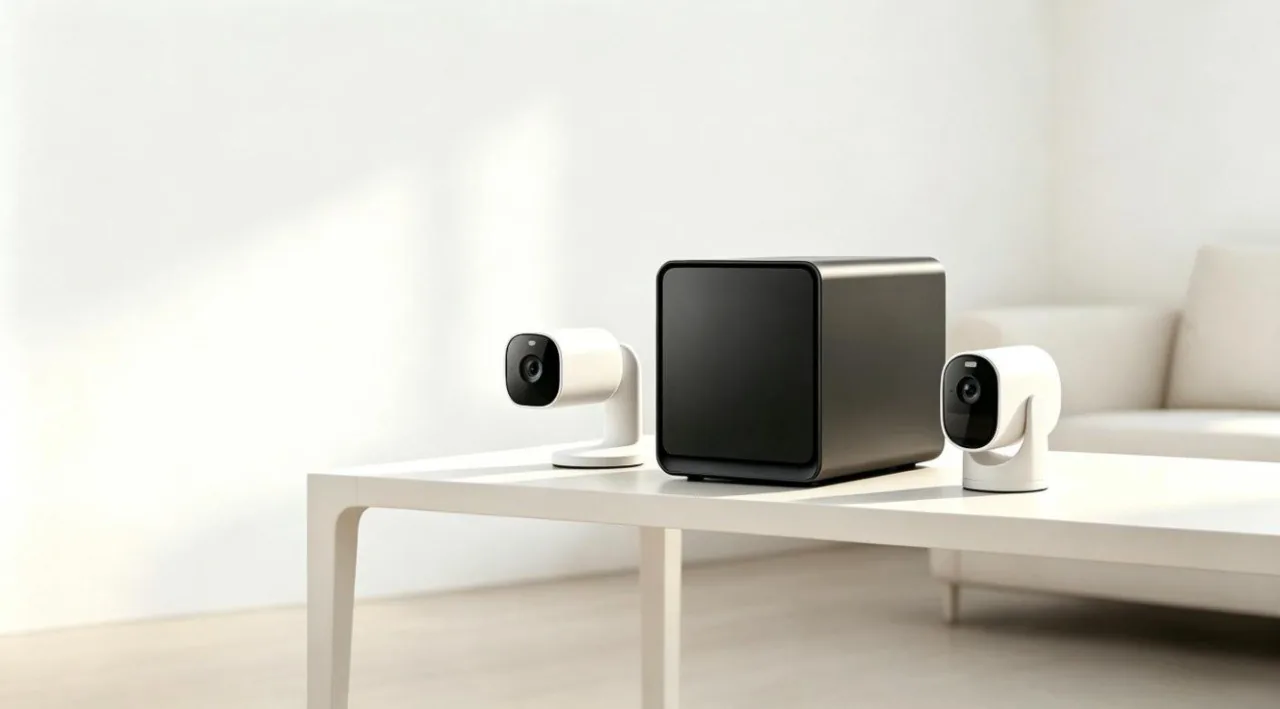
Direct answer up front, then the trade-offs that matter. This page covers local camera storage vs cloud and answers: What is a NAS and do I need one?.
By Leo · Hardware Reviewer
Beat: Drive bays, RAID and expandability · How we review
Quick Answer
Local storage costs nothing per month; cloud recording for a camera runs $4.99 to $19.99 a month at Ring's current US list prices (checked 2026-10-07). Over a camera's typical life, that monthly fee usually costs more than the camera itself. The honest answer: if you only need clips of the porch and the driveway, local storage wins the money math outright; if you need footage to survive a stolen camera, cloud is the backup you're paying for.
Key Takeaways
- Ring's cheapest recording plan (Home Basic) is $4.99/month for one device, per Ring's own pricing read on 2026-10-07; Eufy lists local recording at $0 (checked 2026-10-02).
- Three years of the $19.99 Ring plan costs $719.64 at list price — for a camera that often sells for under $100.
- Local storage has real costs too: an 8 TB NAS drive was $431 at DatacenterDisk and $347 for the Seagate IronWolf equivalent on Amazon (both checked 2026-10-02).
- Cloud's core advantage is theft-proof footage, not better alerts. On-device detection is free on Eufy and several rivals.
- A third-party report claims Ring raised prices in February 2026; we could not verify that against Ring's own checkout, which still showed $4.99 (2026-10-07).
The Short Version
The fee is the product.
A Ring camera without a plan gives you live view and a motion ping, but the clip is gone the moment you close the app — recording itself is what the subscription buys, according to Ring's plan structure (accessed 2026-10-07).
Run the arithmetic and the order of brands flips. Ring Home Basic covers one device at $4.99/month (Ring list price, checked 2026-10-07). Thirty-six months of that is $179.64, before any annual-billing discount. How-To Geek's Ring Outdoor Cam Pro review confirms the same ladder from independent hands-on testing: $4.99 Basic for one camera, $9.99 Standard for a location, $19.99 for continuous recording and SOS (accessed 2026-10-22).
Home Standard covers every eligible device at one location for $9.99/month. The top tier runs $19.99/month, or $719.64 over the same three years.
Eufy prices the other side of the trade at zero. Eufy's own pages list local recording — clips saved to the camera's or the hub's onboard storage — at $0, with Cloud Basic at $2.99/month for one camera if you want an offsite copy (both checked 2026-10-02). Reolink runs a similar local-first model, according to its published plan structure (accessed 2026-10-22).
But "free" is doing some work in that sentence.
Local recording means buying storage hardware once, and 8 TB of NAS-grade storage was $347 for a Seagate IronWolf ST8000VN004 on Amazon and $431 for the WD Red Plus WD80EFPX at DatacenterDisk on 2026-10-02. Drive prices have moved sharply this year, so check before you budget.
Side-by-Side Comparison
Upfront cost
Cloud wins the sticker fight. A subscription camera costs the same as any camera, and the plan starts at $4.99.
Local storage front-loads its cost. The cheapest path is a microSD card in the camera itself — tens of dollars, not in our price ledger, so we won't quote a number.
The serious version is a hub or a NAS, where one 8 TB IronWolf at $347 (Amazon, checked 2026-10-02) holds years of clips for a whole camera fleet.
Ongoing cost
This is where the ledger does the talking. At list prices:
| Plan | Monthly | What it covers | Checked |
|---|---|---|---|
| Eufy local storage | $0 | Clips on the camera or hub | 2026-10-02 |
| Ring Home Basic | $4.99 | One device | 2026-10-07 |
| Ring Home Standard | $9.99 | All eligible devices, one location | 2026-10-07 |
| Ring Home Premium | $19.99 | Standard + continuous recording | 2026-10-07 |
| Eufy Cloud Basic | $2.99 | One camera, offsite copy | 2026-10-02 |
| Apple iCloud+ 200 GB | $2.99 | General cloud storage | 2026-10-02 |
| Apple iCloud+ 2 TB | $9.99 | General cloud storage | 2026-10-02 |
| Google One 100 GB | $1.99 | General cloud storage | 2026-10-02 |
| Google One 2 TB | $9.99 | General cloud storage | 2026-10-02 |
Multiply before you believe any plan is cheap. One camera on Ring Home Basic for three years is $179.64. Four cameras on four Basic plans is $718.56 over the same span — one dollar less than the flat $19.99 plan covering the whole house.
The generic cloud plans deserve a mention because people misuse them. iCloud+ and Google One store photos and documents, but neither accepts continuous security-camera footage the way a vendor plan does; Google One's 2 TB at $9.99/month (checked 2026-10-02) is storage capacity, not a camera recording service.
Privacy and ownership
Local clips stay on hardware you control. Cloud clips sit on the vendor's servers, under terms that can change with a pricing email.
There's a caveat on the local side that marketing skips.
Eufy settled with the New York Attorney General in 2025 over streams that lacked end-to-end encryption, reportedly for around $450,000 — we could not verify the settlement figure independently, and Eufy has said it moved to encrypted streaming afterward. Local-first is a storage architecture, not a privacy guarantee.
Where Each Option Wins
Cloud wins three cases. First, theft: a burglar who takes the camera takes the microSD card with it, and offsite footage is the only copy that survives. Second, multi-camera households that want one flat fee — Ring Home Standard at $9.99/month covers a whole location, checked 2026-10-07. Third, people who never want to think about storage again.
Local wins everything else. Detection now runs on the camera itself: Consumer Reports' testing found Eufy's on-device AI producing what the publication called "very good" person and pet detection, and Tom's Guide's six-brand comparison found cloud and local detection roughly comparable, according to reporting cited by Bits From Bytes (accessed 2026-10-22). You're not paying a monthly fee for smarter alerts anymore. You're paying for storage duration and, on the $19.99 tier, a monitoring call center.
Who should skip cloud entirely: anyone with one or two cameras, a stable Wi-Fi network, and no interest in professional monitoring. The $2.99 Eufy Cloud Basic tier (checked 2026-10-02) is the only cheap middle path we'd consider — it backs up one camera's clips offsite for less than a coffee.
Cost Over 5 Years
Five years is where the subscription stops looking small. At list prices, one camera on Ring Home Basic runs $299.40 over 60 months. Ring Home Standard runs $599.40. the $19.99 plan runs $1,199.40. All three figures are straight multiplication of the monthly prices Ring published, checked 2026-10-07; annual billing cuts them somewhat, and Ring's exact annual rates can change, so treat these as monthly-billing ceilings.
The local path spends once. One 8 TB IronWolf at $347 (Amazon, checked 2026-10-02) plus a hub or NAS covers five years of clips for a whole household. Add a second drive for redundancy and you're still under the five-year Standard bill — and the hardware keeps recording after month 60 instead of resetting to zero.
The catch, stated plainly: drives fail, and $347 buys no early warning. That's the trade-off in one sentence — cloud spreads a smaller fee forever; local concentrates risk in hardware you must maintain.
Which Should You Choose
Worth it if you buy cloud: you run 4+ cameras and want one flat fee, you want footage to survive a break-in, or you're already paying for Ring Alarm monitoring and the $19.99 tier bundles cleanly with it.
Skip it if you own one camera and check your phone when it buzzes. A $4.99 plan costs $59.88 a year to watch clips you'll open twice. Eufy's $0 local recording plus its optional $2.99 Cloud Basic (both checked 2026-10-02) covers the same need at a third of the price.
Our take, if it were our money: local-first with one cheap offsite tier. The fee-per-camera plans are the trap — HomeTechTested's three-camera math shows per-device Basic billing beating only until the third camera, where a flat plan or a local hub takes over (accessed 2026-10-22).
Real-World Scenario: External Hard Drive / USB Plug-and-Play Auto-Backup
What this changes for the use case
You don't need a NAS to escape the monthly fee. A USB drive on a hub, or a drive plugged into a router's USB port, gives most camera ecosystems somewhere local to dump clips without any subscription at all. The $0 line in the ledger (Eufy local storage, checked 2026-10-02) applies to any brand that writes to storage you own.
Hardware and software requirements
The drive is the whole shopping list. Camera clips are small — event-based recording, not continuous — so capacity matters less than endurance. How-To Geek's guide to avoiding doorbell fees lists the working paths: memory-card doorbells such as the Eufy C210, Home Assistant or FTP recording, and HomeKit Secure Video, which stores doorbell footage inside an iCloud+ plan you may already pay for (accessed 2026-10-22).
Whether your specific camera or hub supports USB backup is a firmware question we could not verify across brands; check the model's storage options page before you buy the drive.
Limits, caveats, and who should skip it
Skip this setup if your cameras live outdoors on battery and the hub sits by the front door. A thief unplugs the hub and walks off with the evidence.
This is also not a backup — one drive is one copy, and drives die quietly.
And 8 TB is overkill for clips; the same $347 IronWolf (checked 2026-10-02) makes more sense split between camera footage and a general backup job.
Frequently Asked Questions
What is a NAS and do I need one?
A NAS is a small storage server that sits on your home network and holds files — camera clips included — on drives you own. You need one only if you want multi-camera local recording with redundancy. For one or two cameras, built-in hub storage or a microSD card does the same job at $0/month (Eufy local storage, checked 2026-10-02).
How much does a home NAS cost?
The storage is the main cost: an 8 TB NAS-grade drive was $347 for the Seagate IronWolf ST8000VN004 on Amazon and $431 for the WD Red Plus WD80EFPX at DatacenterDisk (both checked 2026-10-02). The NAS enclosure itself varies by brand and configuration; we could not verify current enclosure pricing for this article's ledger, so we won't quote a number.
How many bays do I need?
For camera footage alone, one bay holds years of event clips — a 4-bay machine is only worth it if you also want mirrored backups or other workloads. We're deliberately not naming bay-count minimums per model here, because enclosure pricing and configurations were not verified for this piece; check the model page before buying.
Can a NAS replace cloud storage?
For camera clips, mostly yes: local recording replaces the monthly storage fee at $0 (Eufy's list, checked 2026-10-02). What it cannot replace is offsite survival — if theft or fire takes the NAS, the footage goes with it. A hybrid setup, local recording plus a cheap cloud tier like Eufy Cloud Basic at $2.99/month (checked 2026-10-02), covers both failure modes.
Sources
- Ring plan pricing (Home Basic $4.99, Home Standard $9.99, Home Premium $19.99/month) — Ring list prices, accessed 2026-10-07, via price ledger
- Eufy local storage $0 and Cloud Basic $2.99/month — Eufy list prices, accessed 2026-10-02, via price ledger
- Apple iCloud+ 200 GB $2.99 and 2 TB $9.99/month — Apple list prices, accessed 2026-10-02, via price ledger
- Google One 100 GB $1.99 and 2 TB $9.99/month — Google list prices, accessed 2026-10-02, via price ledger
- Seagate IronWolf 8 TB (ST8000VN004) $347 — Amazon, accessed 2026-10-02, via price ledger
- WD Red Plus 8 TB (WD80EFPX) $431 — DatacenterDisk, accessed 2026-10-02, via price ledger
- HomeTechTested, "Smart Home Subscription Costs Compared (2026)" — https://www.hometechtested.com/blog/smart-home-subscription-costs-compared-2026 (accessed 2026-10-22)
- Bits From Bytes, "Best Home Security System with Cameras 2026" — https://bitsfrombytes.com/best-home-security-system-with-cameras-2026 (accessed 2026-10-22; cites Consumer Reports and Tom's Guide testing)
- Home Security Systems Alarms, "Security Cameras With No Subscription" — https://homesecurity-systems-alarms.com/cameras/security-cameras-without-subscription (accessed 2026-10-22)
- CCTV Info, "Ring camera subscription pricing change 2026" — https://cctvinfo.com/blog/ring-camera-subscription-pricing-change-2026 (accessed 2026-10-22; third-party claim, unconfirmed against Ring checkout)
- LatestCost, "Ring Cloud Storage Cost and Subscription Prices 2026" — https://latestcost.com/ring-cloud-storage-cost-subscription-prices/ (accessed 2026-10-22)
- How-To Geek, "Ring Outdoor Cam Pro review" — https://www.howtogeek.com/ring-outdoor-cam-pro-review/ (accessed 2026-10-22)
- How-To Geek, "How to Avoid Paying a Smart Doorbell Subscription Fee" — https://howtogeek.com/how-to-avoid-paying-a-smart-doorbell-subscription-fee/ (accessed 2026-10-22)
- Tom's Guide, "Ring's camera subscription plan just got a price hike" — https://www.tomsguide.com/home/home-security/rings-camera-subscription-plan-just-got-a-price-hike-how-much-more-youll-pay (accessed 2026-10-22)
- CNET, "Best Home Security Systems of 2026" — https://www.cnet.com/google-amp/news/best-ring-video-doorbells/ (accessed 2026-10-22)
Run your own 5-year cost comparison with the on-site calculator
Hardware that fits this use case — check the specs and the five-year cost before you buy.
See woCyber NAS details → or run the 5-year cost calculatorWant this built to spec? Talk to a woCyber specialist about sourcing and pricing.
Request a quote from woCyber →Related reading
Was this article helpful?
One tap, no account and no comment box. It tells us which guides are actually worth updating.
How many drive bays is your NAS?
This is how we decide which setups to cover next.
Thanks.
Need help with a specific setup?
Storage choices depend on your drives, your budget and how many people share the box. Tell us what you are building and we will point you at a configuration that fits — no obligation, no sales script.
Affiliate Disclosure: SecureNAS Hub may earn a commission from qualifying purchases made through links on this page, at no extra cost to you. Facts and figures are attributed in the Sources list; nothing on this page is a fabricated test result. See our full disclosure. Product images are either supplied by the manufacturer or clearly labelled as illustrative renders; each one is captioned accordingly. Last reviewed 2026-10-22.