Backup & Privacy · Published 2026-10-03
When a Check Point Gateway Is Ransomwared: What NAS Backups Save
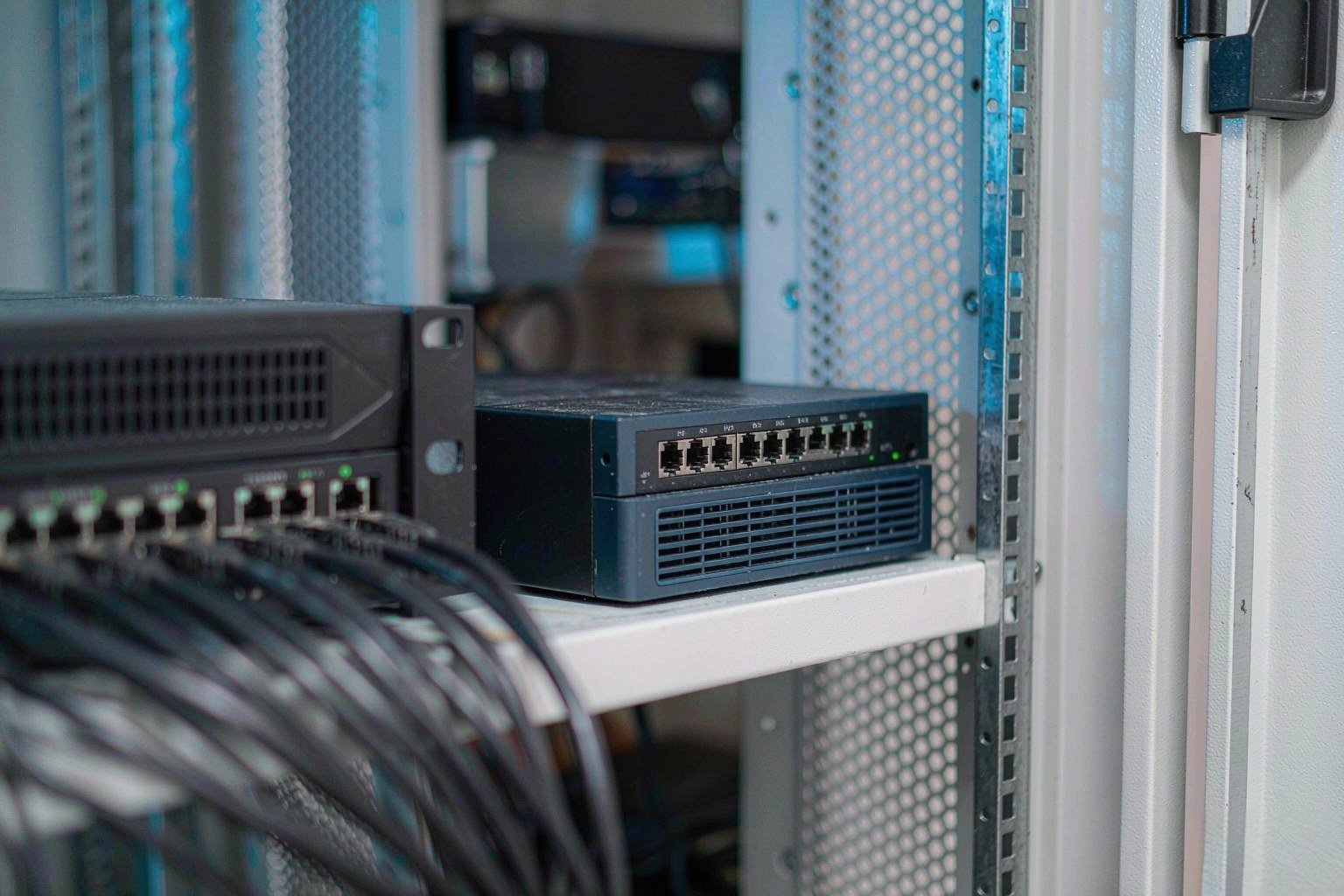
Direct answer up front, then the trade-offs that matter. This page covers check point and answers: How do I secure a NAS on my network?.
By Jack Huang · Senior Writer, Local AI and Smart Home
Beat: On-device AI features · How we review
Quick Answer
Can ransomware hit the box that is supposed to stop it? It almost did this month. Attackers used CVE-2026-93616, a CVSS 9.8 flaw in Check Point's Security Management Server, in targeted attacks starting July 23, 2026; the emergency fix arrived September 22 (The Hacker News, accessed October 3, 2026). A security appliance is not a backup. What saves your files is a second, isolated copy on a NAS — snapshots an attacker cannot reach and a restore you have actually tested.
Key Takeaways
- Check Point confirmed exploitation of CVE-2026-93616 (CVSS 9.8) in "a handful" of targeted attacks beginning July 23; fixes shipped September 22 in the R82.20 Security Hotfix, advisory sk1000171 (The Hacker News, accessed October 3, 2026).
- A second 9.8 flaw, CVE-2026-85102 in Security Gateway and Spark Firewall VPN certificate handling, drew exploitation attempts from September 12 — and Spark is Check Point's firewall line for small businesses (BleepingComputer, accessed October 3, 2026).
- Ransomware crews have hit Check Point gear before: CISA tied the 2024 Quantum gateway flaw CVE-2024-24919 to NailaoLocker ransomware, and BleepingComputer reports a Qilin affiliate exploiting CVE-2026-50751 since June.
- In Check Point's September 28 threat intelligence report, US healthcare technology firm Astrana Health confirmed a cyberattack in an SEC filing and restored its systems from backups (The Record, accessed October 3, 2026).
- The DFS dual-backup approach — two independent copies, one immutable or offline, restores rehearsed quarterly — is what turns "we were attacked" into "we restored by 6 p.m."
What Happened: Two 9.8 Flaws and a Report Full of Restores
On July 23, someone ran scripts on Check Point Security Management Servers without logging in. The company said so itself on September 22, when it shipped the emergency hotfix for CVE-2026-93616, a path traversal flaw in the management server's web service (The Hacker News, accessed October 3, 2026). The Management Server is not a footnote in that architecture — it holds the security policy for every gateway it controls.
Three weeks earlier, a separate CVSS 9.8 flaw had already drawn a wave of exploitation attempts. CVE-2026-85102 lives in how Check Point gateways validate certificates during VPN negotiation, and the attempts targeted customers of Spark, the Check Point firewall line built for small businesses. Fixes for it had existed since September 9 in support article sk1000117, and the Dutch NCSC had warned beforehand that exploitation attempts were likely (BleepingComputer, accessed October 3, 2026).
The history here is blunt. CISA confirmed that the operators behind NailaoLocker ransomware exploited CVE-2024-24919, a 2024 flaw in Check Point Quantum gateways. BleepingComputer also reports a Qilin ransomware affiliate exploiting an authentication bypass, CVE-2026-50751, since June, and a second bypass, CVE-2026-16232, since at least July. Patching those does not change the pattern: perimeter security gear is a target, and ransomware crews go after it first.
Check Point's own September 28 threat intelligence report — the item our radar picked up today — shows the pattern landing downstream. Astrana Health, a US healthcare technology provider, confirmed a cyberattack in an SEC filing and restored its systems from backups (The Record, accessed October 3, 2026). Huntress detailed an INC ransomware intrusion that touched at least 175 endpoints. Microsoft researchers mapped Storm-2570, a ransomware affiliate that reuses the same tooling across the Qilin, DragonForce, Anubis and BERT ecosystems.
What the July attackers did inside those management servers remains unconfirmed. Check Point has not named targets or described post-exploitation activity, and The Hacker News notes the advisory is silent on both. We could not verify any connection between these flaws and a specific data-loss event.
| Flaw | Where it sits | What it allows | Exploitation | Fix |
|---|---|---|---|---|
| CVE-2026-93616 | Security Management Server web service | Pre-auth script upload and execution | Targeted attacks from July 23, 2026 | Sept 22 hotfix, sk1000171 |
| CVE-2026-85102 | Security Gateway / Spark VPN certificate handling | Pre-auth code execution during VPN negotiation | Attempts since Sept 12 | Sept 9 fix, sk1000117 |
| CVE-2026-91843 | Security Management and Log Servers, R80–R82 | Unauthenticated root code execution via login stack overflow | None disclosed | LivePatch Take 28 on Sept 16, per THN citing CERT Santé |
What It Means for Home and Creator Storage
Every vendor ships bugs. That is not the story. The story is where these sat: in pre-auth code paths of the machines people trust most and question least, one of them in a product line sold specifically to small offices. If the perimeter box can be owned before anyone logs in, a storage plan has to assume the primary machine gets encrypted — not "might," assume. That logic held for cloud, too: the Azure attack we covered in September used compromised credentials to delete more than 100 storage accounts in about seven minutes. The reassuring counterexample is Astrana Health, which had backups and was restoring while the incident was still news.
For a household or a two-person studio, the same conclusion costs almost nothing to copy. Your router, your camera hub, your NAS — whatever sits on the network edge — deserves the same assumption: it can be encrypted, so the data needs a second home it cannot infect.
Real-World Scenario: DFS Dynamic Dual-Backup Data Disaster Recovery Protocol
Treat backup as a protocol, not a checkbox. The DFS dual-backup idea is simple to state: two copies, on two separate failure domains, with one of them out of an attacker's reach. Here is what that means in a home or small-studio setting.
What this changes for the use case
Working files live on the primary machine — the NAS or workstation you actually edit on. The first copy is the routine one: a scheduled sync to a second device. The second copy is the one that matters in an incident like the Check Point one: a snapshot set with immutable retention, or an external drive you disconnect after each sync run. When ransomware encrypts the primary and replicates to the always-mounted copy, the isolated copy is what answers. The protocol part is the rehearsal — a quarterly restore test on one real folder, timed, so you know whether recovery takes an hour or a weekend.
Hardware and software requirements
Two pieces of hardware, one habit. A second NAS or a USB external drive for the sync copy; any current box from Synology, QNAP, TerraMaster, UGREEN or a TrueNAS build can run either side. For the isolated copy you want snapshot capability — Synology Snapshot Replication, OpenZFS snapshots on TrueNAS, or an append-only restic or Borg repository on an offsite target. The habit is the disconnect: pull the USB drive after the run, or lock the snapshot retention so nothing under your daily login can delete it. Our best private cloud NAS guide covers boxes that fit both roles, and creators with large media libraries can see the workflow-specific picks in our creator NAS roundup.
Limits, caveats, and who should skip it
Now the honest list. The trade-off starts with money and power: a second device is a real purchase, and it runs 24/7 unless you rotate a drive. Sync windows leave a gap — anything created since the last run is still exposed to encryption. Snapshots eat capacity, and retention you never revisit becomes its own disk-full incident. And isolation is the whole point: a backup target mounted under the same administrator login as the primary is one stolen credential away from the same fate, which is the exact failure mode in the Azure incident. Skip the second device entirely if your files are disposable or fully re-downloadable; a plain cloud sync folder is honestly enough for that case. If your archive is your livelihood, it is worth it if you can afford the second device and the quarterly hour — and it is not for you if you will never run the restore test, because an untested backup is a hope, not a protocol.
One Copy, RAID, or a Second NAS?
Four setups, four different outcomes.
| Setup | Survives a dead disk | Survives ransomware on the primary | Survives a stolen admin login | The catch |
|---|---|---|---|---|
| Single copy on one disk | No | No | No | One accident ends it |
| RAID on a single NAS | Yes | No — encrypted or deleted files replicate or vanish | No | RAID is availability, not backup |
| Second NAS, always mounted, same login | Yes | Partly | No | One credential compromises both |
| Isolated copy: offline disk, offsite target, or immutable snapshots | Yes | Yes | Mostly | Costs a device and a quarterly hour |
We would pick the last row every time for anything irreplaceable, and our comparison of public cloud and private NAS explains where a remote target fits when a second box at home is not an option.
What to Watch: Limits and Open Questions
Three things remain open as of October 3, 2026. Whether any of the September 12 attempts against Spark gateways succeeded — Check Point described attempts, not confirmed compromises, so we flag that as unconfirmed. What the July attackers actually did inside the management servers; the advisory names no targets and no post-exploitation actions. And whether more products get added to the affected list — The Hacker News notes the advisory covers only Security Management, with questions pending to Check Point.
Our take: the patching story wins headlines, but restores win incidents. Check Point's customers with sk1000171 applied have a patch; Astrana Health had a restore. Only one of those two things is what you will be doing at 6 p.m. on a bad Friday.
FAQ
Did ransomware actually encrypt Check Point devices?
Check Point confirmed targeted attacks exploiting CVE-2026-93616 starting July 23, 2026, and exploitation attempts against CVE-2026-85102 since September 12. It has not said whether ransomware was deployed or what the attackers did after entry. Ransomware links to Check Point gear are documented in past cases: CISA tied the 2024 Quantum gateway flaw CVE-2024-24919 to NailaoLocker operators, per BleepingComputer. As of October 3, 2026, no ransomware claim ties to this month's flaws specifically.
Does RAID count as a backup?
No, and the distinction is mechanical rather than philosophical. RAID keeps a NAS available when a disk dies by rebuilding from parity or a mirror. Ransomware running under your credentials encrypts or deletes files at the file layer, and the array faithfully reproduces that damage across every disk. That is why the DFS dual-backup protocol puts the second copy on a separate failure domain with immutable snapshots, not just on more disks in the same box.
What is the cheapest DFS-style setup?
A primary NAS running scheduled syncs to one external USB drive that you disconnect after each run. Cost is one drive plus the habit. The trade-off is discipline: a drive left plugged in is just a second always-mounted copy, and a sync you skip for a month quietly narrows your recovery point. Snapshot-capable systems like TrueNAS or Synology's Snapshot Replication automate the isolation more dependably than human memory, which is why we would pay for the second device if the archive matters.
How often should I test a restore?
Quarterly is the cadence the protocol assumes, and the test should be real: pick one folder, restore it to a scratch location, and open the files. Time it. A restore test also catches the quiet failures — expired credentials on an offsite target, a retention policy that deleted the oldest good snapshot, a sync that stopped in June without telling anyone. Fifteen minutes per quarter is a fair price for knowing the answer before the incident, not during it.
Sources
- The Hacker News — "Check Point Warns of Management Server Zero-Day Exploited in Targeted Attacks" — https://thehackernews.com/2026/09/check-point-warns-of-management-server.html — accessed October 3, 2026
- BleepingComputer — "Check Point warns of Management Server zero-day exploited in attacks" — https://www.bleepingcomputer.com/news/security/check-point-patches-management-server-zero-day-exploited-in-attacks/ — accessed October 3, 2026
- Check Point Research — "28th September – Threat Intelligence Report" — https://research.checkpoint.com/2026/28th-september-threat-intelligence-report/ — accessed October 3, 2026
- Check Point Blog — "Security Advisory: Active exploitation of CVE-2026-85102 and a management pre-authentication vulnerability CVE-2026-93616" — https://blog.checkpoint.com/security/security-advisory-action-required-active-exploitation-of-cve-2026-85102-and-a-management-pre-authentication-vulnerability-cve-2026-93616/ — accessed October 3, 2026
- The Record — "Astrana Health confirms cyberattack in SEC filing" — https://therecord.media/astrana-cyberattack-sec-ransomware — accessed October 3, 2026
- 4sysops — "Check Point rushes fixes for two CVSS 9.8 Quantum VPN certificate RCEs" — https://4sysops.com/archives/check-point-rushes-fixes-for-two-cvss-9-8-quantum-vpn-certificate-rces/ — accessed October 3, 2026
Run your own 5-year cost comparison with the on-site calculator
信息型内容且无合作相关标签 → 不放商业位
Open the cost calculator →Related reading
Was this article helpful?
One tap, no account and no comment box. It tells us which guides are actually worth updating.
How many drive bays is your NAS?
This is how we decide which setups to cover next.
Thanks.
Need help with a specific setup?
Storage choices depend on your drives, your budget and how many people share the box. Tell us what you are building and we will point you at a configuration that fits — no obligation, no sales script.
Affiliate Disclosure: SecureNAS Hub may earn a commission from qualifying purchases made through links on this page, at no extra cost to you. Facts and figures are attributed in the Sources list; nothing on this page is a fabricated test result. See our full disclosure. Product images are either supplied by the manufacturer or clearly labelled as illustrative renders; each one is captioned accordingly. Last reviewed 2026-10-03.